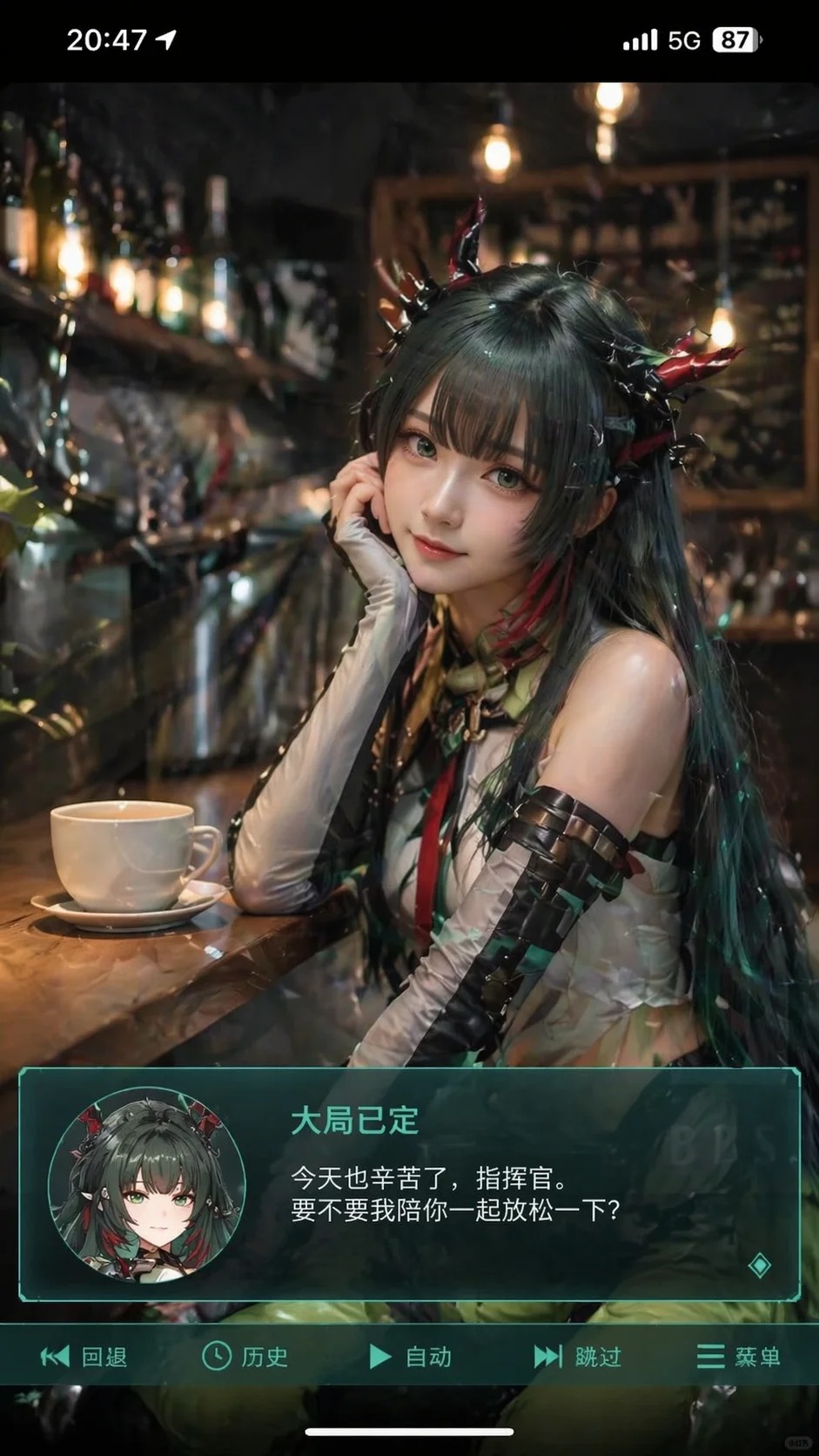
Generate a vertical mobile screenshot-style image with an overall scale of close to 9:16. At the center of the screen is a live-action coser who plays a two-dimensional role in the uploaded image. The characters are realistic, but the five senses are slightly animated, the skin is delicate, the eyes are slightly larger, the expression is gently looking at the camera, sitting in the leisure scene indoors, such as in front of a coffee shop or bar, with props in the background that match the scene. Add the phone's system status bar UI at the top of the screen, including time, power, signal, network and other icons, so that the entire picture looks like a screenshot of the phone. At the bottom of the screen, a wide semi-transparent galgame style dialog box is superimposed. On the left side of the dialog box, an anime or Q version avatar corresponding to the characters on the screen is placed; the typography text on the right side of the dialog box: The first line displays the same character name as the previous one in a larger font. The following one or two lines display a simple Chinese line suitable for this character's gentle healing style, which is automatically created by you. Add another action bar to the bottom of the dialog box, imitating the galgame UI. The overall style is high-definition, rich in details, soft light, and a natural blend of two-dimensional and live-action photos.