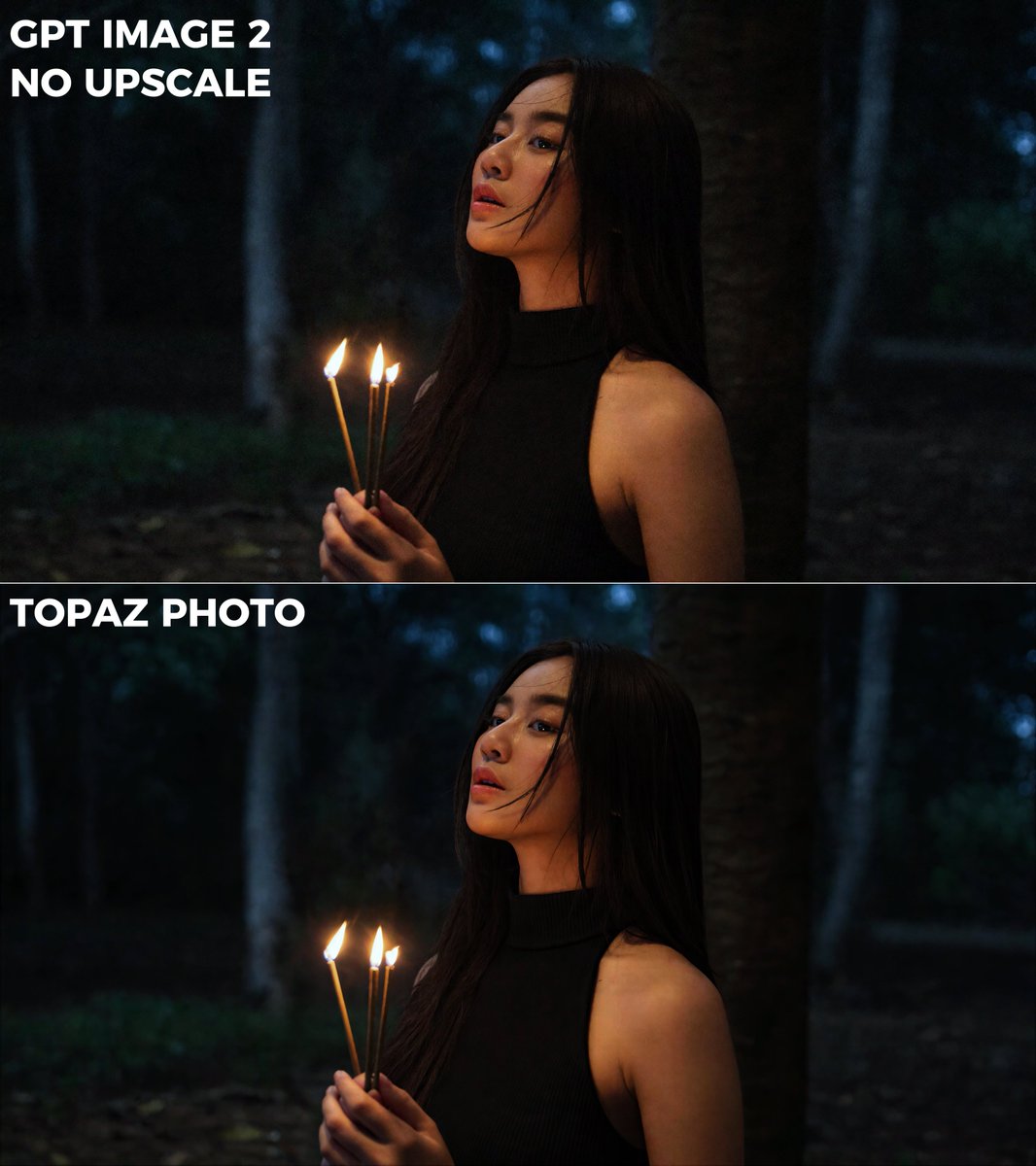
let me share one of the small workflows that helps my videos feel sharper and more detailed lately

normally i generate the base image first using GPT Image 2 and honestly the quality is already very good
but after that, i upscale and refine it again using Topaz Photo before bringing it into video generation.

the interesting part is:
the higher quality your base image is, the easier the model can read small details like skin texture, pores, lighting gradients, eyelashes, fabric texture and micro contrast.

so later during video generation, the AI has more clean visual information to work with instead of trying to “guess” missing details from a lower quality image.

sometimes the difference is not about making the image look “too sharp”, but more about giving the model a cleaner visual foundation for cinematic generation.