Kling V3 AI video generator features
Kling V3 AI video generator features
Motion Control 3.0
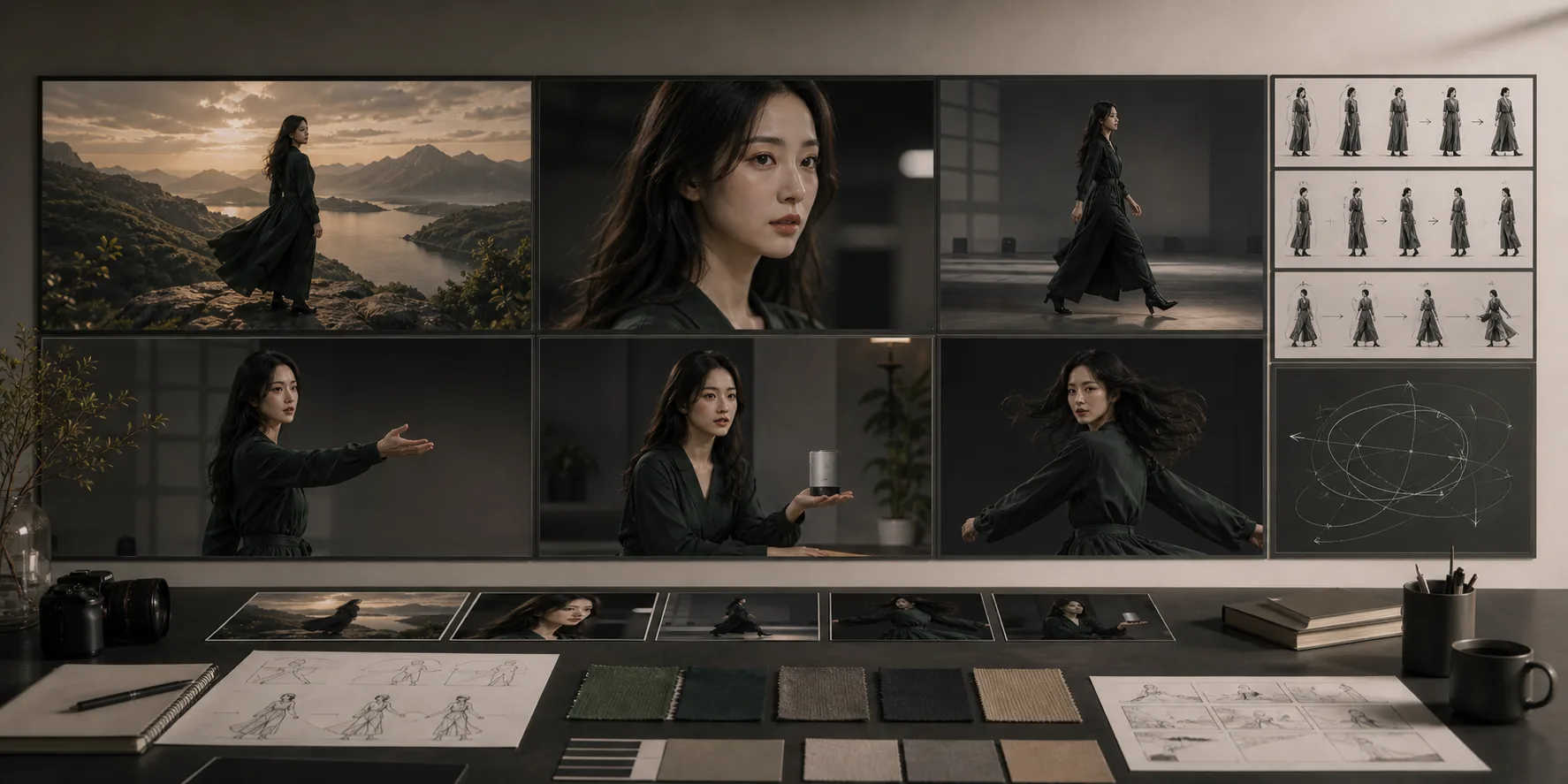
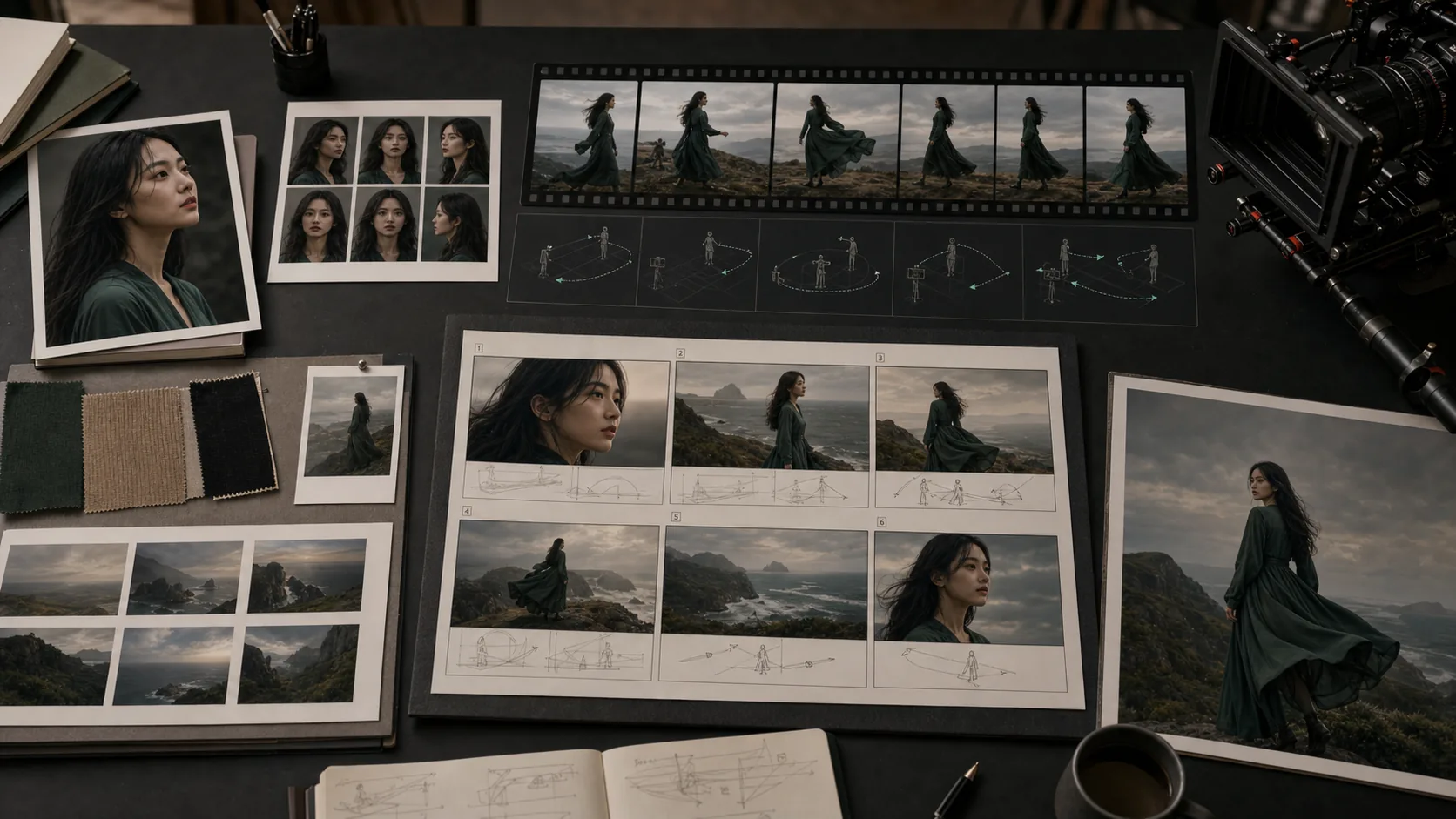
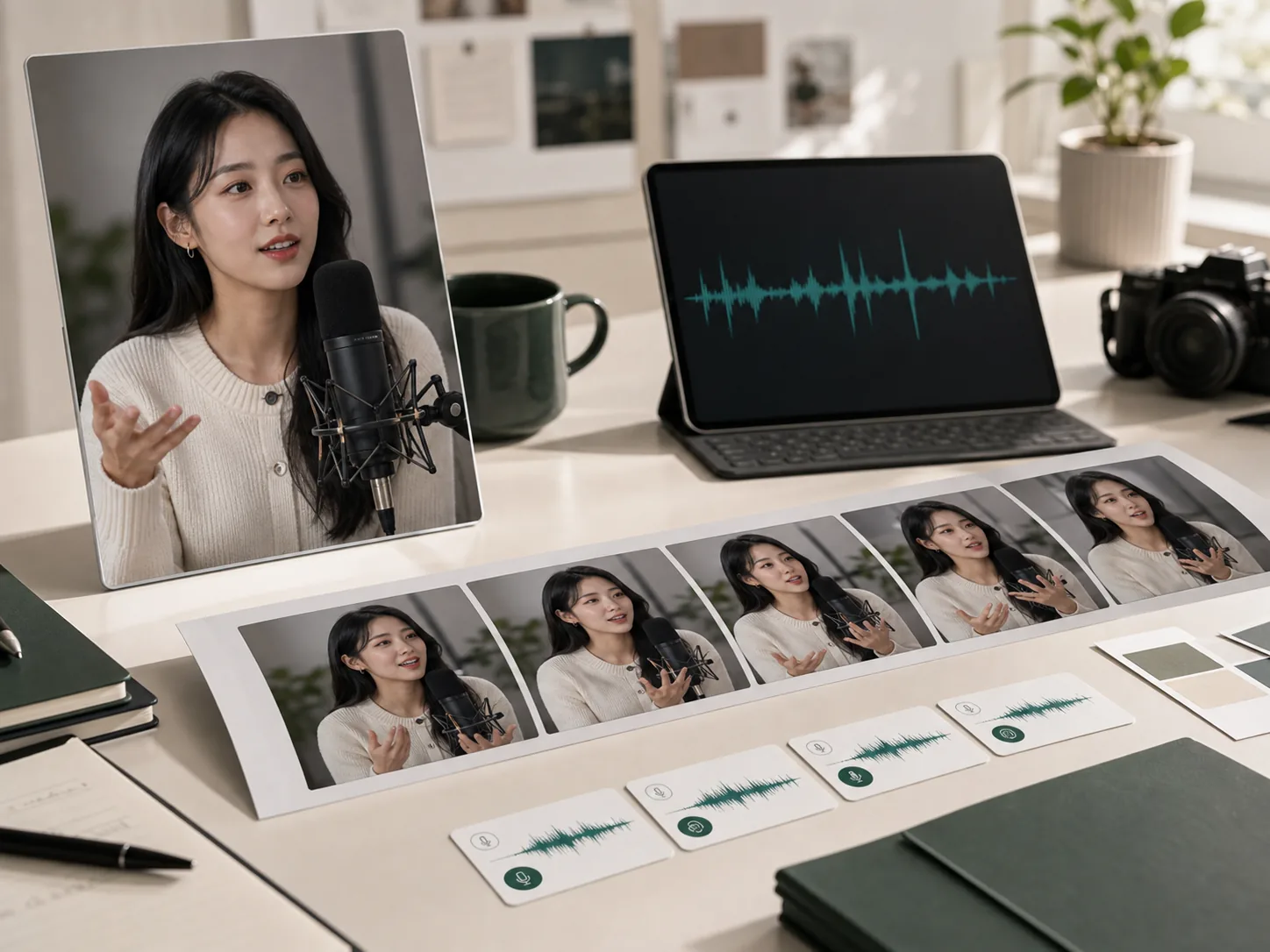
Upload a reference action video of up to 8 seconds to drive a character image. Kling V3 extracts full-body movement, hand gestures, head orientation, and facial expressions from the reference, then transfers the complete motion to the subject while preserving its visual appearance. The model supports two orientation modes: match reference video direction exactly, or align the character to its original image pose while applying the motion.
Physics-accurate movement engine
Kling V3's Omni One architecture uses 3D Spacetime Joint Attention to simulate physical laws during motion generation. Characters transfer weight correctly, vehicles lean into turns, and objects deform under impact. The result is motion that follows real-world physics — characters don't float, slide, or behave unnaturally when performing athletic, dance, or interaction sequences.
Facial element binding for stable identity
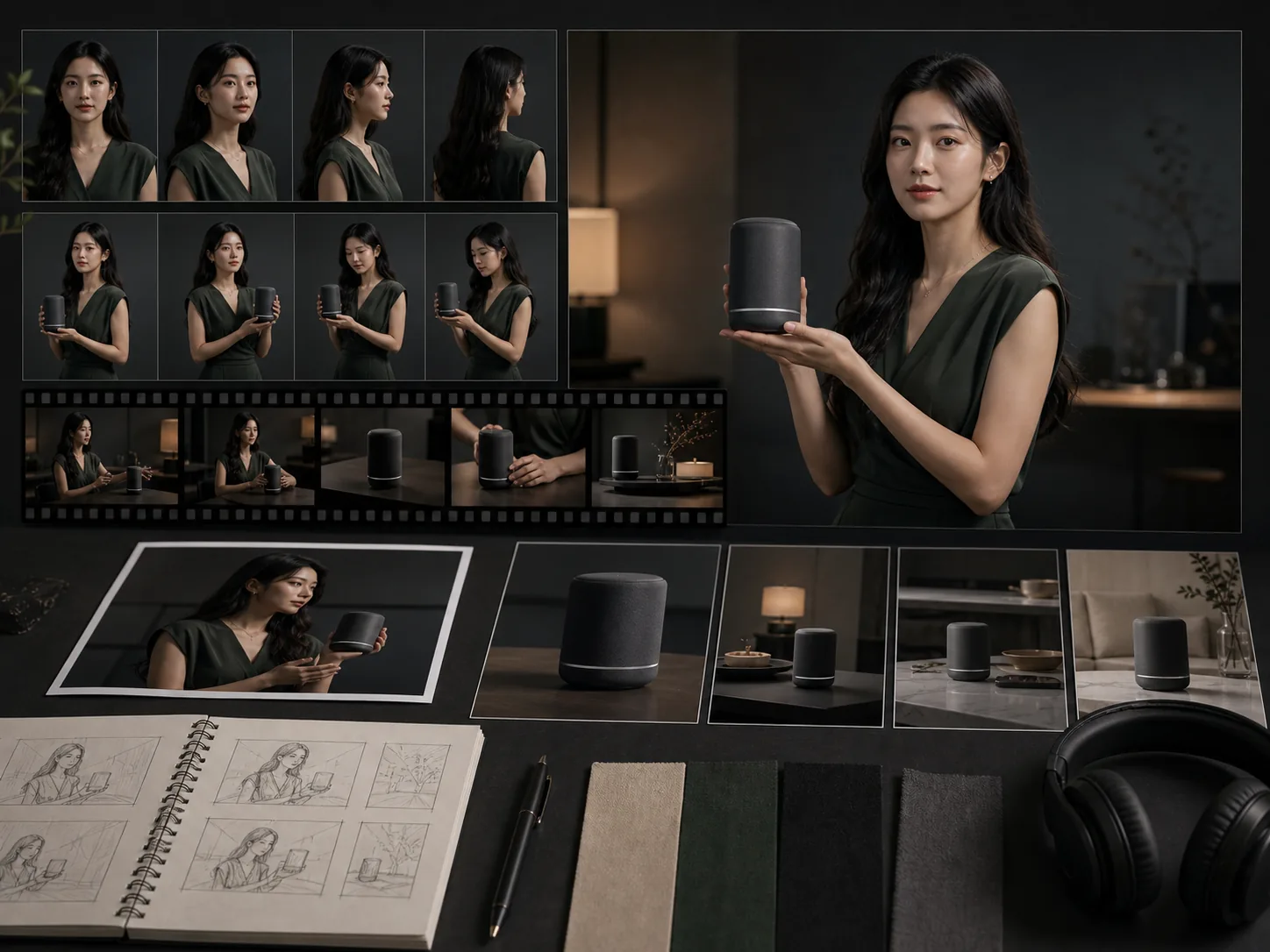
Bind a Kling subject element to the character image before generating motion-control video. The model locks the subject's facial structure and expression range, ensuring stable identity even through complex multi-angle motion, long-duration sequences, and close-up shots where facial detail is most scrutinized. Elements can be created from a set of photos or a short video clip.
Motion Library with pre-defined patterns
Access a curated Motion Library of pre-defined action patterns — walking cycles, dance sequences, gesture sets, and cinematic poses — as an alternative to uploading a custom reference video. Select a motion pattern directly to generate consistent character movement without sourcing separate action footage, which speeds up iteration for standard motion use cases.