Nano Banana workspace

Nano Banana AI Image Generator

Create polished AI images with Nano Banana 2 and Nano Banana Pro in one focused Lovimg workspace. Write a prompt, upload reference images, choose the aspect ratio and resolution, then keep every finished result in your private generation history.

History
Text
Your Nano Banana results will appear here after generation.

Nano Banana prompt examples

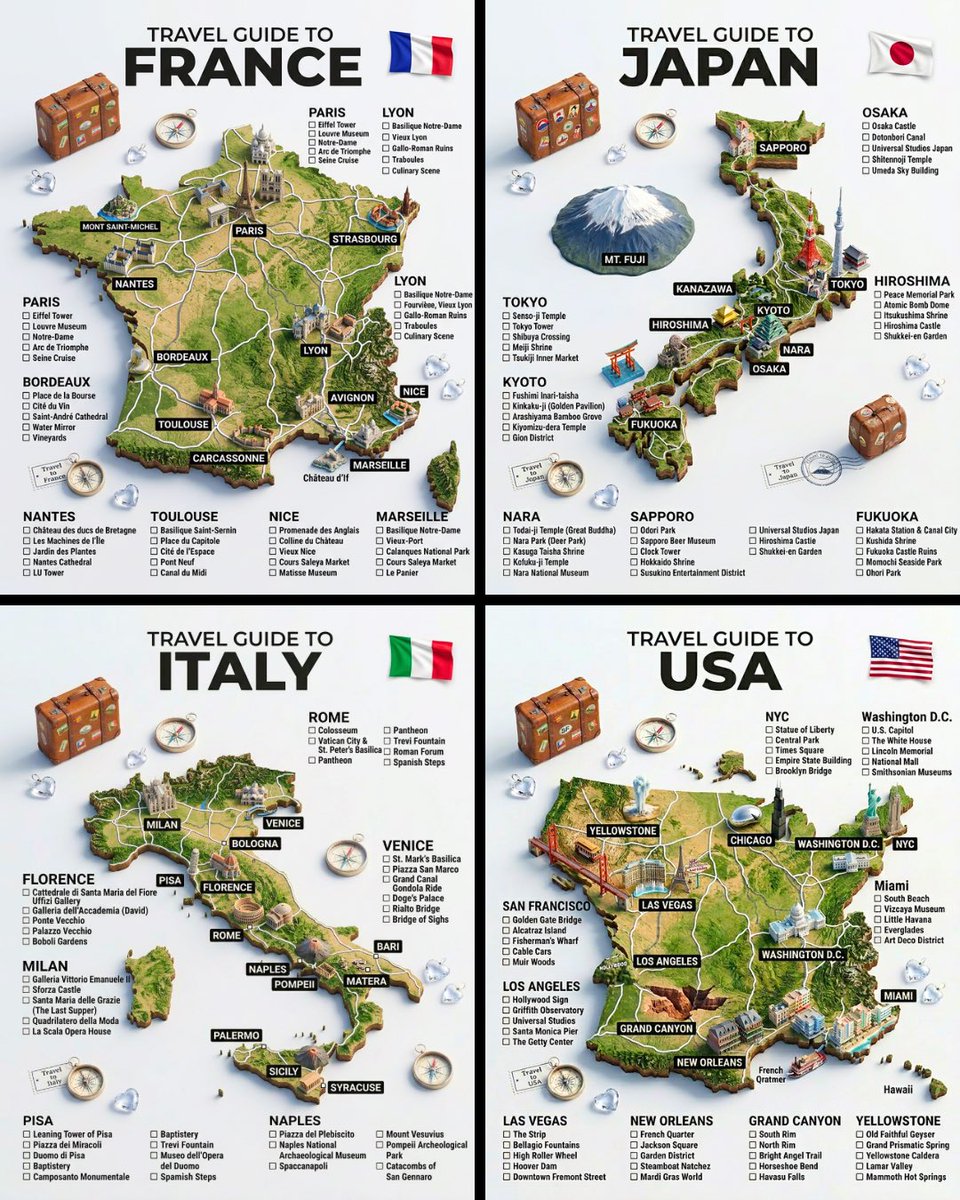
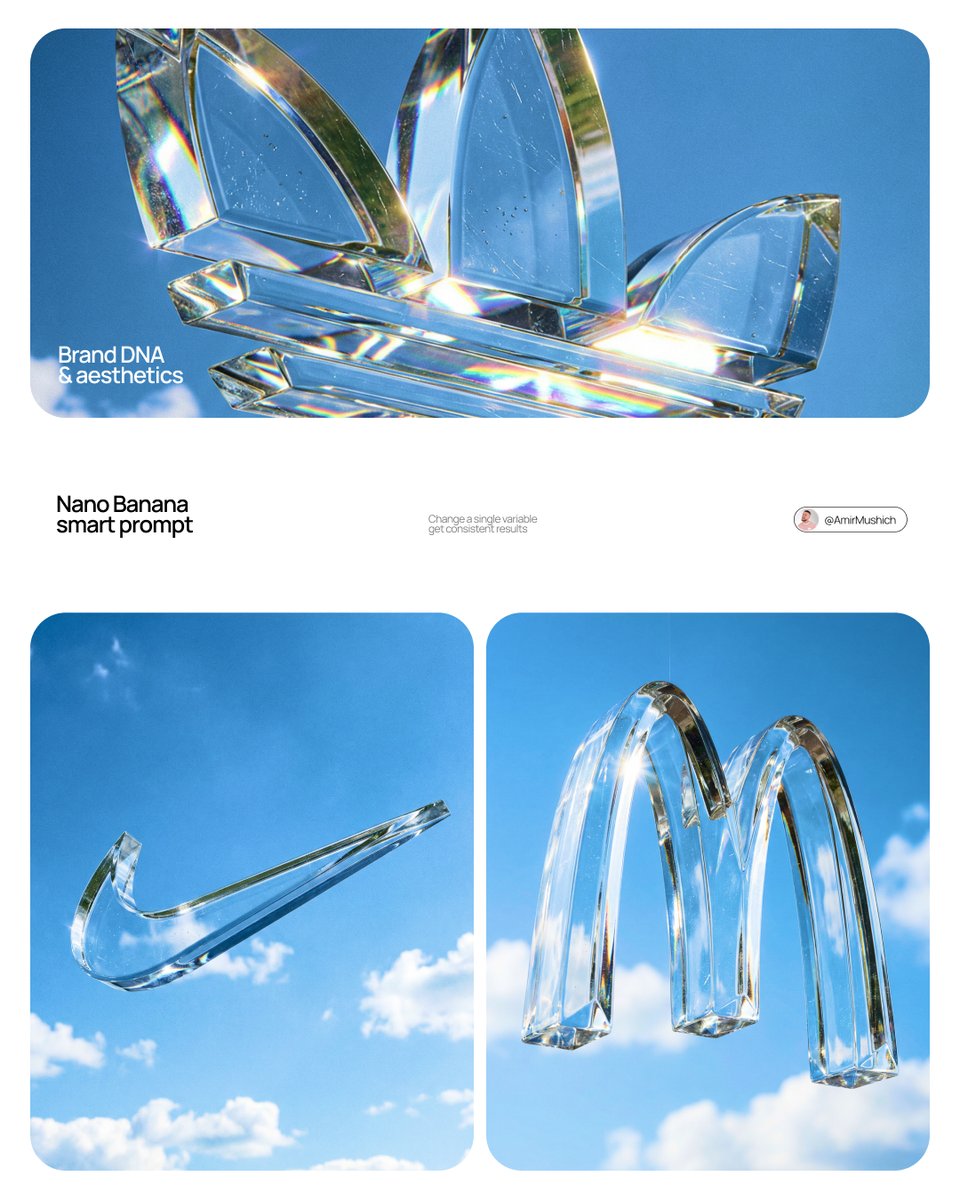
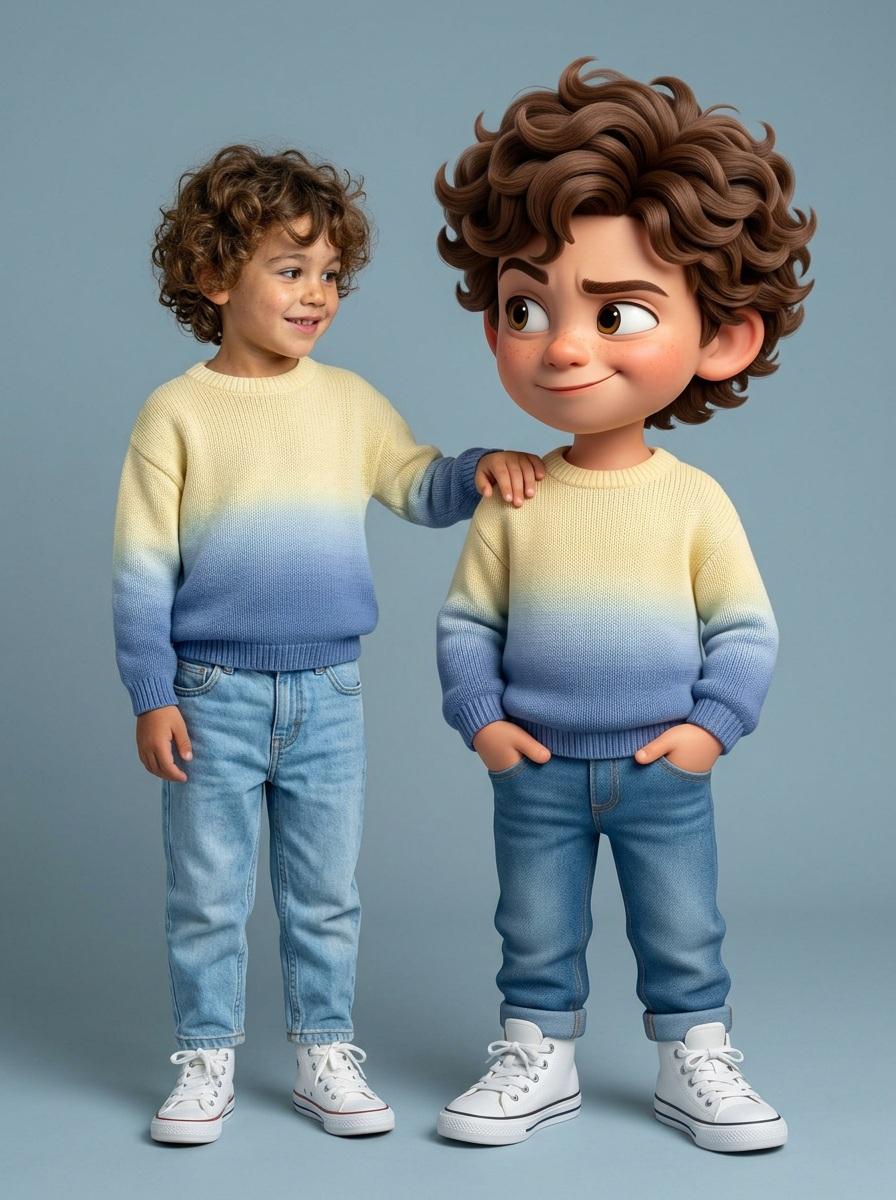
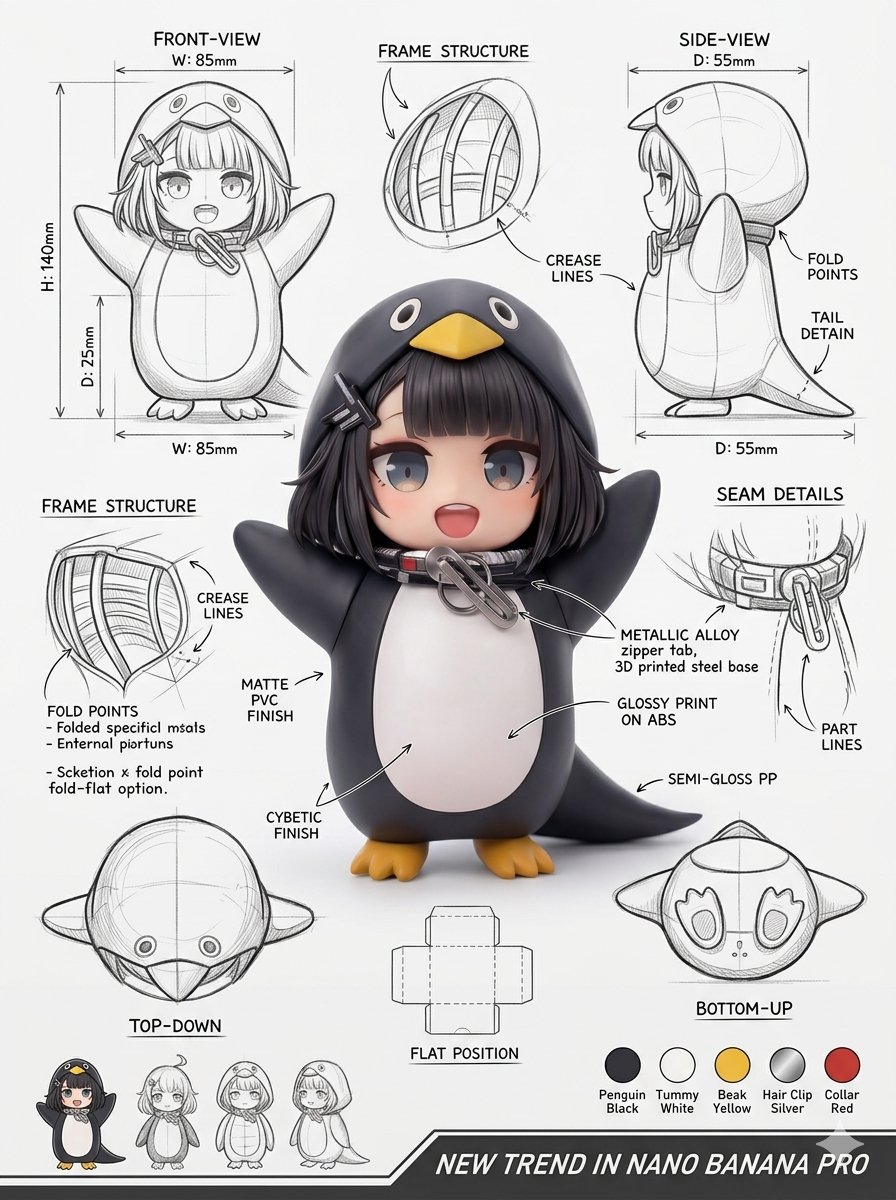
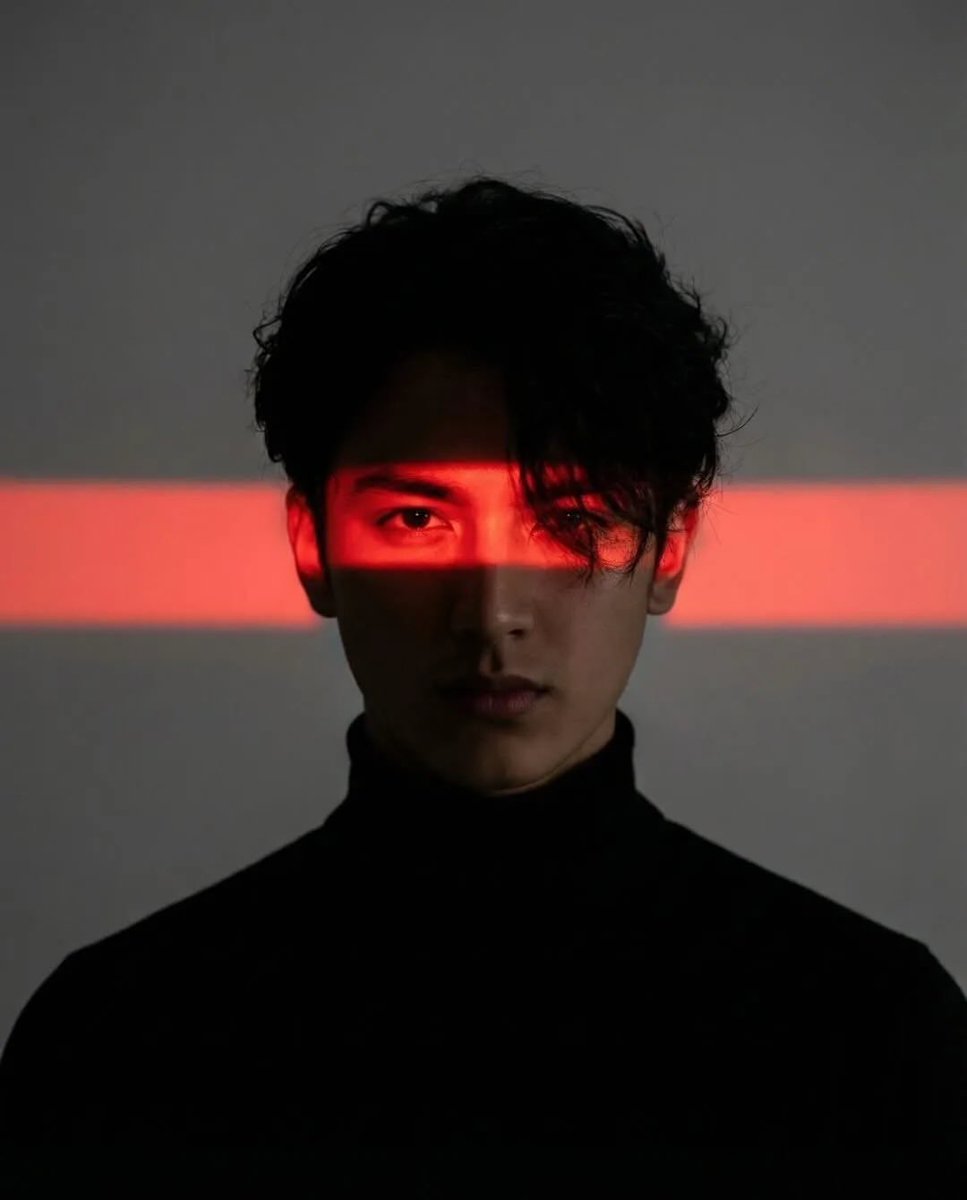
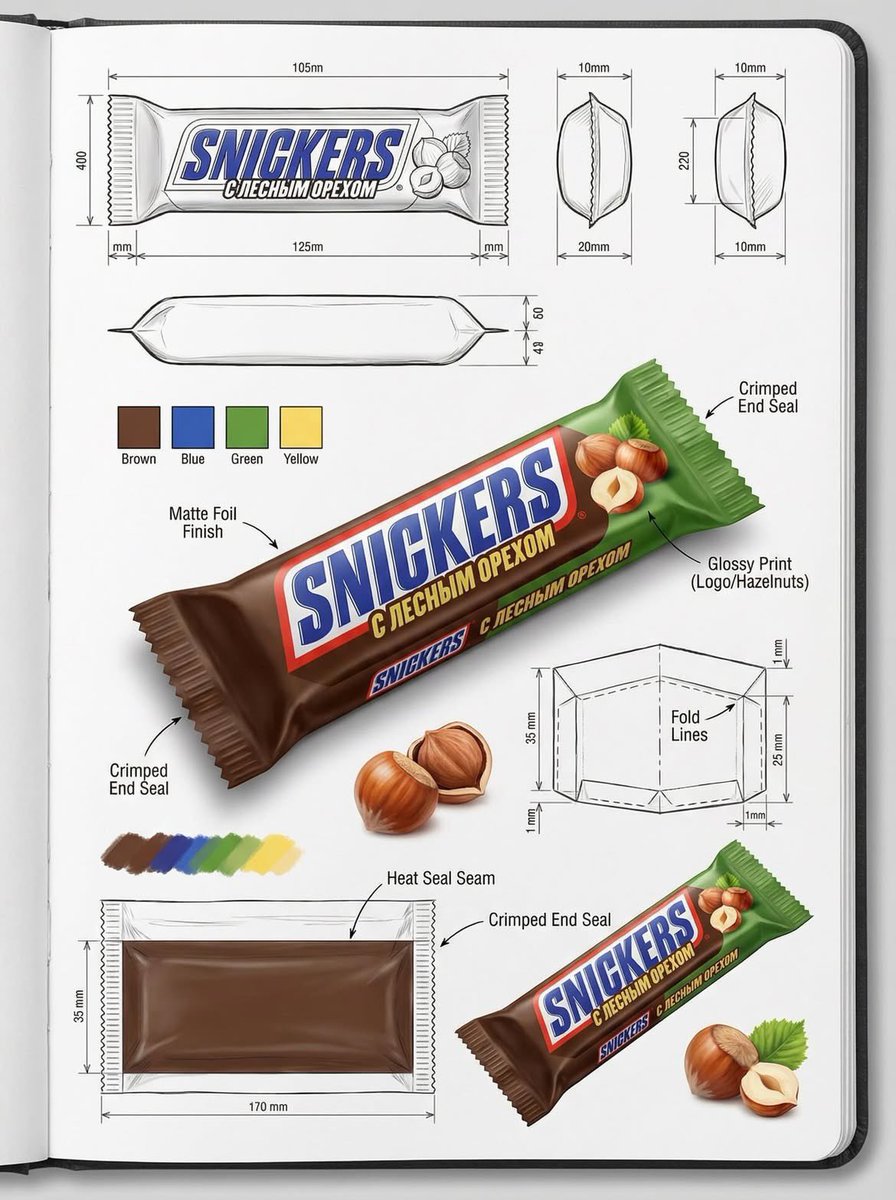
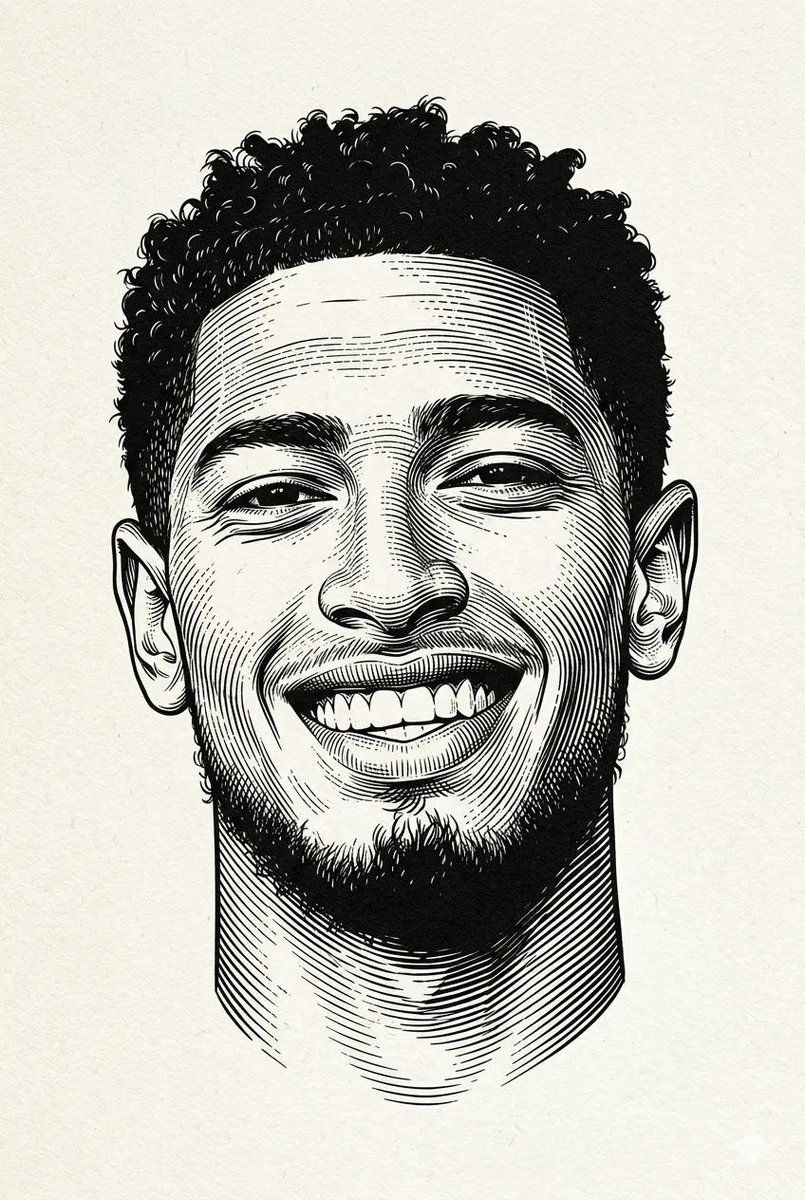
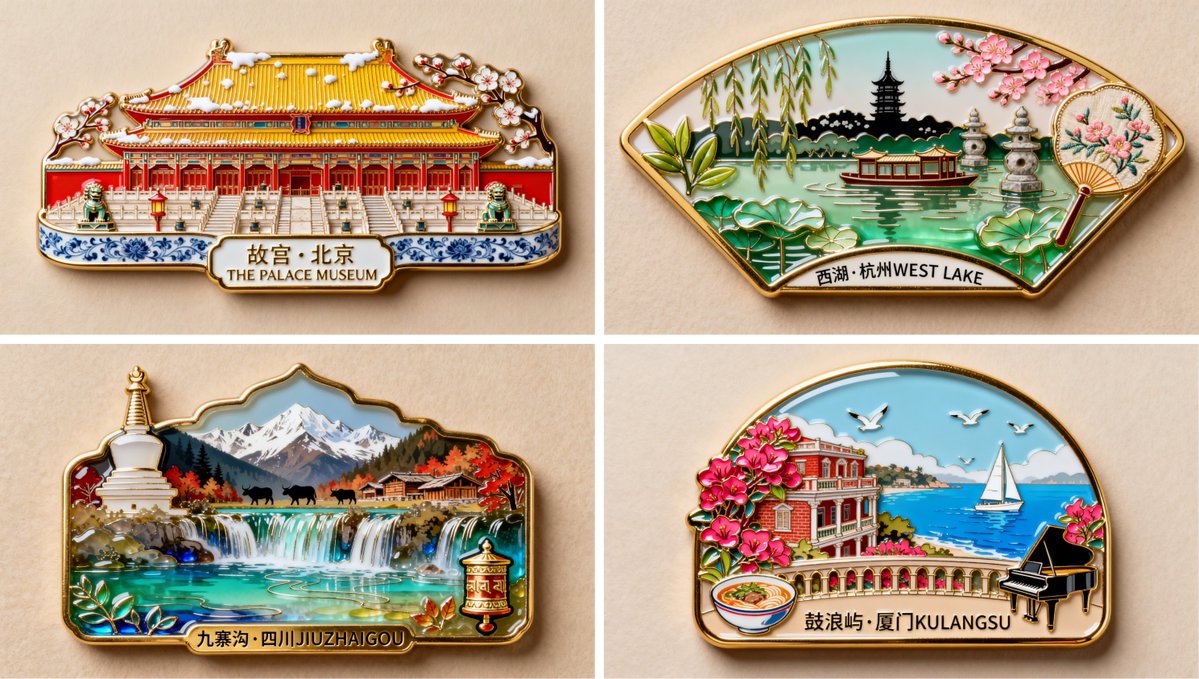
Selected from Lovimg Featured prompt imports that match Nano Banana style workflows. These image links are hardcoded on this page so the landing page stays fast, stable, and independent from runtime gallery queries.

Use Nano Banana for prompt-based image creation, reference-guided edits, visual variations, product concepts, portraits, posters, and private iteration history.

Two Nano Banana channels

Switch between Nano Banana 2 for balanced creative work and Nano Banana Pro when the brief needs stronger detail, structure, or polish.

Reference-first creation

Upload portraits, products, sketches, screenshots, or mood references, then describe what must stay stable and where the model can explore.

Flexible canvas sizes

Choose Auto, square, portrait, landscape, ultra-wide, or tall formats, then pair the ratio with the resolution that fits the task.

Private by default

Every completed Nano Banana image stays in your Lovimg account history, ready to compare, share, download, or continue as a new reference.

Soft editorial fantasy portrait with refined styling and complete character framing
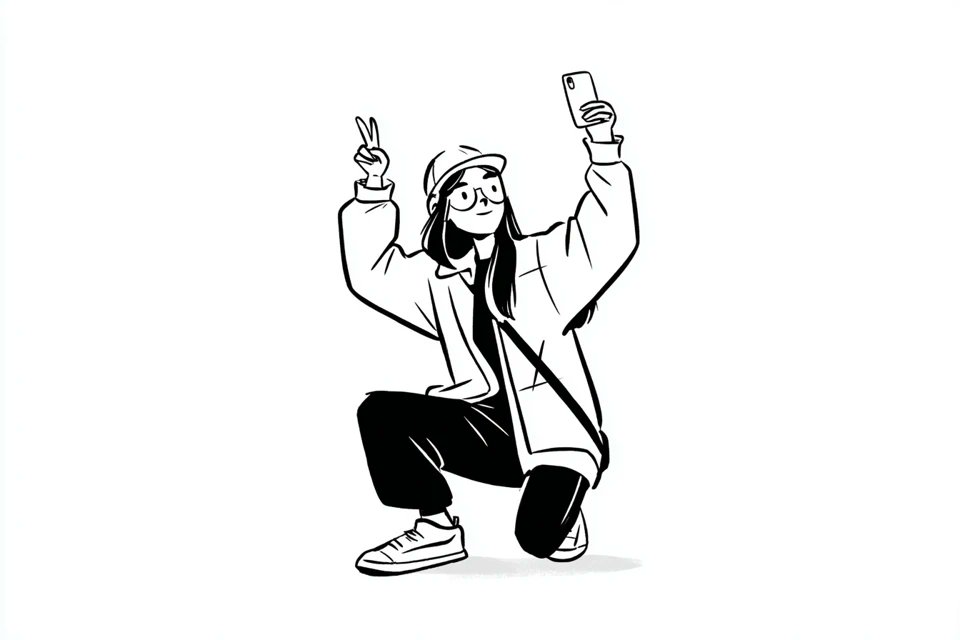
Clean black and white hand drawn character illustration from an uploaded family photo
Structured logistics workflow infographic with complete vertical poster framing
Knowledge article transformed into a cinematic visual system
High end typography poster with expressive urban editorial layout
Fashion design workspace with sketch materials and polished studio lighting
Luxury skincare product advertisement with pastel campaign lighting
Round wooden product podium with coastal studio background and warm light
Portrait generation result selected for the Nano Banana example wall

Prompt patterns for Nano Banana

Nano Banana rewards prompts that separate the visual target, the reference constraints, and the final use case. Treat the prompt as a small production brief, and the model has less ambiguity to resolve.

Name the transformation clearly

Start by saying what the image should become: a product hero, clean avatar, lifestyle ad, UI illustration, poster layout, character sheet, outfit variation, or social creative. A clear transformation gives Nano Banana a stable destination before style, lighting, and texture details arrive.

Protect the parts that matter

When using references, list what must remain intact first: face likeness, product silhouette, logo position, clothing, pose, camera angle, brand palette, or page layout. Then describe the creative changes, such as lighting, background, material, expression, season, or illustration language.

Use the result as the next reference

A strong Nano Banana workflow is iterative. Pick the closest output, save it, and use it as the next reference with a shorter correction prompt. Lovimg keeps the latest nine results beside the large preview so the direction stays visible while you refine.

Choose the right Nano Banana channel

Nano Banana 2 and Nano Banana Pro live on one page because they share the same creative workflow. The model chip lets you move between speed, cost, and detail without changing the workspace.

Nano Banana 2

15 credits

Balanced

Best for everyday prompt exploration, reference-guided edits, social assets, avatar variations, product concepts, and clean image-to-image tests.

Nano Banana Pro

20 credits

Pro

Use Pro when the brief benefits from stronger composition control, richer detail, tighter structure, or higher polish before final delivery.

A practical Nano Banana workflow

The console above is the production surface. The flow below keeps the work simple: define the job, lock the references, then refine the strongest result.

Brief

Describe the image job

Write the subject, purpose, composition, audience, lighting, style, and expected use. Nano Banana performs better when the prompt explains why the image exists, not only what objects should appear.

Reference

Add images only when they guide the result

Use references for faces, product structure, outfits, layouts, sketches, or visual direction. If the image should preserve a detail, name that detail explicitly before asking for style or environment changes.

Refine

Compare the board and continue

Review the large preview without cropping, scan the nine-card history grid, download the best image, or send it back into Nano Banana as the next reference for a tighter pass.

Tips for better Nano Banana prompts

Write the desired transformation in the first sentence. A prompt like “turn this portrait into a clean soft-light profile avatar” is easier to control than a loose style list.

When uploading references, say what must stay unchanged before adding creative direction. Preserve face, pose, product shape, or layout first, then ask for lighting, material, or background changes.

Pick the model version deliberately. Use Nano Banana 2 for exploration and Nano Banana Pro for polished passes that need more detail or stronger structure.

Nano Banana questions

Start creating with Nano Banana

Open the console above, choose Nano Banana 2 or Nano Banana Pro, and keep the entire image workflow inside Lovimg.

Back to generator