/ai-video-generator

AI Video Generator

Create AI videos with Seedance 2.0, Veo 3.1, Kling O3, Kling V3, HappyHorse 1.0, and Wan 2.7 — all in one Lovimg workspace with credit estimates, generation history, and model-specific templates.

6 ModelsText to VideoImage to VideoReference Video
Write the subject, setting, camera motion, pacing, and final frameUse a start frame or references to hold characters, products, and composition steadyCheck aspect ratio, duration, quality, and estimated credits before submitting
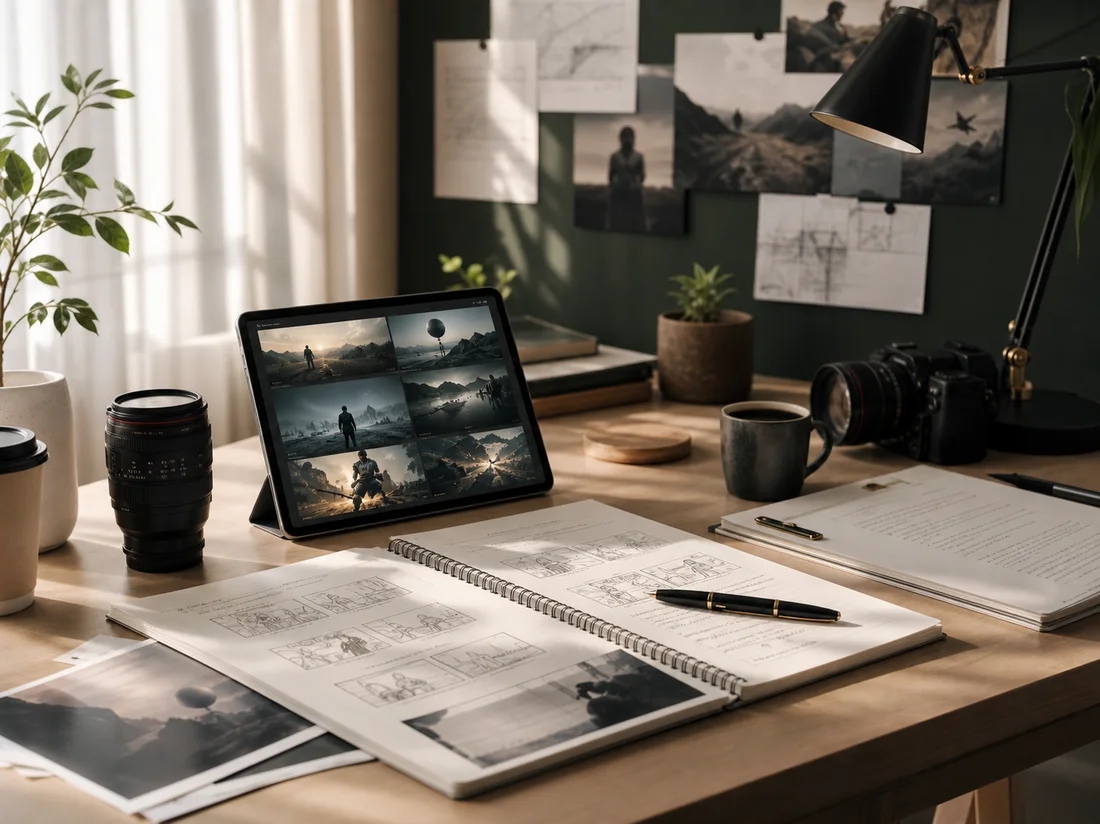
Cinematic AI video storyboard workspace

Select any model in the left console. Each model has its own dedicated page with templates, use cases, and FAQ.

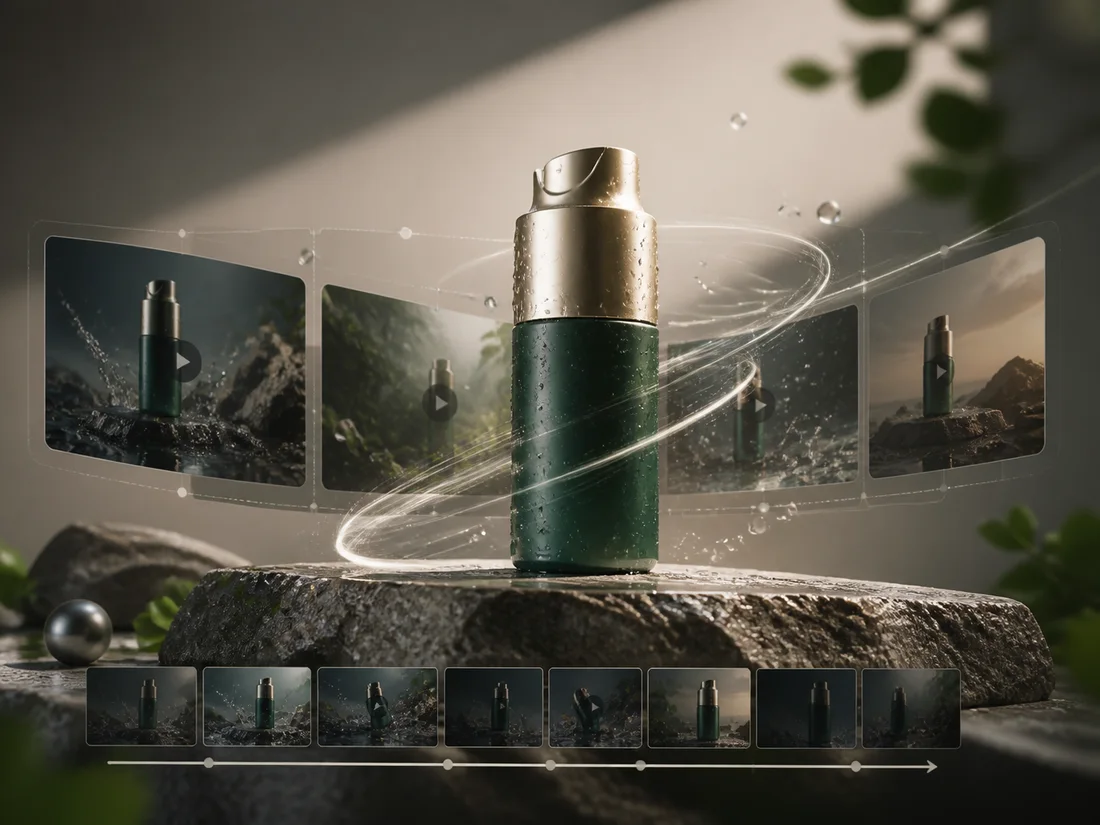
Lovimg AI video generator features

Lovimg AI video generator features
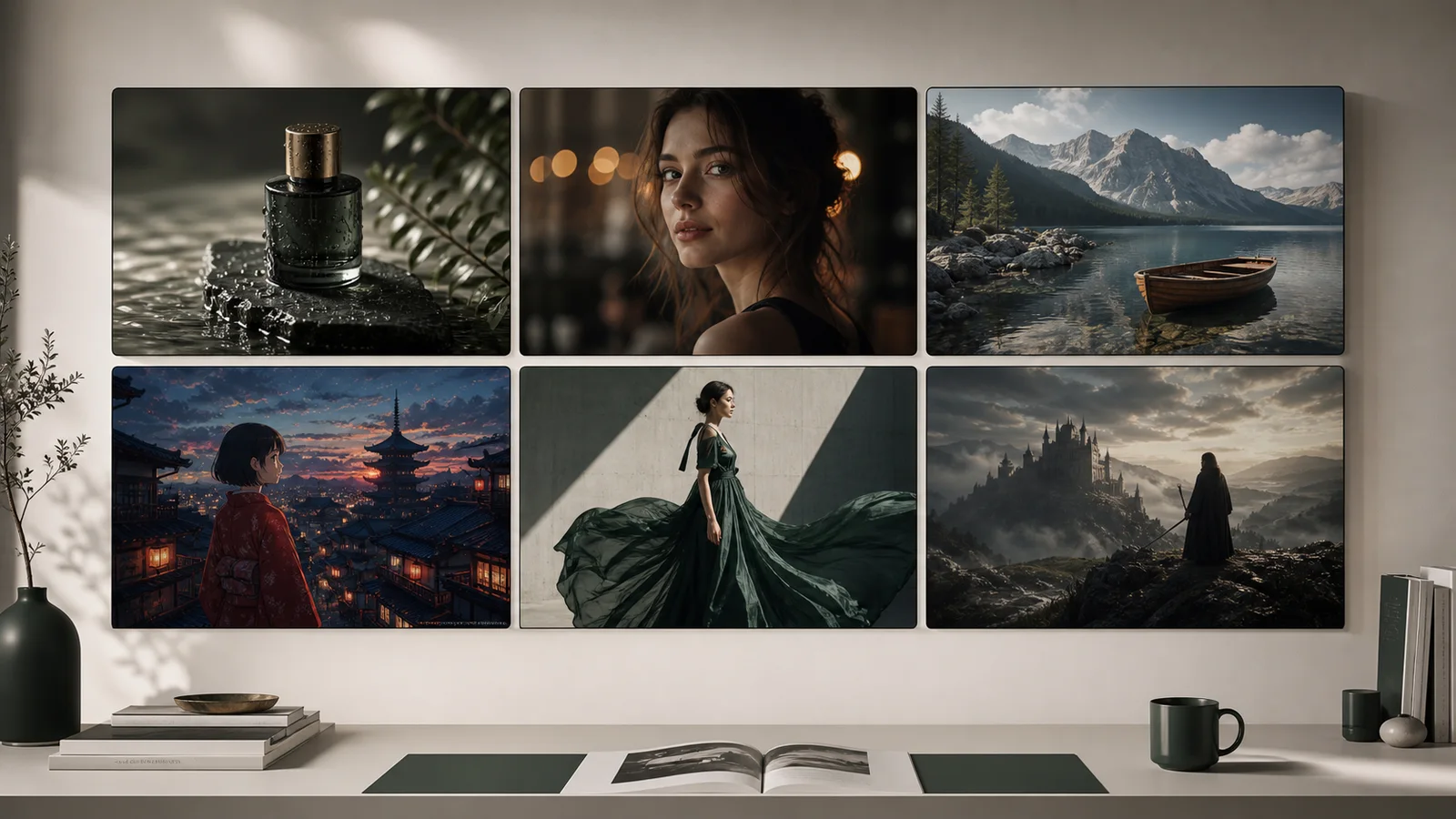
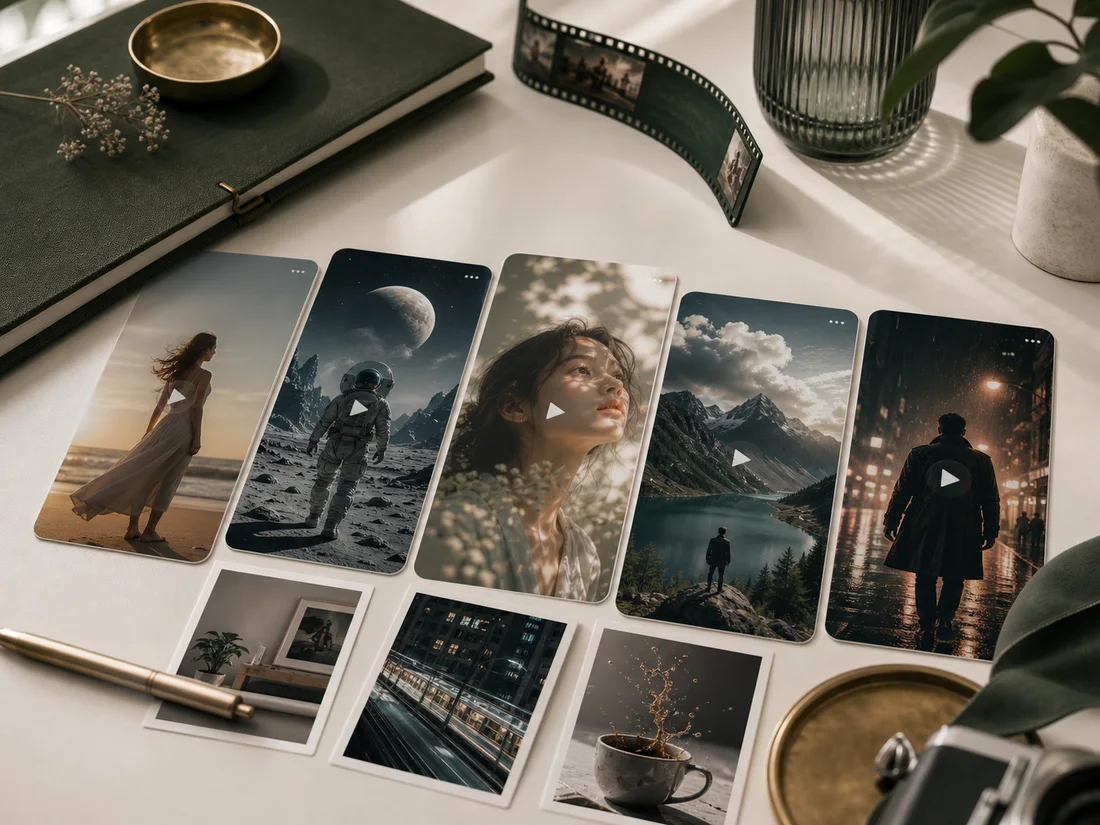
Gallery of AI video model output styles

Six specialized models

Choose from Seedance 2.0, Veo 3.1, Kling O3, Kling V3, HappyHorse 1.0, and Wan 2.7 — each optimized for different styles and use cases.

Text, frames, and references

One workspace supports pure prompts, start frames, end frames, image references, video references, and audio references.

Credit estimates and private history

Check cost before submitting, then review and compare finished clips in your video history.
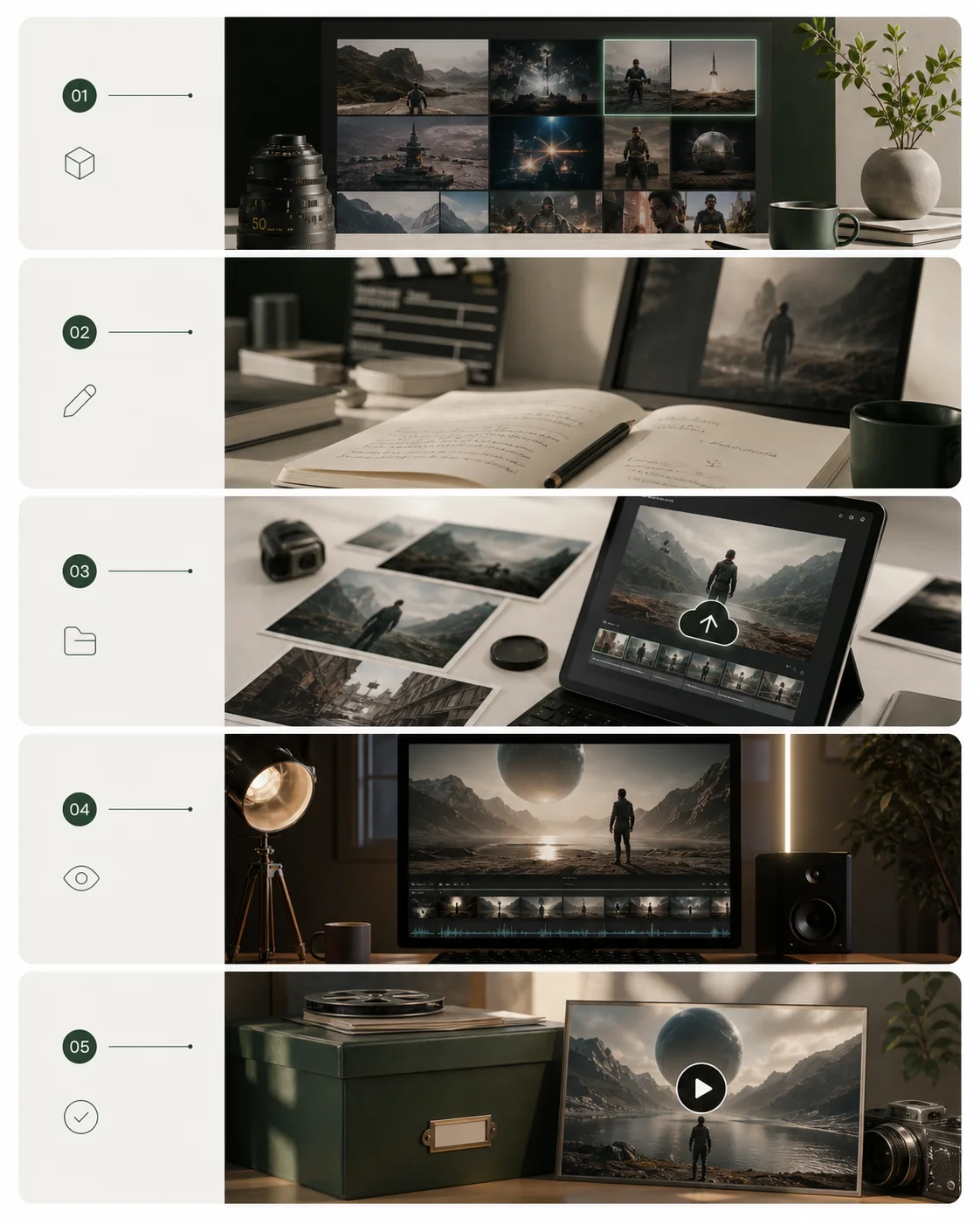
Workflow

From idea to AI video

01

Select a model from the left console — each model has its own generation modes and capabilities

02

Describe the subject, action, camera, lighting, rhythm, and ending frame in one prompt

03

Upload a start frame, image reference, or video reference when identity and composition matter

04

Check ratio, duration, quality, audio, and estimated credits before submitting

05

Use history to review finished videos grouped by generation type

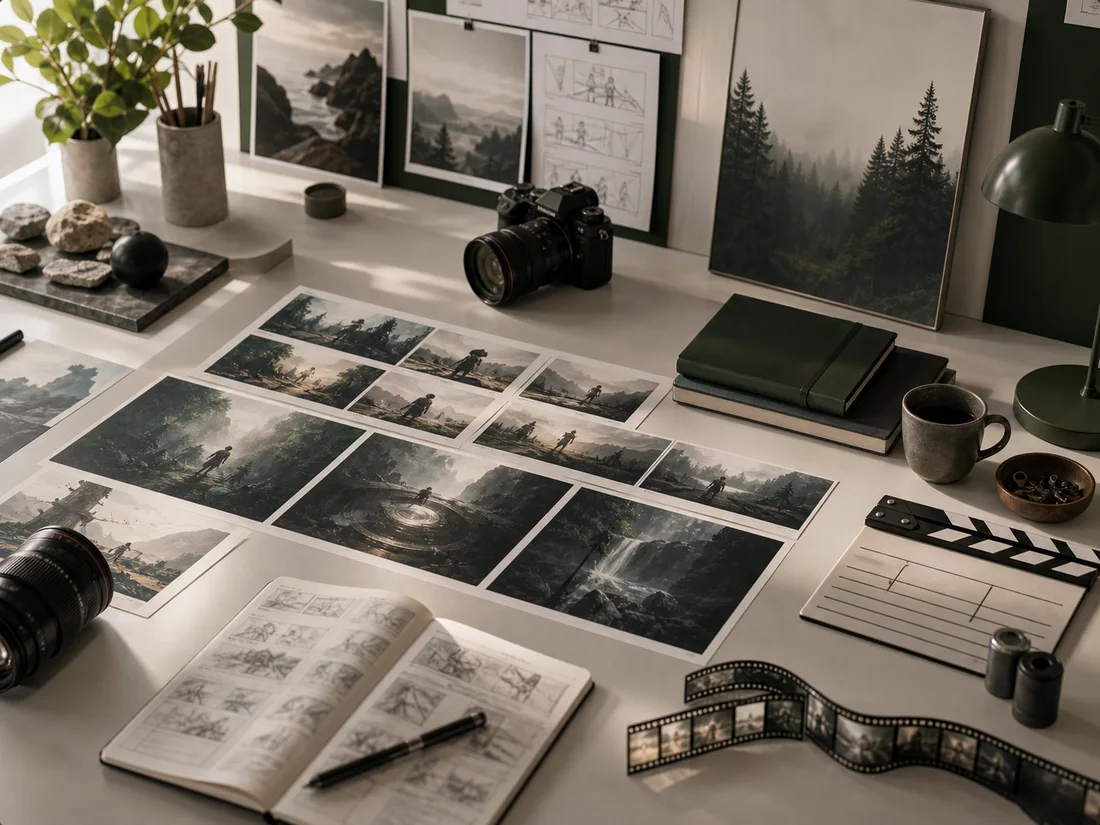
Five-step AI video creation storyboard

Use cases

What you can create

Unbranded product demo motion frames

Product demos:

turn a product image into motion for ads, landing pages, and short-form platforms

Creator script and video drafting desk

Creator content:

turn scripts, character notes, and references into reusable video drafts

Cinematic storyboard and camera path planning

Cinematic storyboards:

test camera paths, aspect ratios, and mood before production

Short-form social video template frames

Social templates:

start from public video resources, then replace the brand, character, and scene

Prompting for stable video results

Put the subject identity, location, and camera direction in the first sentence
Avoid conflicting motion instructions; give each action a clear start and end
Use clean product references for ads and a strong start frame for character clips
Visit each model page for model-specific prompting tips and example outputs

How to use the Lovimg AI video generator

Choose a model from the left console — each model supports different generation modes
Describe subject action, camera movement, lighting, style, rhythm, and the ending frame in one prompt
Upload references to help the model preserve subject identity, style, or composition
Review the credit estimate before submitting, then find archived results in history

AI Video Generator FAQ

Which AI video models does Lovimg support?

Lovimg supports Seedance 2.0, Veo 3.1, Kling O3, Kling V3, HappyHorse 1.0, and Wan 2.7. Select a model in the left console to see its generation modes and settings. Each model also has a dedicated page with templates, use cases, and FAQ.

What generation modes are available?

Supported modes depend on the selected model and include text-to-video, image-to-video, reference-to-video, video-edit, and motion-control. The console shows only the modes supported by the active model.

How do credits work?

Each generation deducts credits based on the model, resolution, and duration. The workspace shows a live estimate before you submit so there are no surprises.