Z Image Turbo workspace

Z Image Turbo AI Image Generator

Create fast AI images with Z Image Turbo in a focused Lovimg workspace. Write a text prompt, choose the canvas ratio, generate quickly, and keep every completed image in your private generation history.

History
Text
Your Z Image Turbo results will appear here after generation.

Z Image Turbo prompt examples

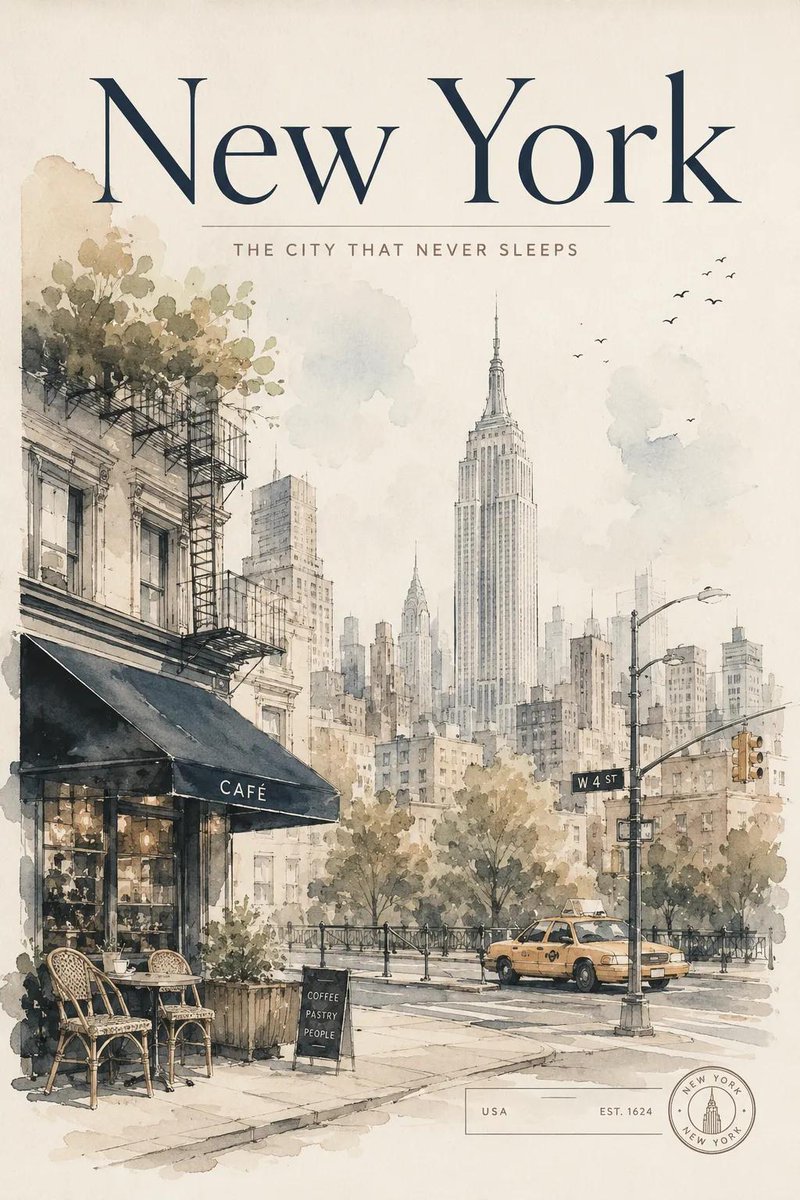
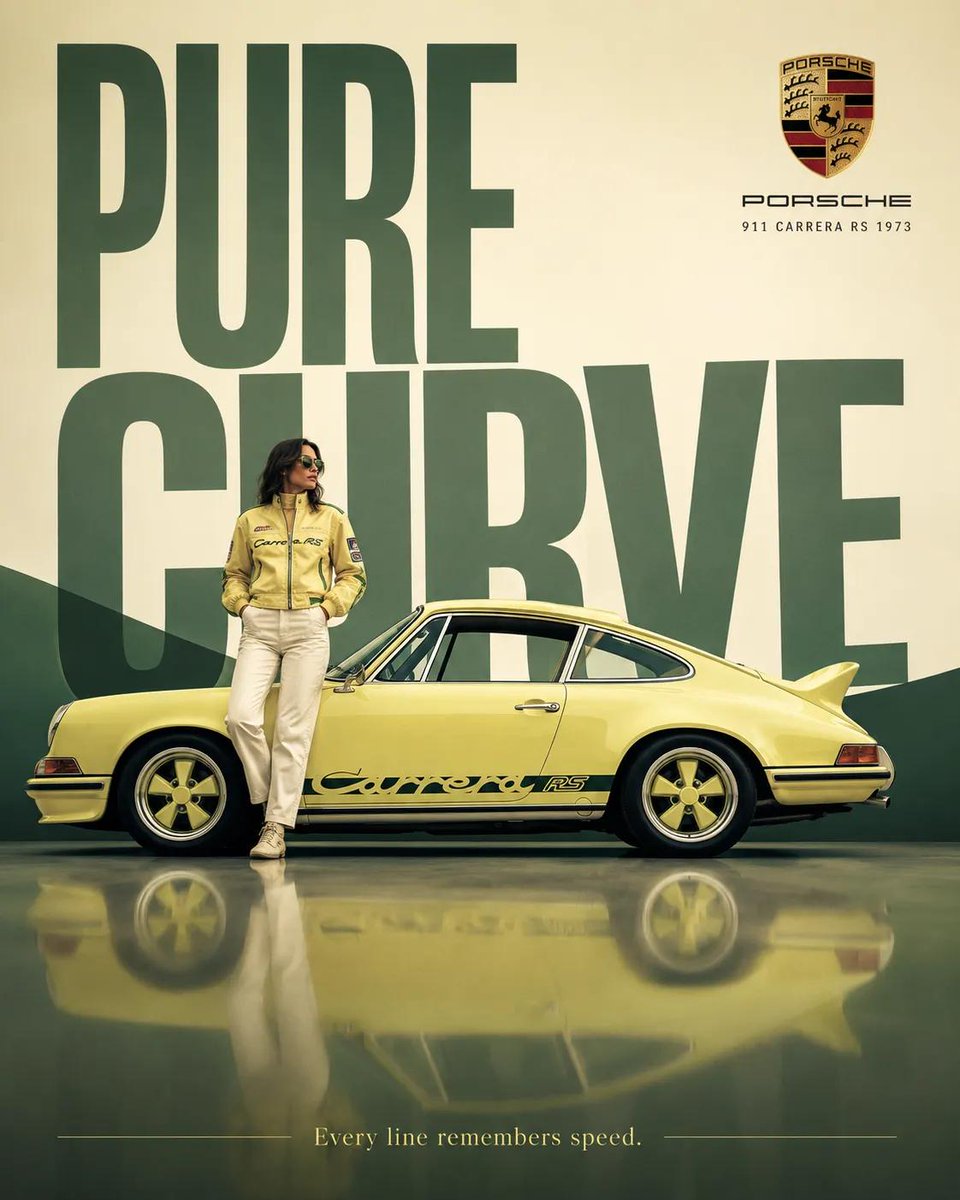
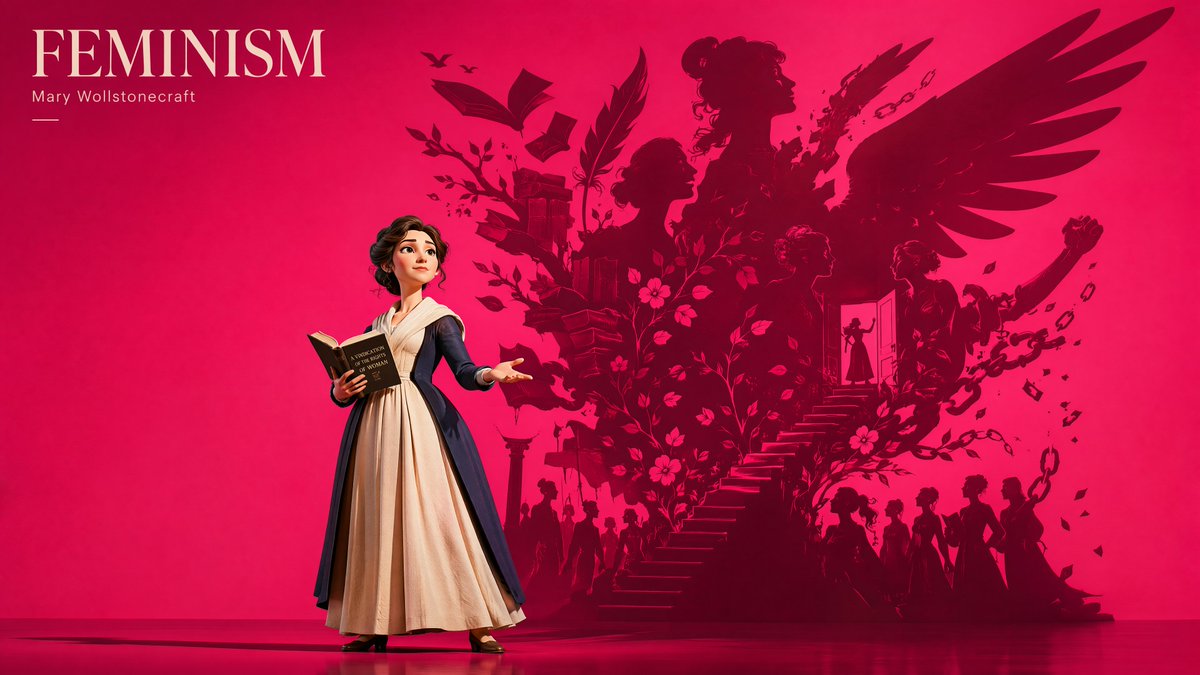
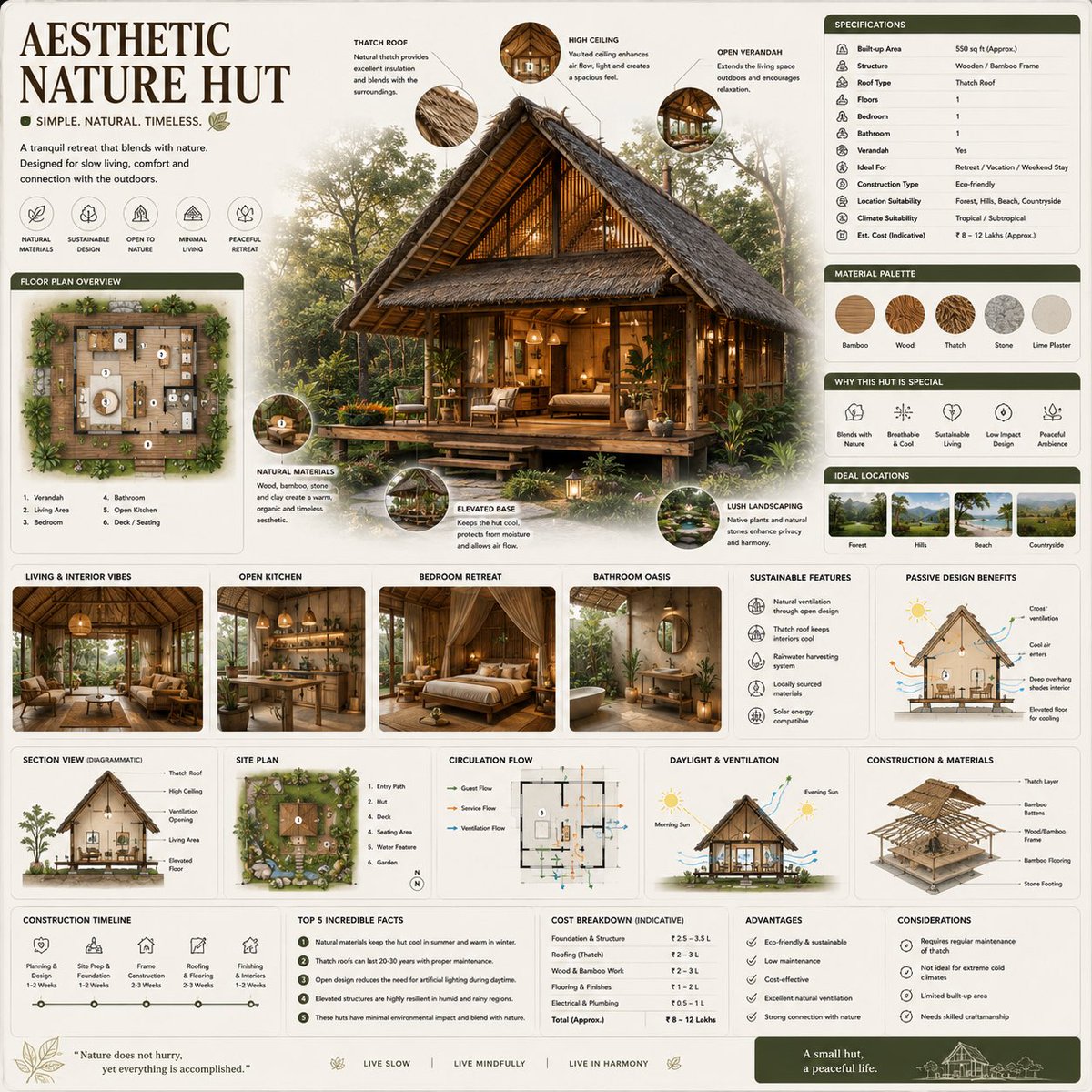
Selected from Lovimg Featured prompt imports that match fast text-to-image exploration: posters, product concepts, portraits, visual explainers, and campaign drafts. The images are hardcoded for a stable landing page.

Z Image Turbo is built for quick text-to-image exploration when you want fast drafts, simple controls, and a clear compare board before moving to a heavier pass.

Fast text drafts

Use Z Image Turbo for quick concept checks, thumbnail ideas, style tests, and lightweight creative directions before spending more credits.

Simple ratio control

Pick square, portrait, landscape, tall, wide, or cinematic ratios directly from the composer without opening a heavy settings panel.

Low credit cost

At 4 credits per generation, Z Image Turbo is useful for frequent prompt testing and early visual exploration.

Private history

Every completed Z Image Turbo task is saved in Lovimg, with the latest nine results ready for comparison, download, and sharing.

Fantasy editorial portrait suitable for a fast text prompt draft
Simple illustrated character concept with clean black linework
Colorful hand drawn portrait concept with playful decoration
Miniature knowledge article scene built as a concept image
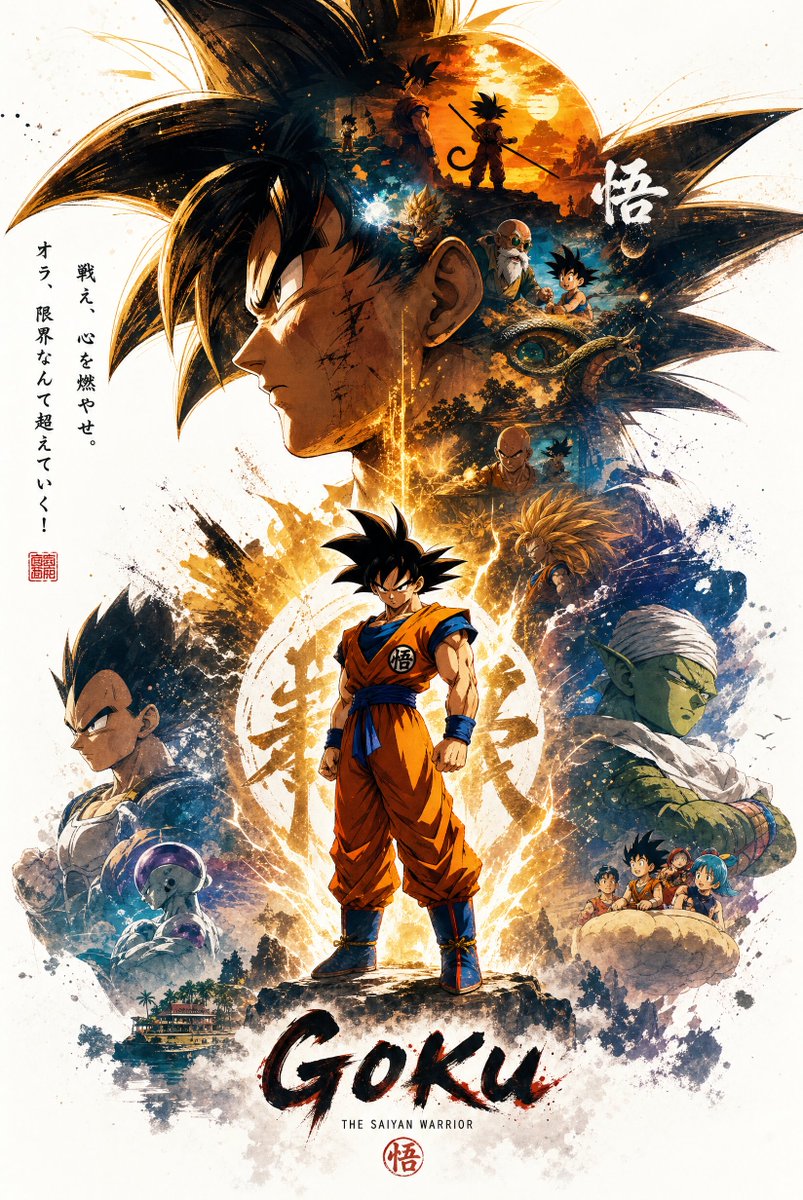
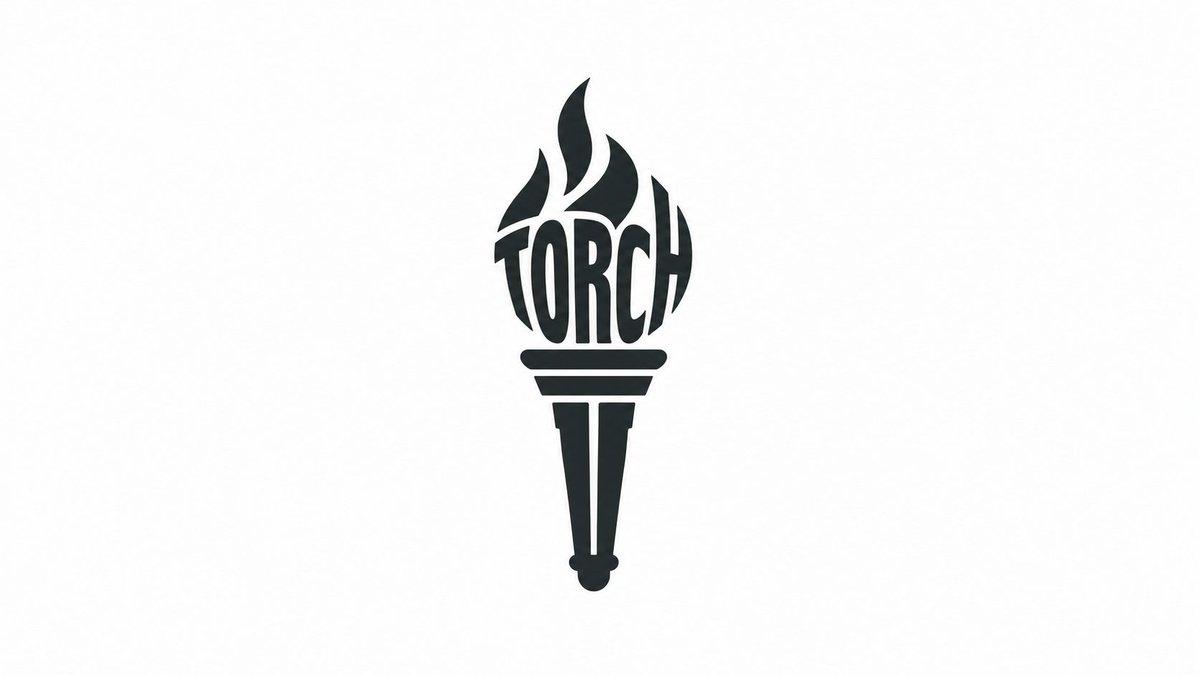
High contrast typography poster direction for prompt testing
Fashion design board with clean studio composition
Skincare advertisement concept with soft product lighting
Wooden product podium scene for quick campaign drafting
Portrait draft selected for the Z Image Turbo example wall

Prompt patterns for Z Image Turbo

Z Image Turbo favors direct prompts with a clear subject, strong composition, and a practical use case. Keep the settings light and spend most of the effort on the first sentence.

Lead with the subject and use

Start with the image job: a mobile app hero, product thumbnail, editorial portrait, poster concept, environment sketch, game asset idea, social banner, or advertising draft. This makes the model solve a real visual task instead of assembling isolated keywords.

Control composition early

Mention framing, camera angle, subject scale, foreground, background, negative space, color palette, and lighting before texture or mood. Z Image Turbo is most useful when the first pass already has the right layout.

Iterate with short corrections

Use fast generations for exploration. When one result points in the right direction, rewrite the prompt with one or two concrete corrections rather than adding a long list of mixed requests.

Use Z Image Turbo for early direction

Z Image Turbo is the leanest image model page in this group. It keeps the toolbar simple, exposes ratio control, and focuses on fast text-to-image output.

Z Image Turbo

4 credits

Turbo

Best for fast prompt exploration, thumbnail direction, concept art drafts, social visuals, and low-cost image testing before moving to a more detailed pass.

A practical Z Image Turbo workflow

Keep the loop quick: write a clean text prompt, choose the ratio, generate a draft, then compare the latest outputs before refining.

Prompt

Write the first visual direction

Describe the subject, composition, style, lighting, palette, and final use. A concise production brief gives Z Image Turbo enough structure for a useful first pass.

Ratio

Choose the canvas before generating

Pick the aspect ratio that matches the final placement. A poster, avatar, banner, ad image, or product thumbnail each needs a different frame.

Refine

Compare and tighten the prompt

Use the large preview to inspect the whole image, scan the nine-card history grid, then run a shorter correction prompt when the direction is close.

Tips for better Z Image Turbo prompts

Use concrete nouns and visual roles. “A cinematic product thumbnail for a travel bottle” gives the model a clearer task than “beautiful bottle, premium, modern”.

Pick the ratio first. A good prompt can look weak in the wrong frame, especially for posters, banners, avatars, and product thumbnails.

Treat Turbo results as direction-finding. Generate quickly, choose the strongest composition, then rewrite the prompt with sharper constraints.

Z Image Turbo questions

Start creating with Z Image Turbo

Open the console above, write a direct text prompt, choose the ratio, and use Lovimg to compare fast image directions.

Back to generator