Powered by Midjourney V8.1
Midjourney AI Image Generator
Turn text prompts into stunning AI artwork with Midjourney V8.1. Fast and Turbo return four polished variations, Draft explores 24 lightweight sketches, and uploaded images can be retextured into a new style.
4 images or 24 Draft sketches
Fast and Turbo return four polished image variations. Draft returns 24 lightweight 0.5K sketches for rapid composition exploration.
Text prompts and retexture input
Write a natural-language description, or upload one reference image to keep its structure while changing texture, mood, and visual style.
Native Midjourney parameters
Use --ar, --s, --c, and other native Midjourney syntax directly in your prompt — no extra configuration required.
3 speed options
Draft for rapid idea testing, Fast for everyday creative work, and Turbo when you need the fastest possible turnaround.
What makes Midjourney V8.1 stand out
Midjourney V8.1 is the latest and most capable model from Midjourney — delivering sharper detail, stronger prompt understanding, and creative range that sets a new standard for AI image generation.
Exceptional image quality, every time
Midjourney V8.1 produces richer textures, more accurate lighting, and sharper compositional detail than any previous Midjourney model. Whether you're generating photorealistic portraits, concept art, product visuals, or abstract illustrations — V8.1 captures your creative intent with remarkable precision. Complex prompts with multiple subjects, specific moods, and intricate environments are handled consistently, making this the AI image generator trusted by professionals and creatives worldwide.
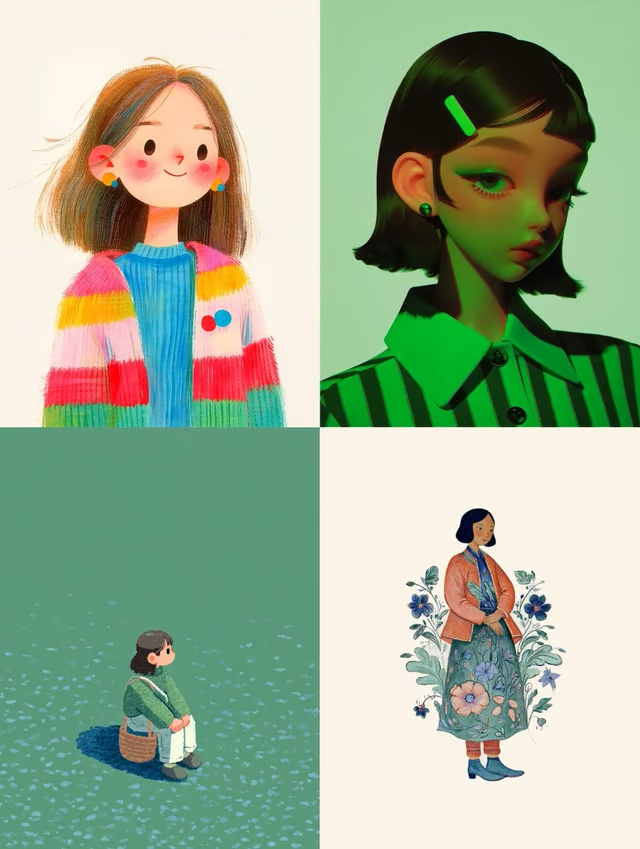
Your images are always saved
Every image you generate on Lovimg is automatically saved to your personal gallery the moment generation completes — no manual downloading required before closing the tab. Return at any time to browse your full creation history, download full-resolution images, or share any result with a direct link. Your gallery grows with every prompt, making it easy to revisit ideas and build on previous work.
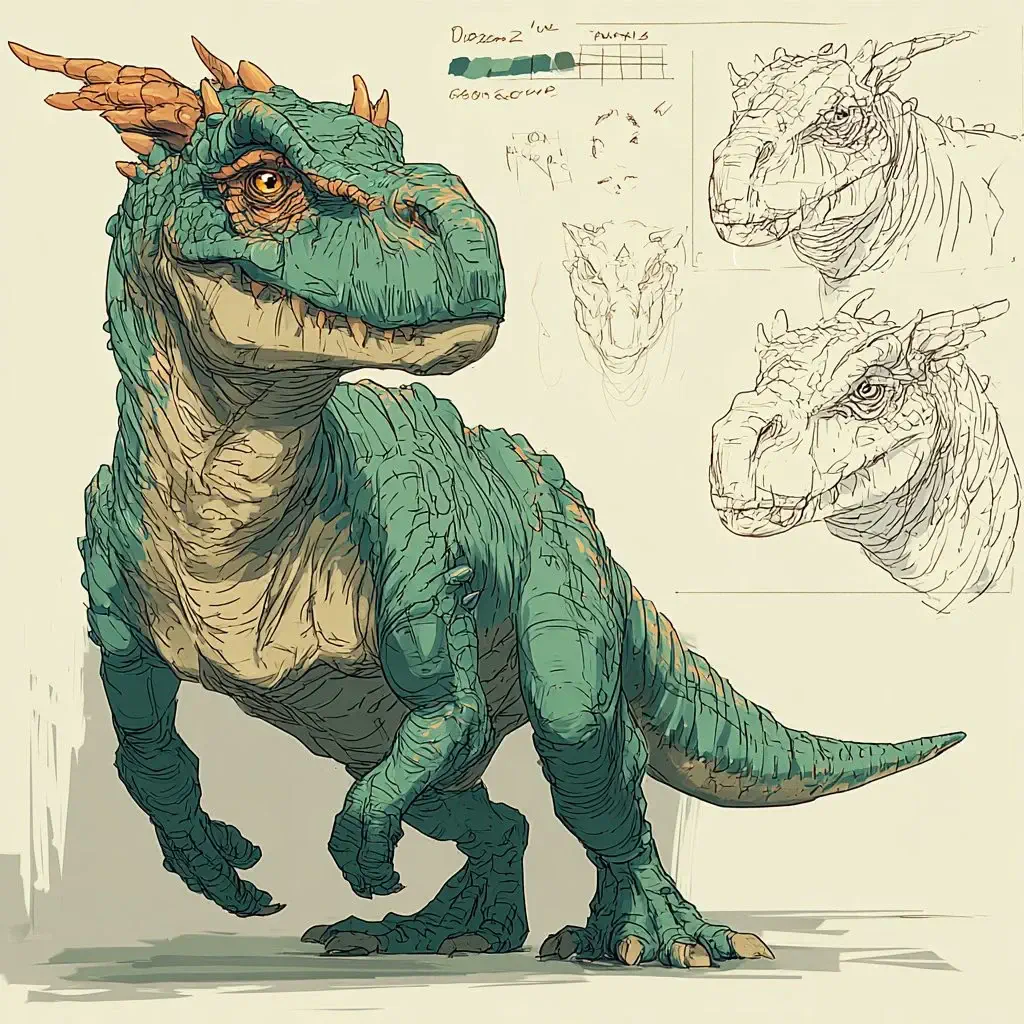
Three speeds to match your creative pace
Lovimg's Midjourney AI image generator offers three generation speeds built for different workflows. Draft delivers fast previews for exploring rough concepts and iterating on prompt ideas quickly. Fast is the everyday standard, balancing quality with a reliable turnaround. Turbo places your request at the top of the queue for the fastest possible delivery — ideal for client deadlines, urgent projects, or any situation where speed is the priority.
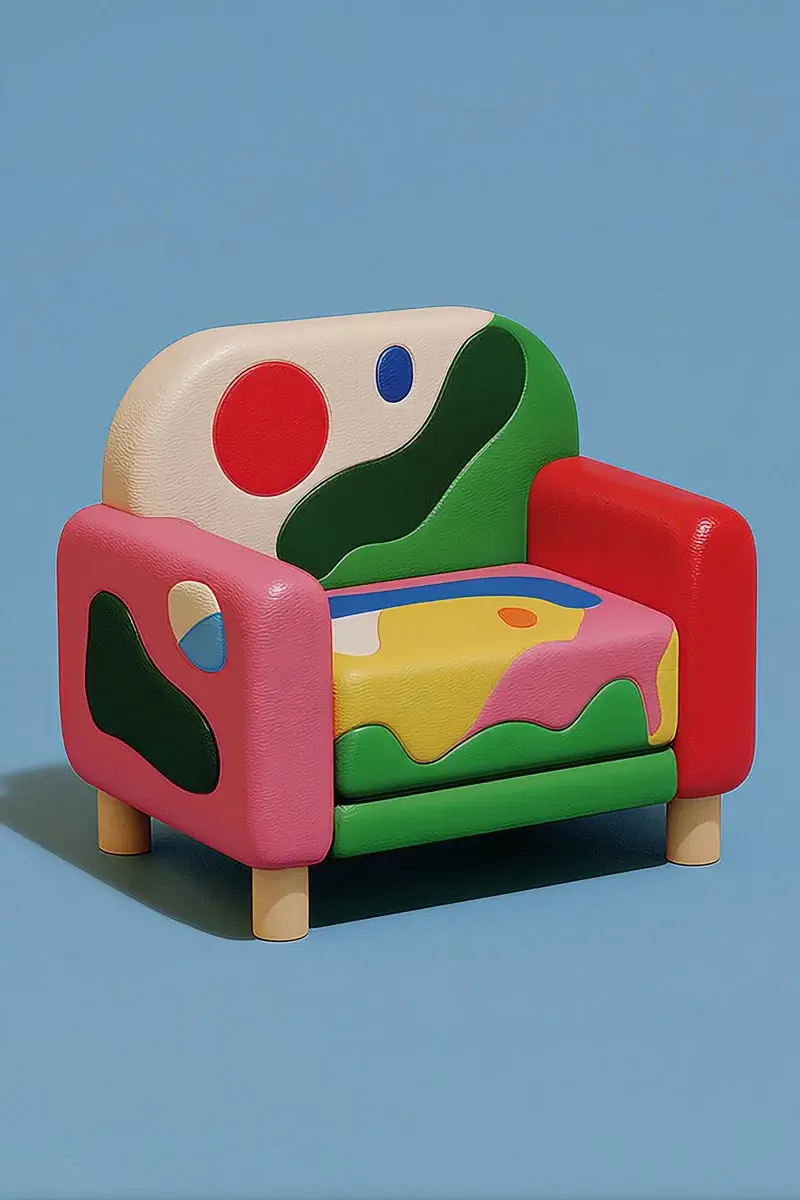
How to use the Midjourney AI image generator
Three simple steps from your first prompt or uploaded image to ready-to-download AI outputs.
Write your prompt
Describe the image you want in natural language — be specific about subject, style, mood, and lighting for the best results. Add native Midjourney parameters anywhere in your prompt: use --ar 16:9 for widescreen, --ar 9:16 for vertical content, --s 500 for strong stylization, or --c 30 for creative variation. For retexture, upload one image and describe the target texture or style.
Select your generation speed
Choose Draft to explore 24 lightweight sketches quickly. Select Fast for high-quality results on everyday creative projects — this is the recommended default for most workflows. Pick Turbo when you need priority processing and the quickest possible delivery.
Download your image outputs
Midjourney V8.1 saves every completed output to your Lovimg account. Compare Fast/Turbo variations, review Draft sketches, download results, share a link, or use a saved image as the next retexture input.
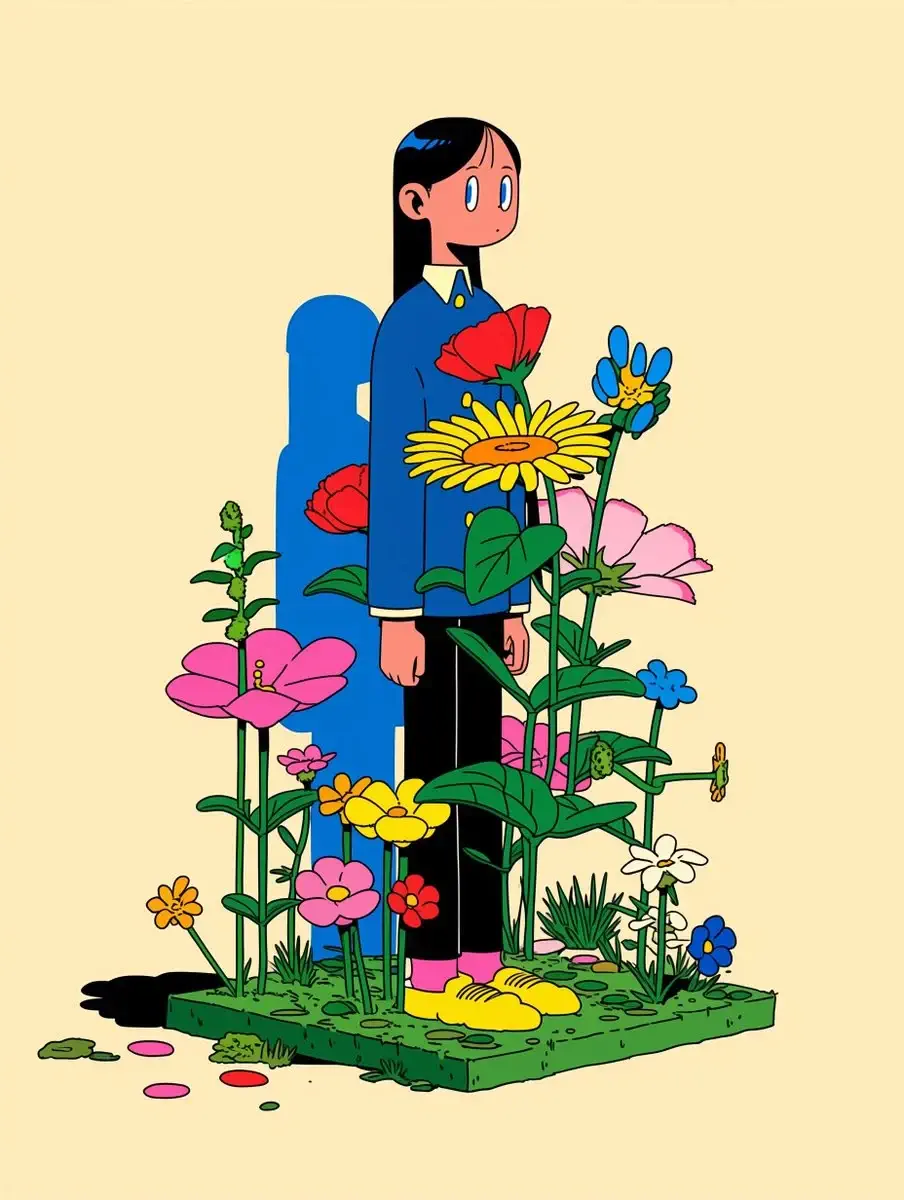
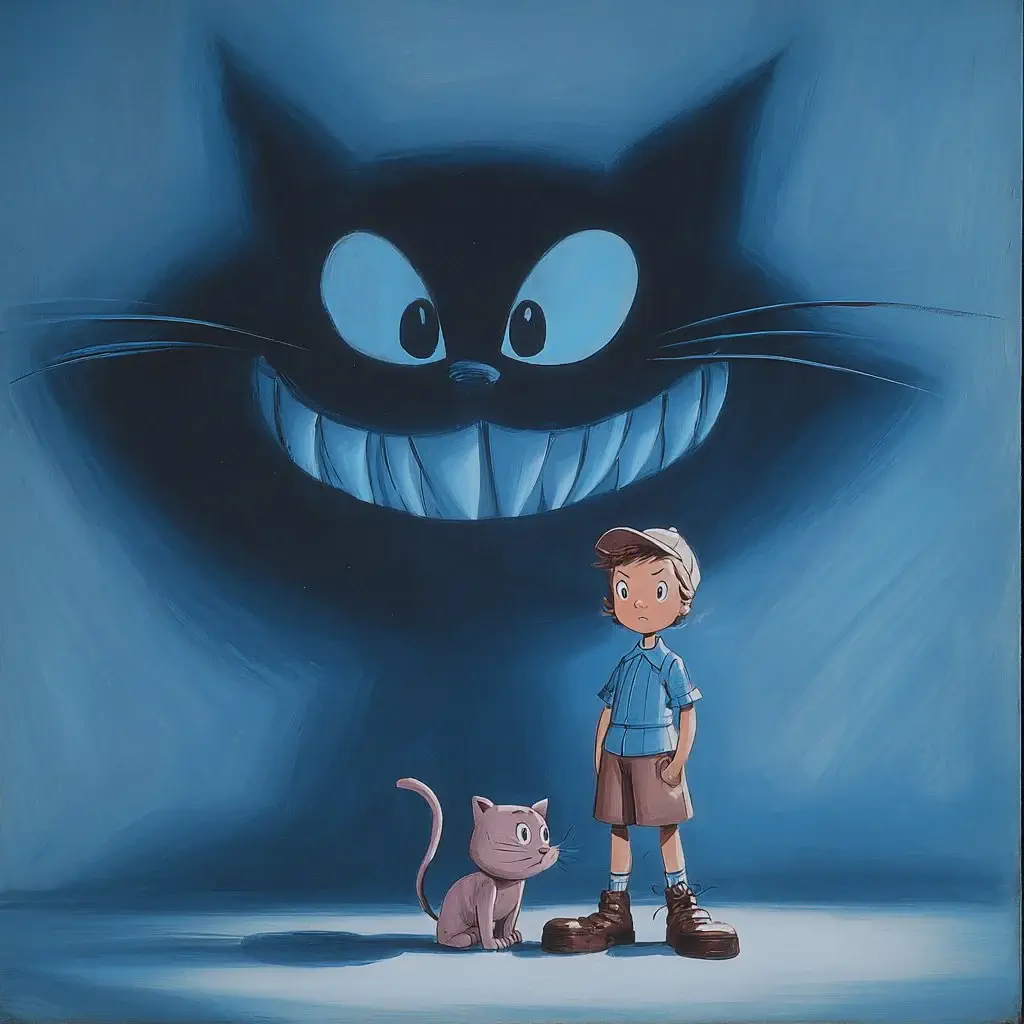
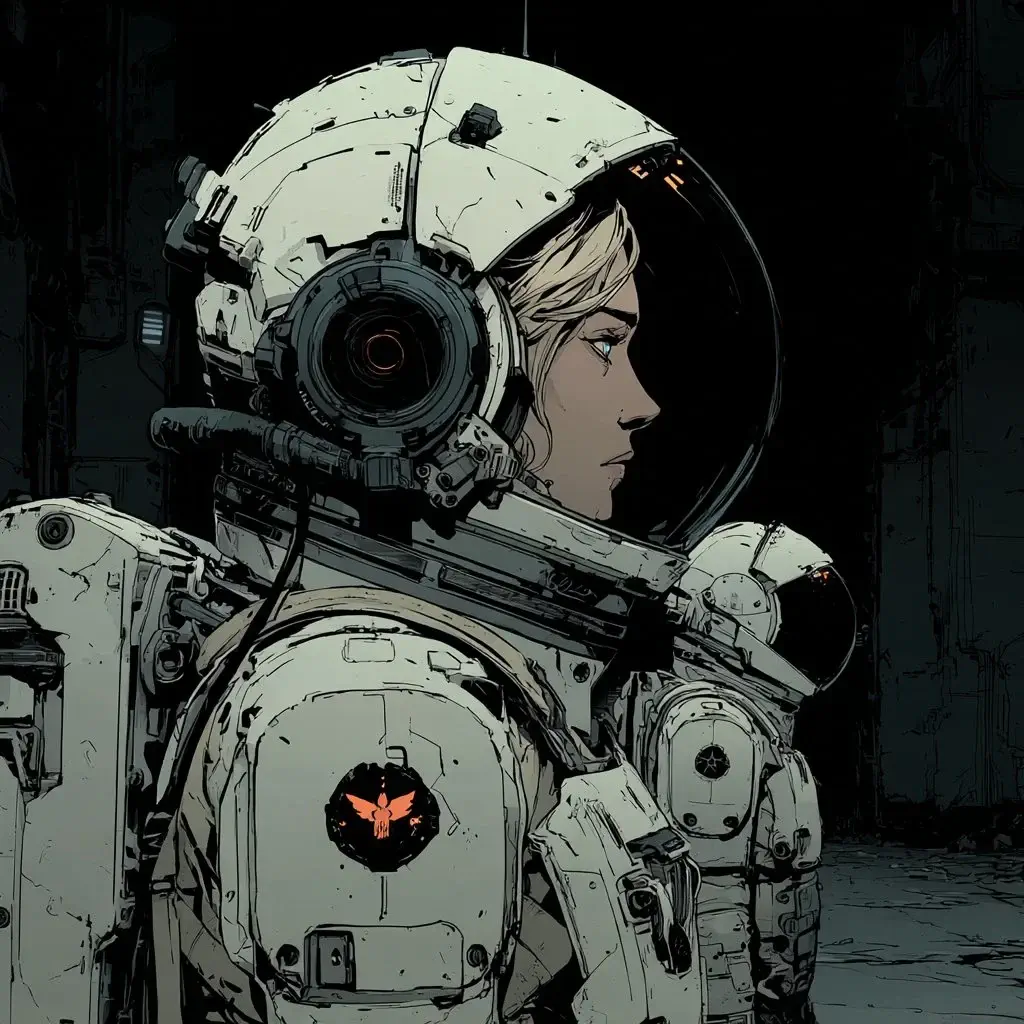
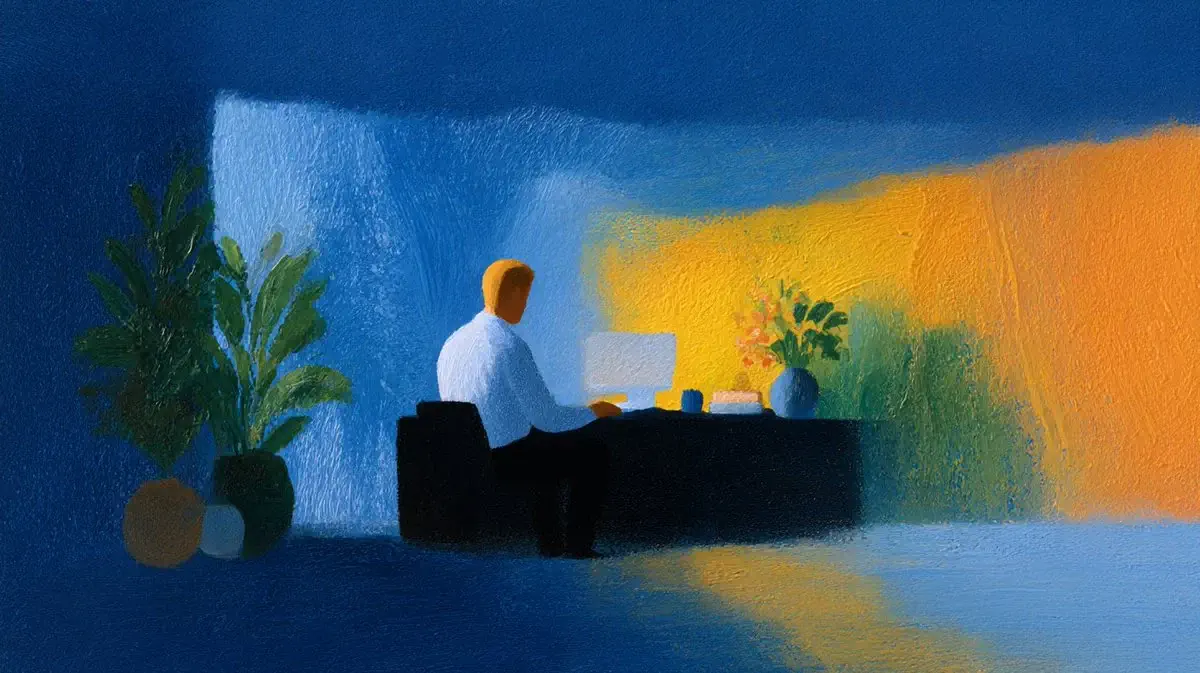
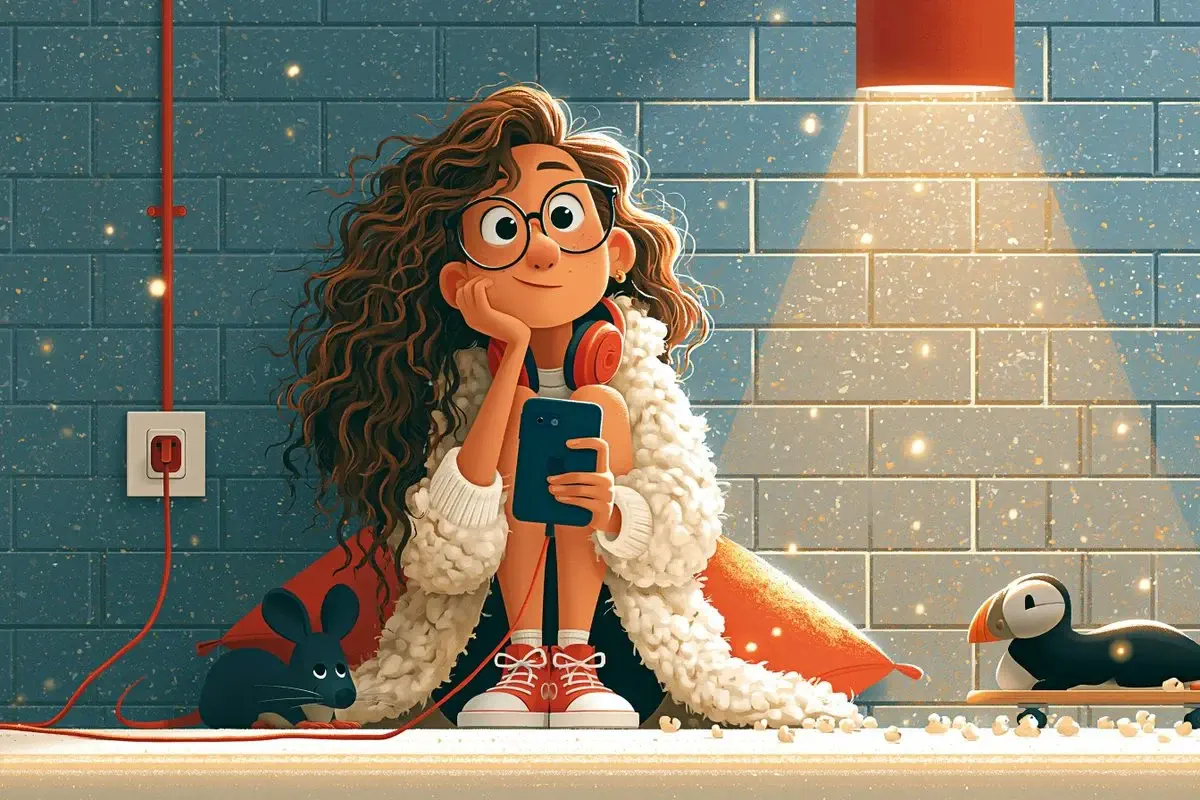
Example outputs
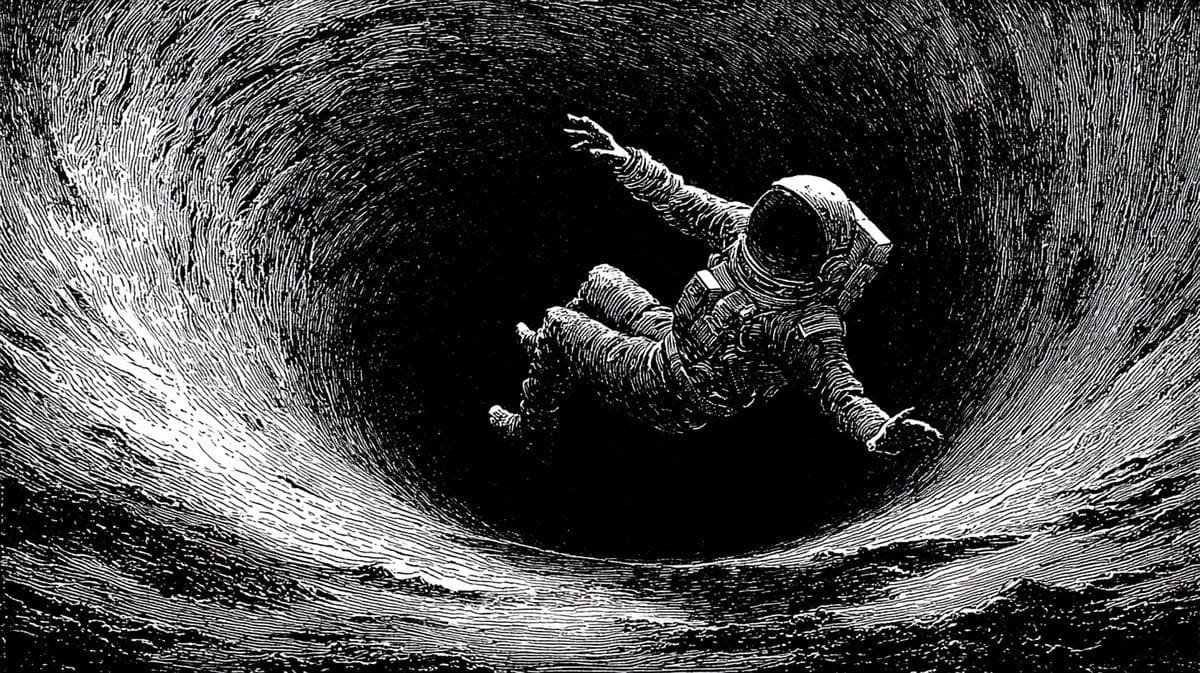
Generation speed and credits
Match your generation speed to your workflow — from rapid idea exploration to priority processing for deadline-driven creative projects.
Draft
10 credits
The fastest exploration mode. It returns 24 lightweight 0.5K sketches so you can test prompt direction and composition before committing to a polished render.
Fast
10 credits
The everyday standard for AI image generation. Fast delivers high-quality Midjourney V8.1 output at a reliable pace — the right choice for most creative projects and professional workflows.
Turbo
20 credits
Maximum priority processing for the fastest results. Turbo is ideal for client presentations, urgent deadlines, or any time you need Midjourney V8.1 images as quickly as possible.
Tips for better Midjourney AI image prompts
- Be specific about style, mood, and lighting. Instead of "a forest", try "an ancient redwood forest at dusk, golden fog, cinematic atmosphere, 35mm lens" — more detail means richer results.
- Control aspect ratio with --ar: use --ar 16:9 for widescreen landscapes, --ar 9:16 for vertical social content, or --ar 1:1 for square compositions.
- For retexture, upload one image in the tilted card, then describe the target texture, material, or style you want.
Frequently asked questions
Start creating with the Midjourney AI image generator
Sign in to Lovimg and turn your first prompt or uploaded reference into Midjourney V8.1 outputs — no separate Midjourney account or subscription required.