AI Image Reseason
Upload one image, pick spring, summer, autumn, or winter, and let Lovimg rebuild the scene with a new seasonal mood.
Upload image
Preview the source, then choose a season.
Season
Estimated cost
5 credits per generated image.
Choose an image and a season to begin.
Season result
Your seasonal image will appear here.
No result yet
Upload an image, choose a season, then generate.
AI image reseason for practical seasonal variants
Give one image a new time of year
AI Image Reseason is for images that already have the right subject, composition, and intent, but need a different seasonal atmosphere. Instead of rebuilding the whole image from a long prompt, you upload the source and choose spring, summer, autumn, or winter. Lovimg keeps the workflow narrow on purpose: one image in, one season choice, one generated result saved to your account. That makes it useful for campaign teams, ecommerce operators, creators, and designers who need seasonal versions of an existing asset without losing the core idea.
The first screen behaves like the other Lovimg AI Tool workspaces. The upload area sits on the left, the result appears on the right, and the cost is visible before generation starts. The season choices are flat buttons, not a dropdown, because the decision is visual and should be scannable at a glance. Spring suggests fresh growth, summer pushes warm light, autumn adds golden tones, and winter introduces a colder atmosphere. The backend uses the same async generation, credit reservation, polling, archival, and history flow already used by the AI Image Extender, so the user experience stays consistent across tools.
Before and after
Preview how AI image reseason changes the atmosphere
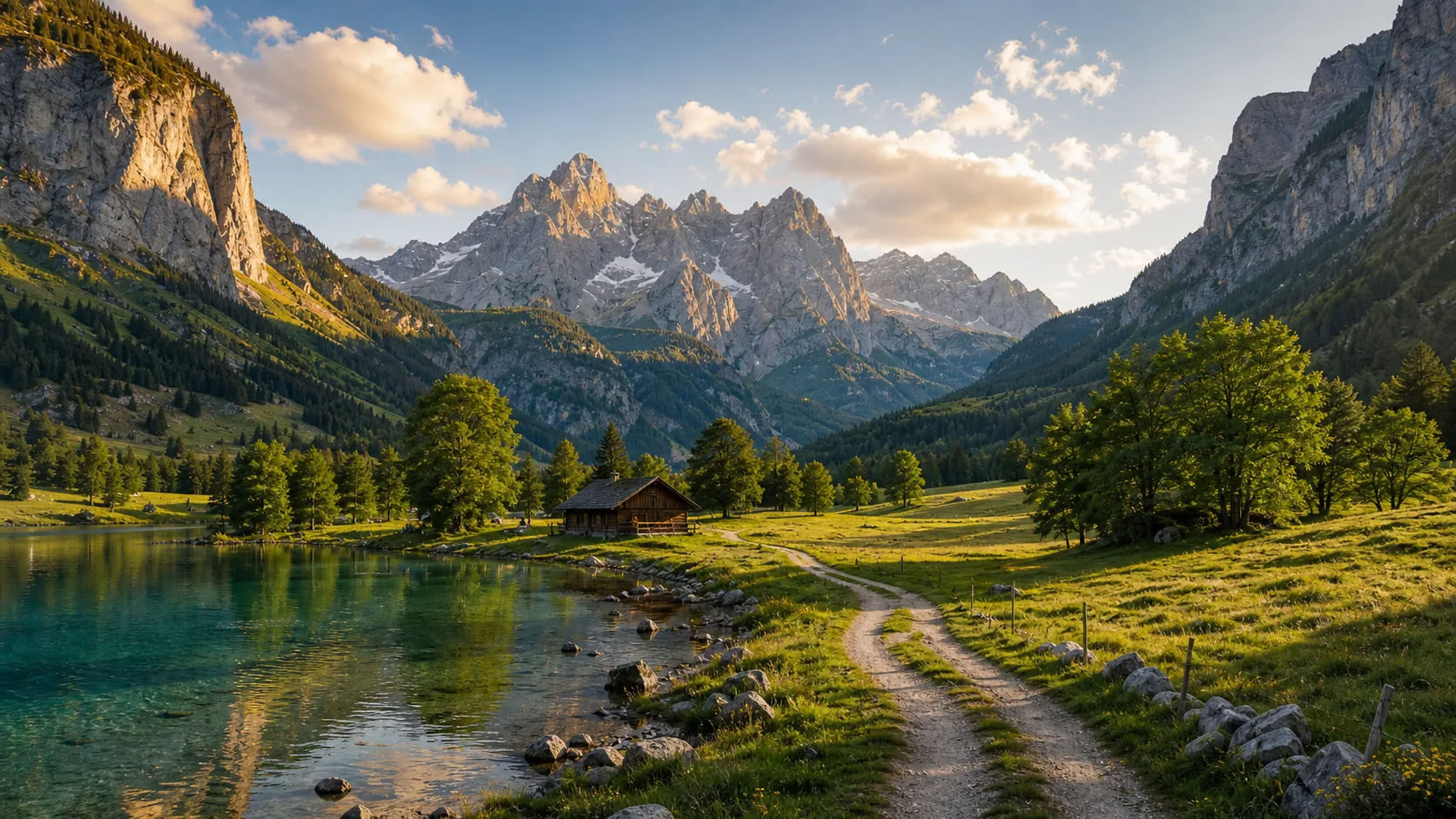
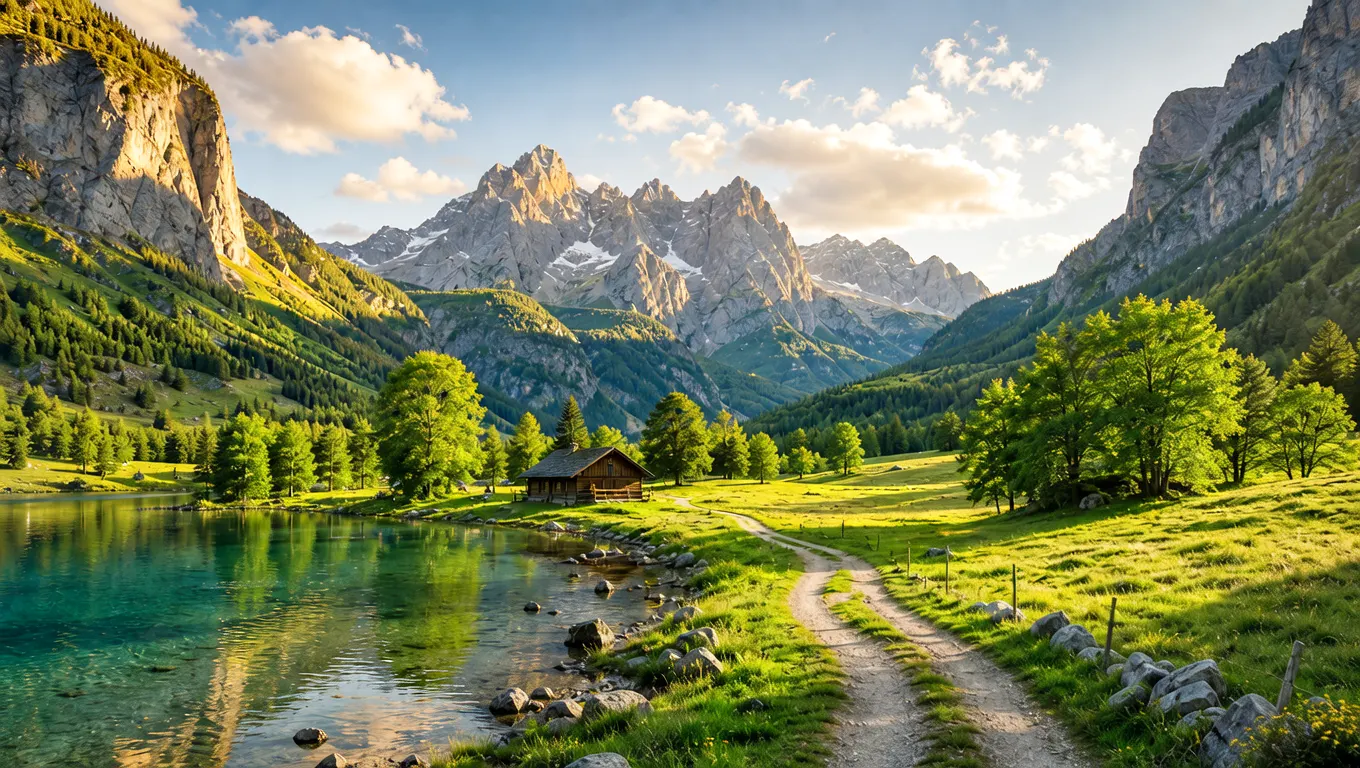
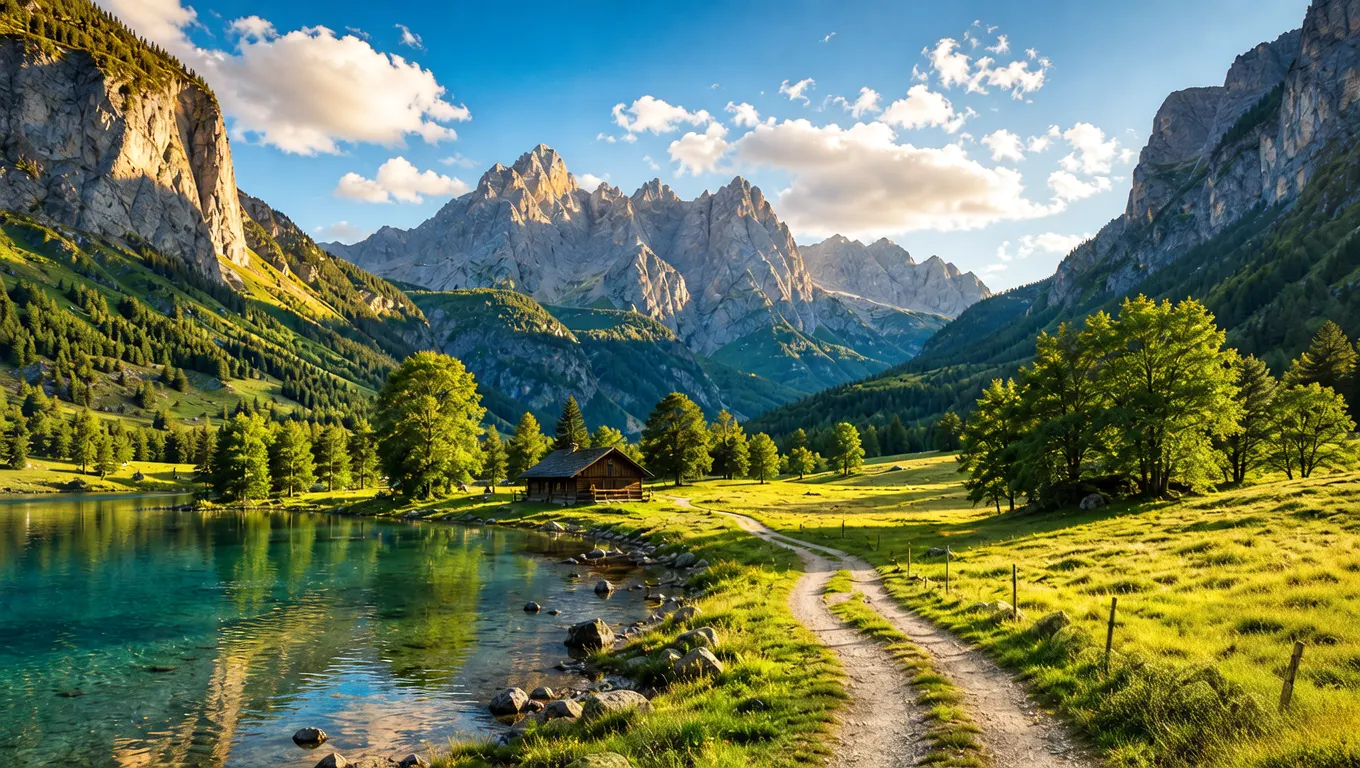
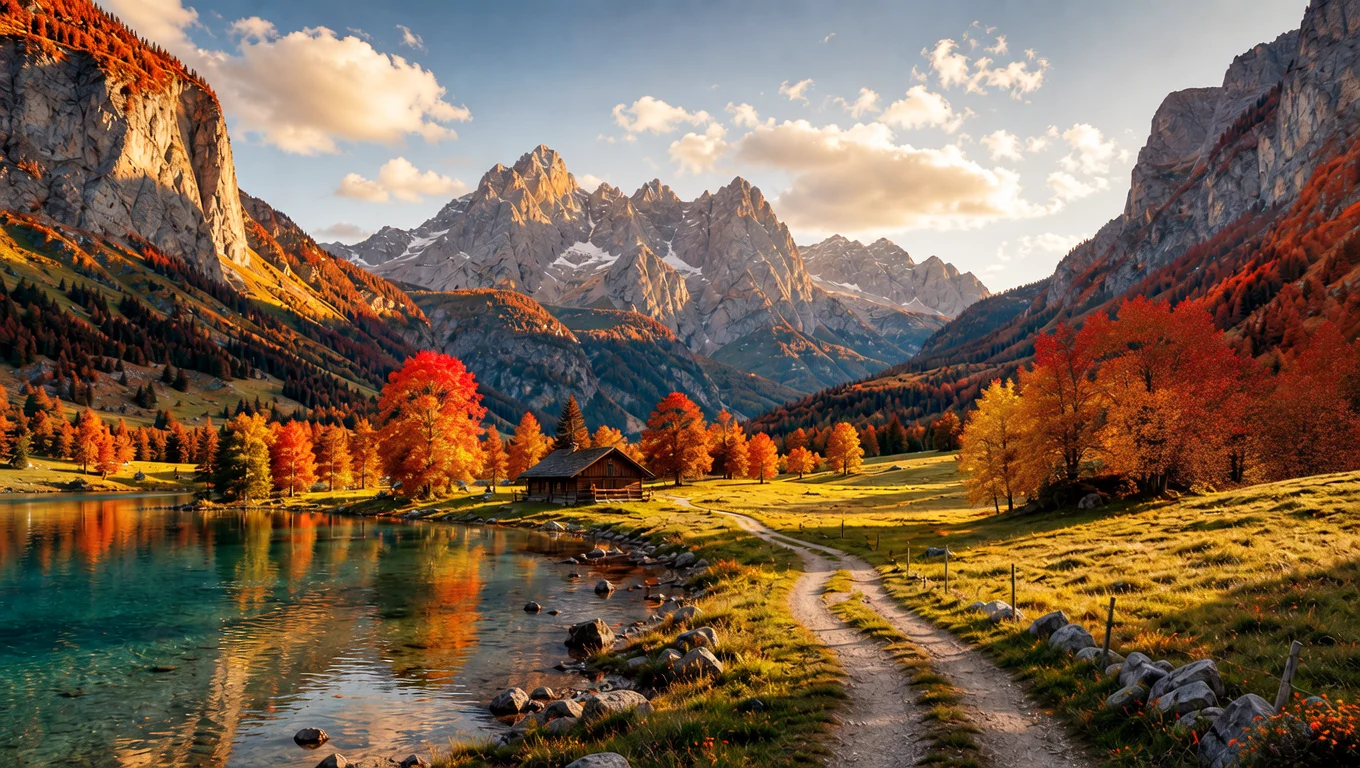
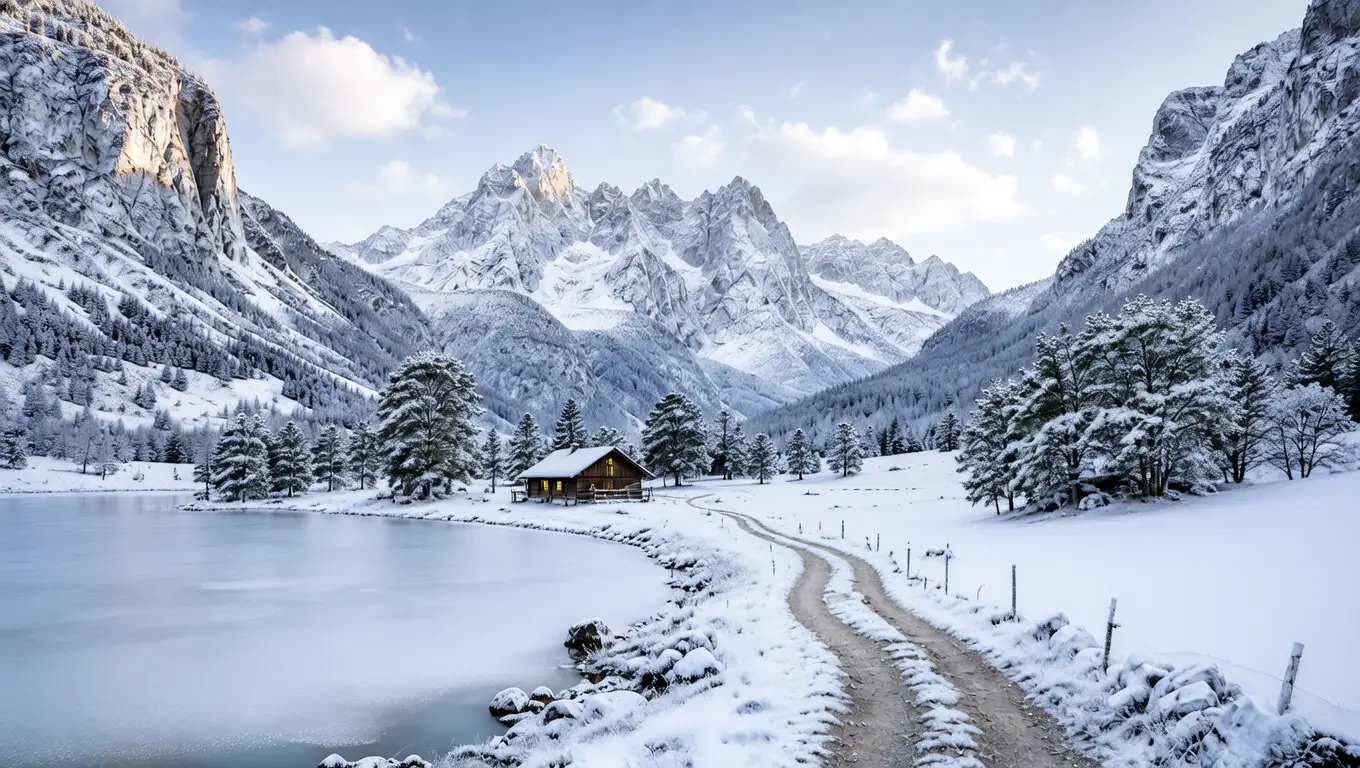
Compare one source landscape with spring, summer, autumn, and winter outputs. Each image is shown in full so the seasonal shift is easy to judge.
Core workflow
A focused season changer, not a heavy editor
Season replacement should expose the one decision that matters and hide transport details such as sync, webhook, provider payloads, and storage behavior.
Four visible seasons
Spring, summer, autumn, and winter are shown as direct choices. The user does not have to open a menu or guess which hidden values the API accepts.
Subject preservation
The tool is intended for changing atmosphere while keeping the main subject and composition recognizable, which is safer for approved visuals.
Same Lovimg history
Completed outputs are archived through the generation workflow, so users can download immediately or return to the file later from history.
Predictable credit cost
Each generation uses a fixed 5 credits. The operation panel shows the cost near the generate button before the task is submitted.
How it works
Upload, choose a season, generate
The interaction should stay obvious. The image supplies the scene; the season choice supplies the direction.
Upload the source image
Drop a PNG, JPG, or WebP into the upload area. Lovimg previews the file before credits are used.
Pick the target season
Choose spring, summer, autumn, or winter from the flat season controls. No advanced settings are needed for the first version.
Generate and save
Lovimg creates the async task, polls for completion, archives the result, and displays the seasonal image on the same page.
Use cases
Where seasonal image changes help
A season changer is most useful when the original asset is good but the campaign calendar, store collection, or publishing context has changed.
Seasonal campaigns
Prepare winter, summer, spring, or autumn versions of campaign visuals without reshooting or rebuilding the entire composition.
Product and retail scenes
Adapt product photos, decor scenes, food images, or storefront visuals to seasonal promotions while keeping the product stable.
Travel and lifestyle content
Create alternate seasonal moods for destination images, creator posts, blog covers, thumbnails, and presentation visuals.
AI draft exploration
Take a strong generated image and explore different seasons before choosing the final campaign direction.
FAQ
AI image reseason FAQ
What does AI Image Reseason do?
It changes the seasonal atmosphere of an uploaded image to spring, summer, autumn, or winter while aiming to preserve the main subject.
Do I need to write a prompt?
No. The first version only needs an uploaded image and a season choice, which keeps the workflow fast and predictable.
How many credits does it use?
Each generation uses 5 credits. The result is saved to your Lovimg generation history after processing completes.
Can I download the result?
Yes. When the task finishes, the result panel shows a download action and a shortcut to your generation history.
Season shift in one step
Start with one source image
Drop a landscape, product scene, travel photo, portrait, or AI draft. Lovimg changes the seasonal atmosphere, archives the finished file, and keeps it ready to download later.