AI Tool

AI Product Photo Generator

Upload one product image and turn it into polished commercial product photography for ecommerce, ads, social posts, launch pages, and catalog updates. Use text to describe a new lifestyle scene, or add a reference image when the product needs to match a specific setting, lighting style, surface, camera angle, or campaign composition.

History
Your product photo results will appear here after generation.

AI product photography for ecommerce catalogs, ads, and launch pages

Traditional product photography is slow because every new channel asks for a different scene: one image for a marketplace listing, another for a social ad, another for a launch banner, and another for a seasonal campaign. Lovimg keeps the product as the hero and lets the background, props, lighting, and commercial mood change around it, so teams can create more usable product visuals without booking a new shoot for every idea.

The workspace keeps product uploads, scene direction, output count, credit cost, generated images, and private product history in one focused production flow.

Text scene control

Use Text scene when you can describe the product photo you want in words. Add the surface, room, props, season, lighting direction, camera angle, and brand mood. A skincare bottle can move from a clean bathroom counter to a spa shelf; a perfume bottle can become a luxury gift image; a food product can sit inside a warm kitchen campaign.
Reference-guided scenes

Use Reference image when a real visual direction already exists. Upload a second image to guide the setting, composition, texture, color palette, or light quality. This is useful when a client gives you a mood board, when a brand has an existing campaign style, or when a marketplace hero image needs to match a specific background idea.

Private product history

Every generated product photo is stored with its prompt, uploaded images, output count, and task details in your private Lovimg history. That makes it easier to compare versions, reuse good scene directions, download final assets later, and keep ecommerce product photo experiments organized across multiple SKUs, campaigns, and clients.

See how the AI product photo generator changes the scene

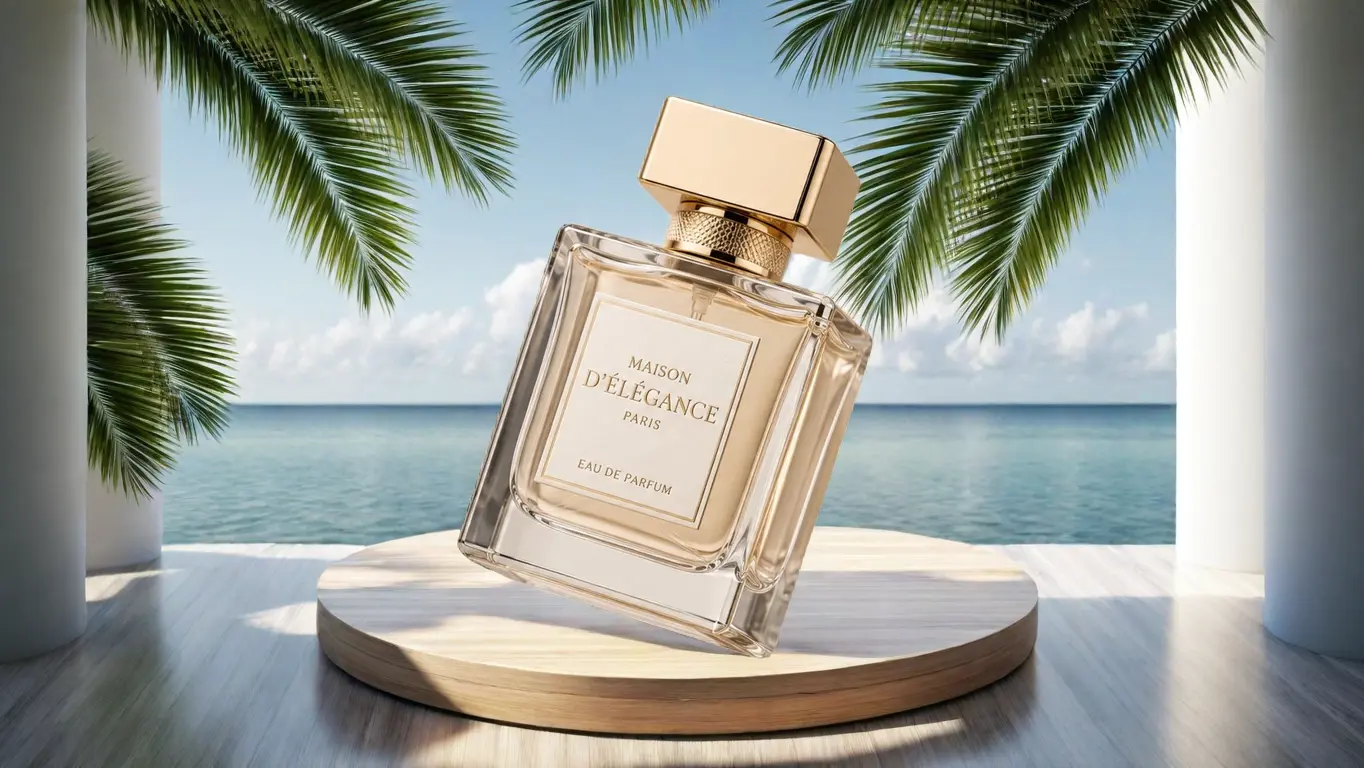
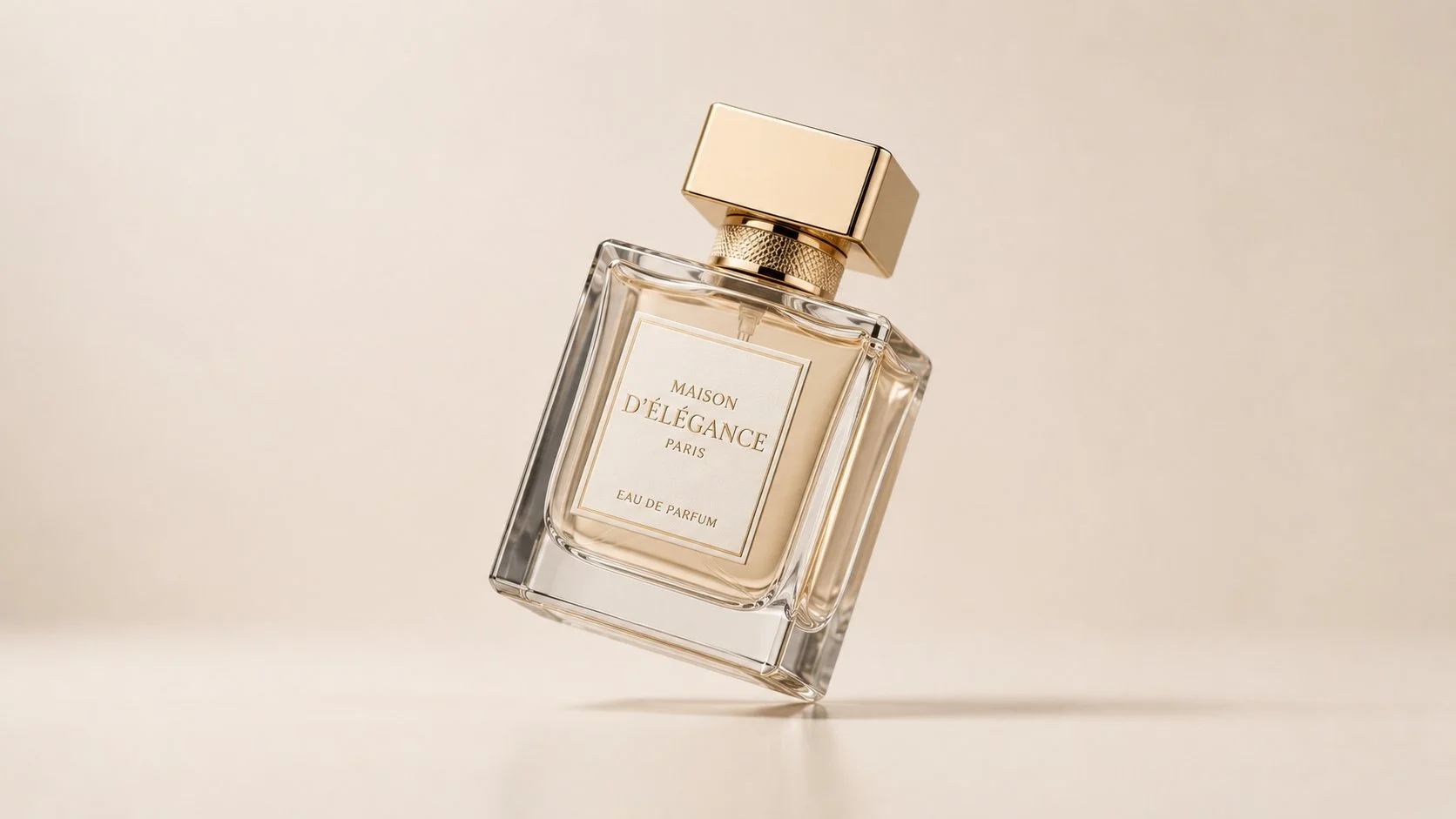
The examples use the same perfume bottle so the difference is easy to read. In the text-guided workflow, the product image becomes a lifestyle product photo by following the written scene direction. In the reference-guided workflow, a second image supplies the background language, so the final product shot follows the reference atmosphere while keeping the bottle recognizable.

Text scene

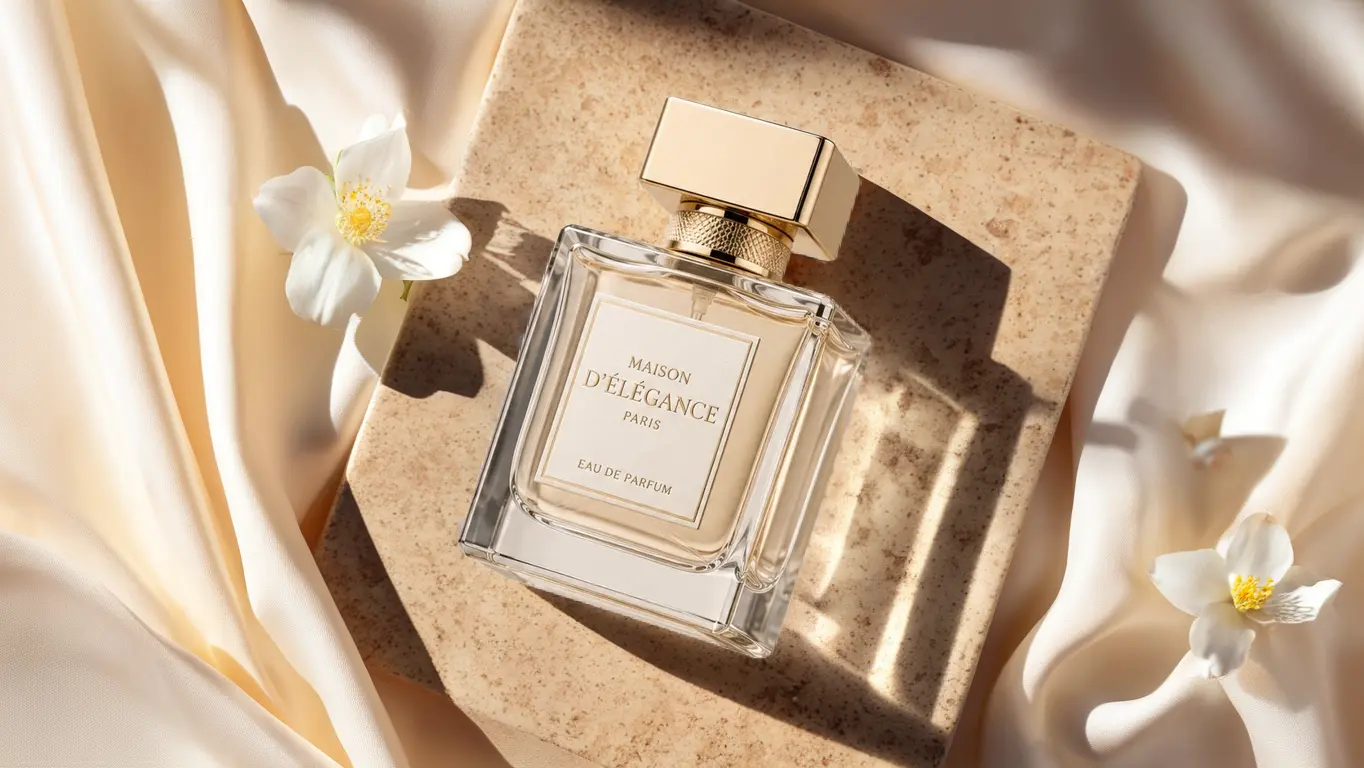
Start with one product image, then write the commercial scene: a bright vanity, a natural stone surface, soft morning light, white flowers, silk fabric, premium skincare props, or any other visual direction. This mode is best when the goal is to explore several ecommerce product photo ideas quickly without preparing a background reference first.

Original perfume bottle product image

Product image

Perfume bottle generated on travertine stone with silk fabric and white flowers

Generated scene

Reference image

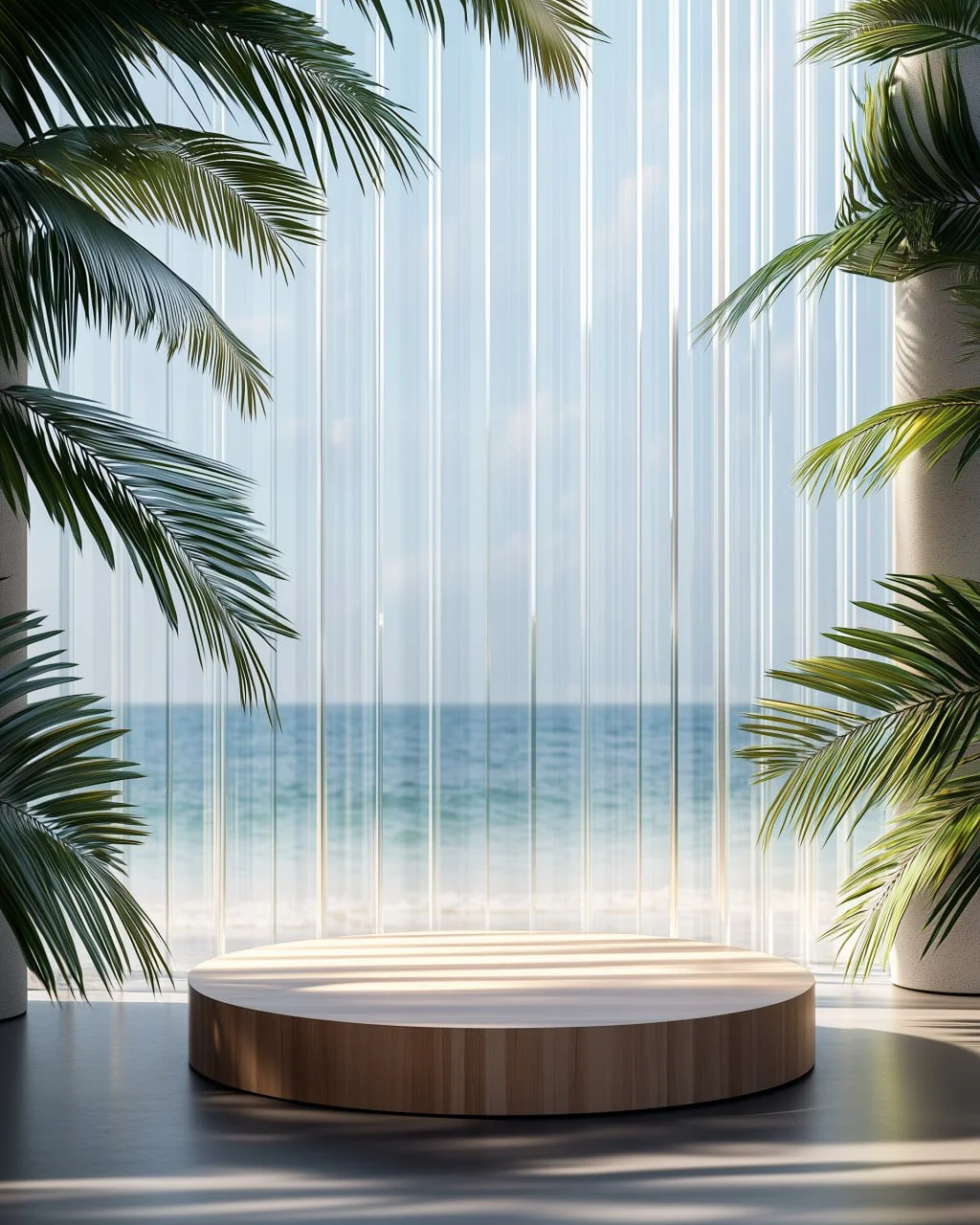
Upload the product plus a reference scene when the product photo must follow a clear visual target. The reference image can suggest the room, outdoor setting, podium, tropical light, material, framing, or campaign mood. This mode is useful for matching an art direction deck, a store banner concept, or a brand visual system.

Original perfume bottle product image

Product image

Tropical seaside product display scene with palm leaves and a round podium

Reference scene

Perfume bottle placed into the tropical seaside reference scene

Generated match

How to create ecommerce product photos

The first screen is the actual product photo studio. The upload slots define the source images, the prompt defines the commercial direction, and the bottom chips keep common production choices close at hand. Advanced controls stay folded until you need exact placement, sizing, background removal, reference influence, or moderation choices.

Upload the product

Start with a clear product image, packaging image, or SKU photo. The cleaner the product shape, label, edge, and material, the easier it is to preserve the product identity in a new scene. If the original background is busy, use the additional parameters to force background removal before Lovimg builds the new lifestyle product photo.

Choose text or reference mode

Choose Text scene when you know the environment you want to describe: marble bathroom, cozy kitchen, outdoor picnic, holiday table, luxury studio, minimal catalog, or social ad setup. Choose Reference image when the best direction is already visual and you want the generated product photo to borrow its composition, light, colors, or background atmosphere.

Generate and compare

Pick the output count, aspect ratio, and shot size before generation. After the task starts, results appear below the console and are saved in your private history. Generate several variations, compare how each product shot handles scale and lighting, then download the image that best fits the listing, ad, campaign page, or creative brief.

AI product photo generator FAQ