Wan 2.7 AI video generator features
Wan 2.7 AI video generator features
Thinking Mode reasoning
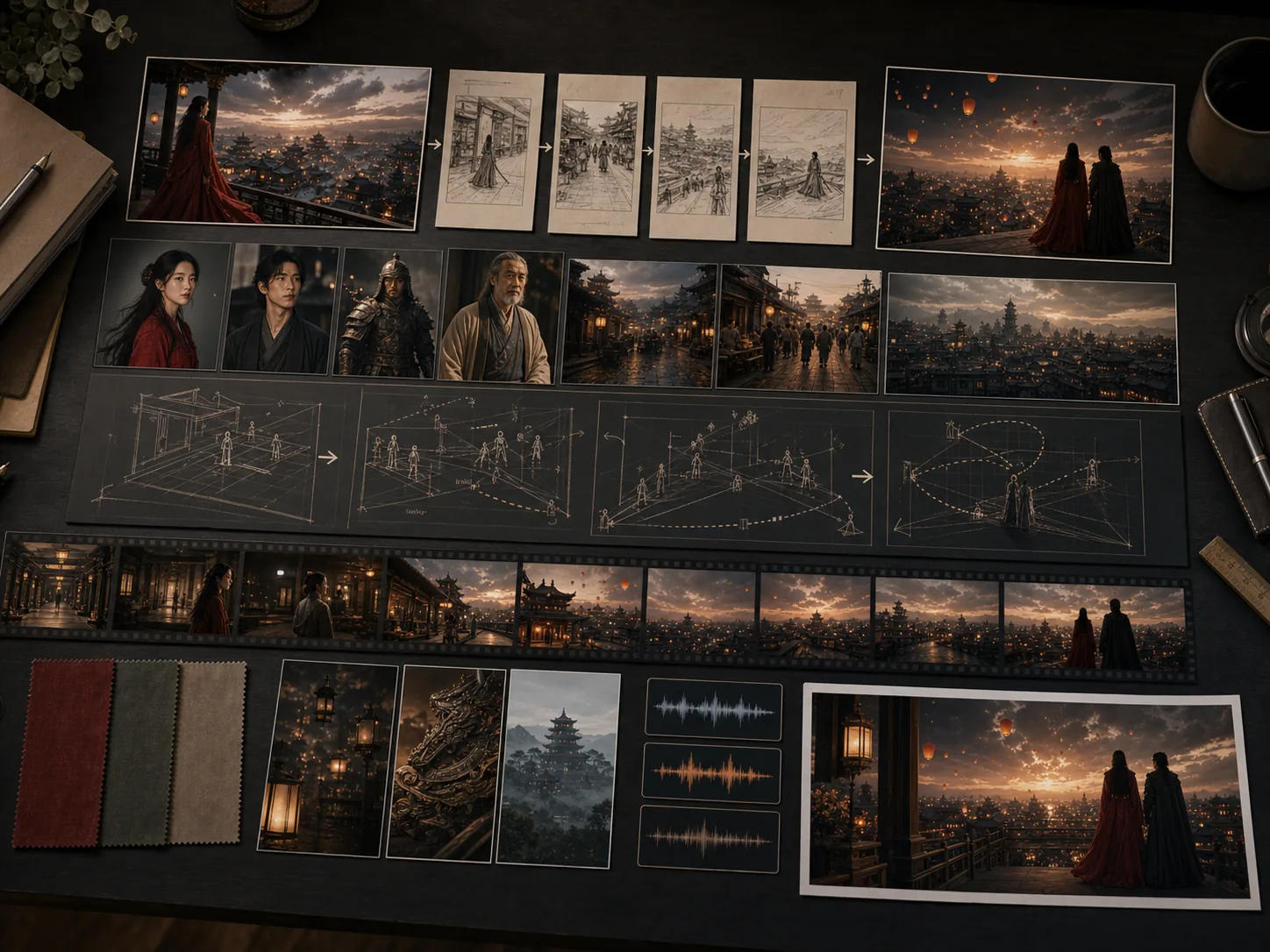
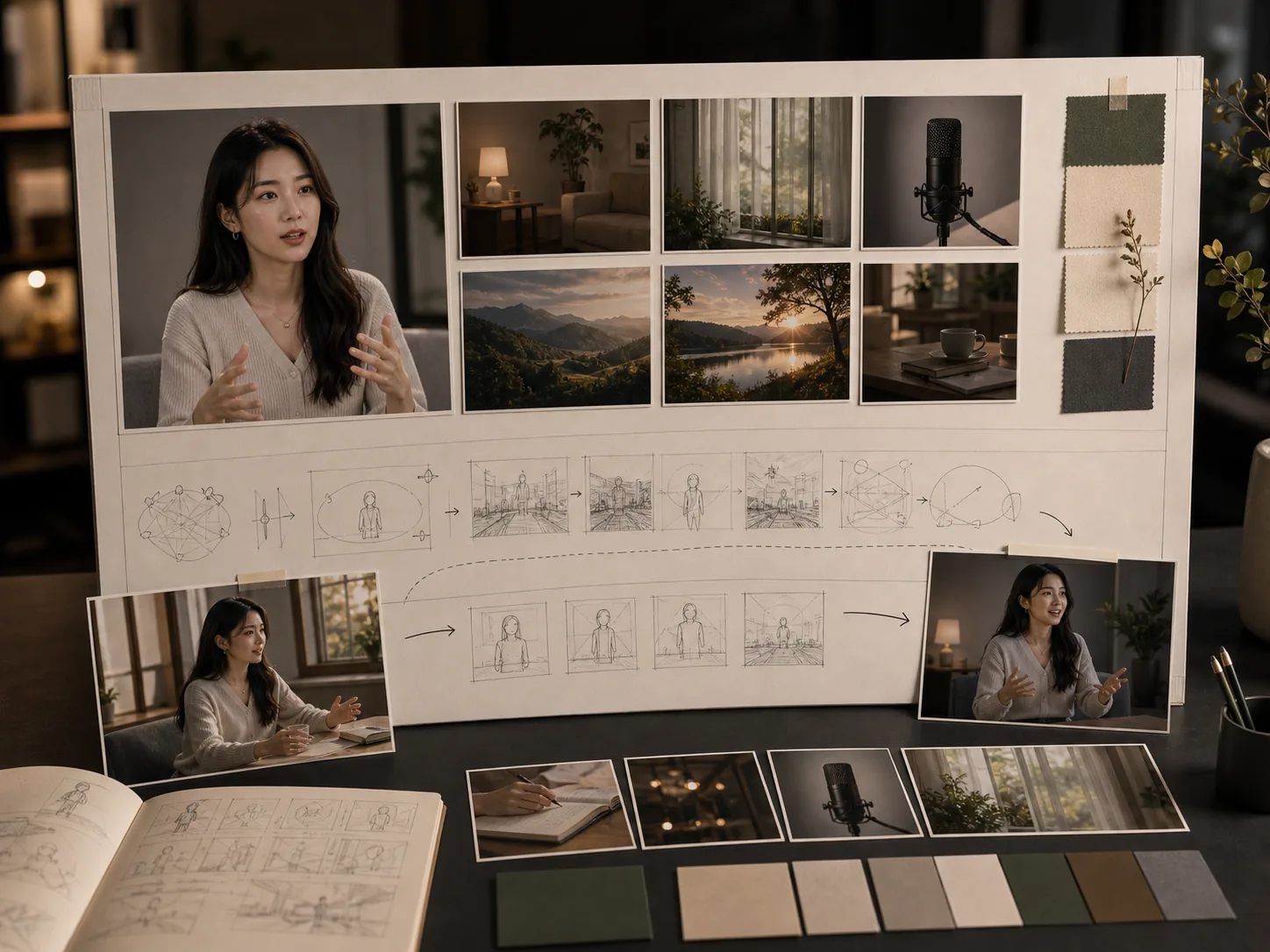
Wan 2.7's Thinking Mode runs a chain-of-thought reasoning layer before generation begins. The model parses your prompt, plans subject placement, motion direction, camera composition, and audio cues, then verifies the plan is coherent before generating any video frames. This produces significantly more accurate compositions, fewer spatial artifacts, and stronger adherence to complex multi-subject prompts that simpler models distort.
Four unified generation modes
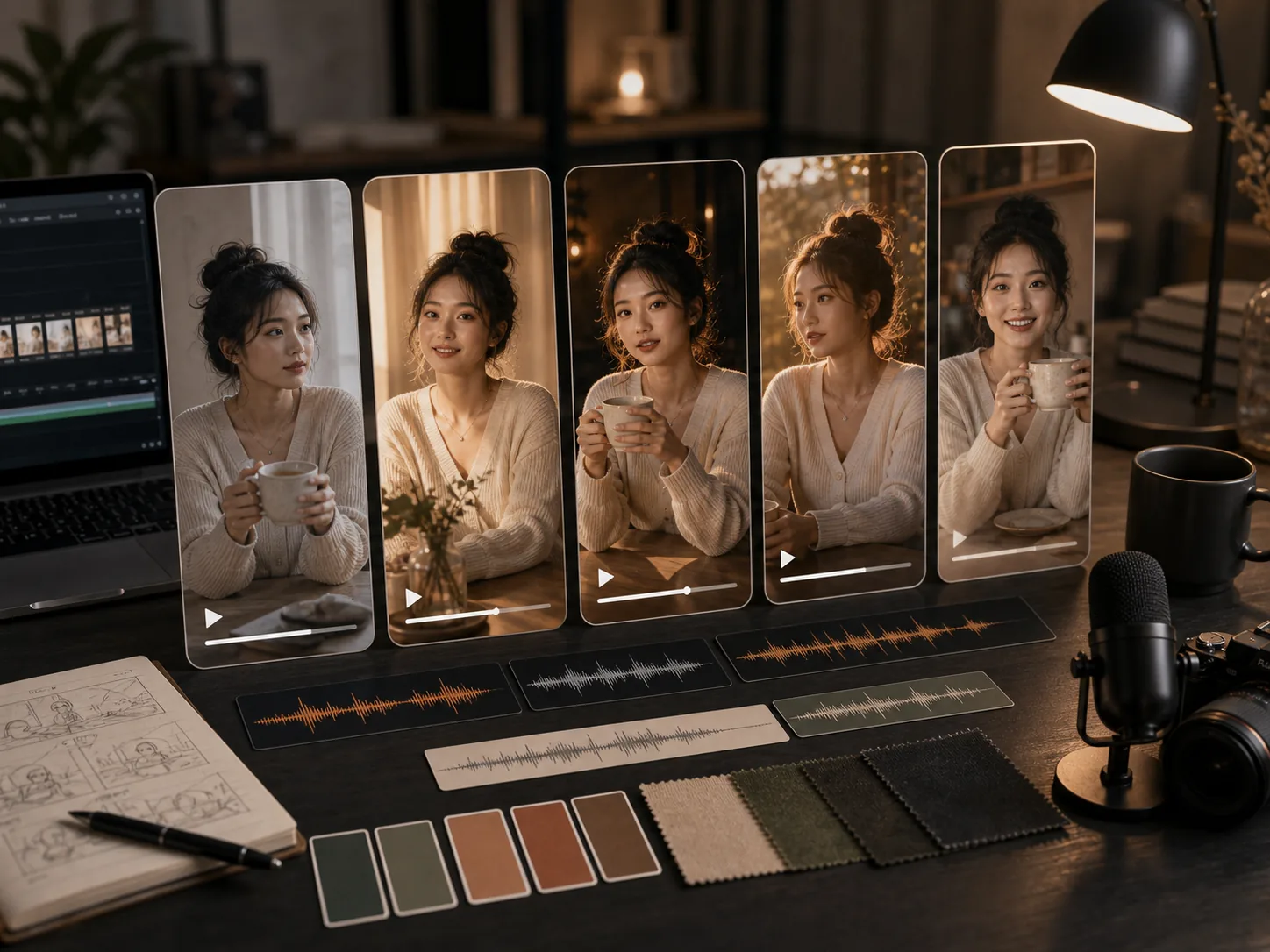
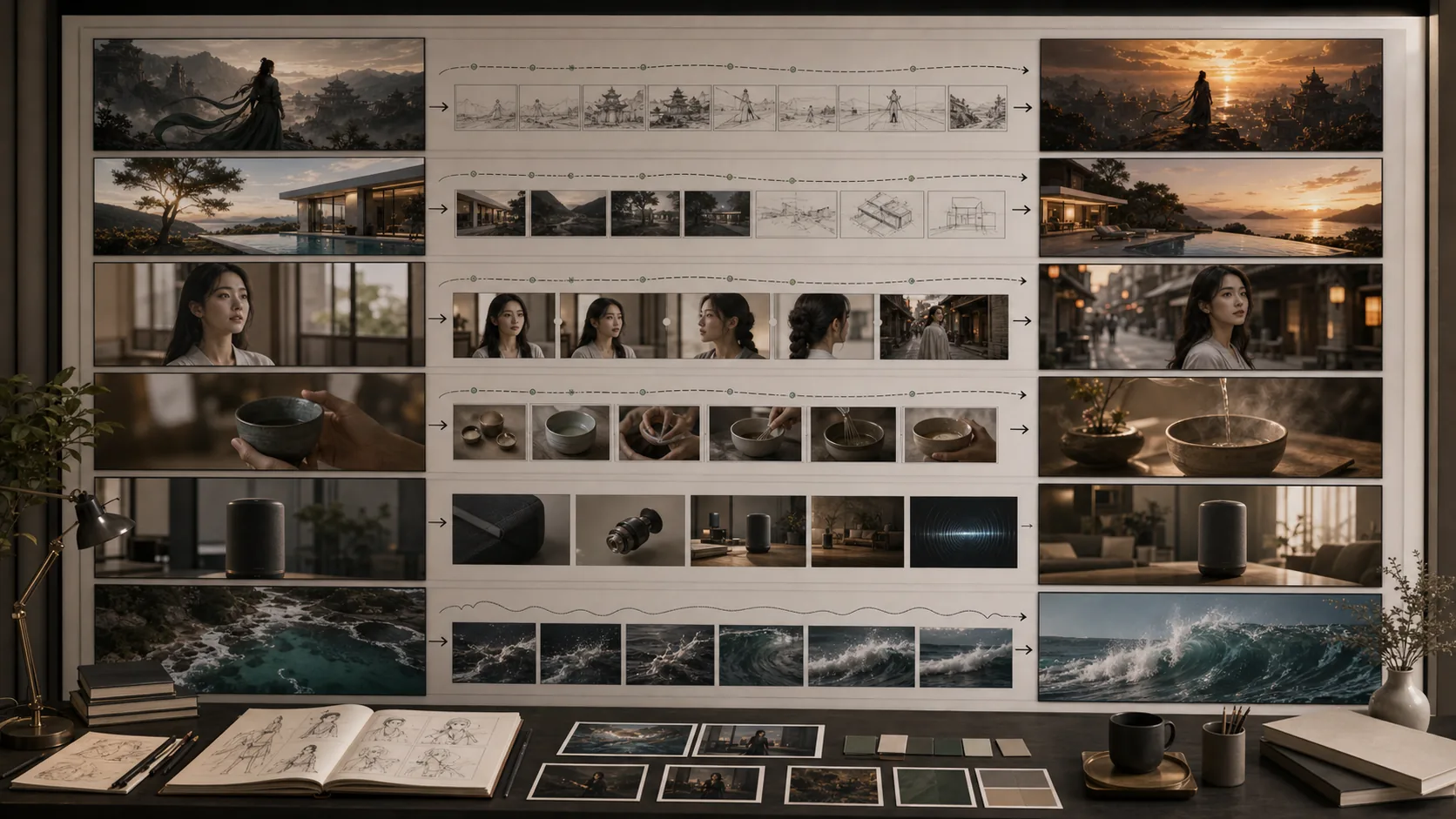
Wan 2.7 covers text-to-video for pure prompt-driven generation with Thinking Mode, image-to-video with first-and-last keyframe control for precise scene transitions, reference-to-video (R2V) for multi-reference subject and object consistency, and video-edit for instruction-based modification of existing clips. All four modes share the same Wan 2.7 API infrastructure and unified credit system.
First-and-last keyframe control
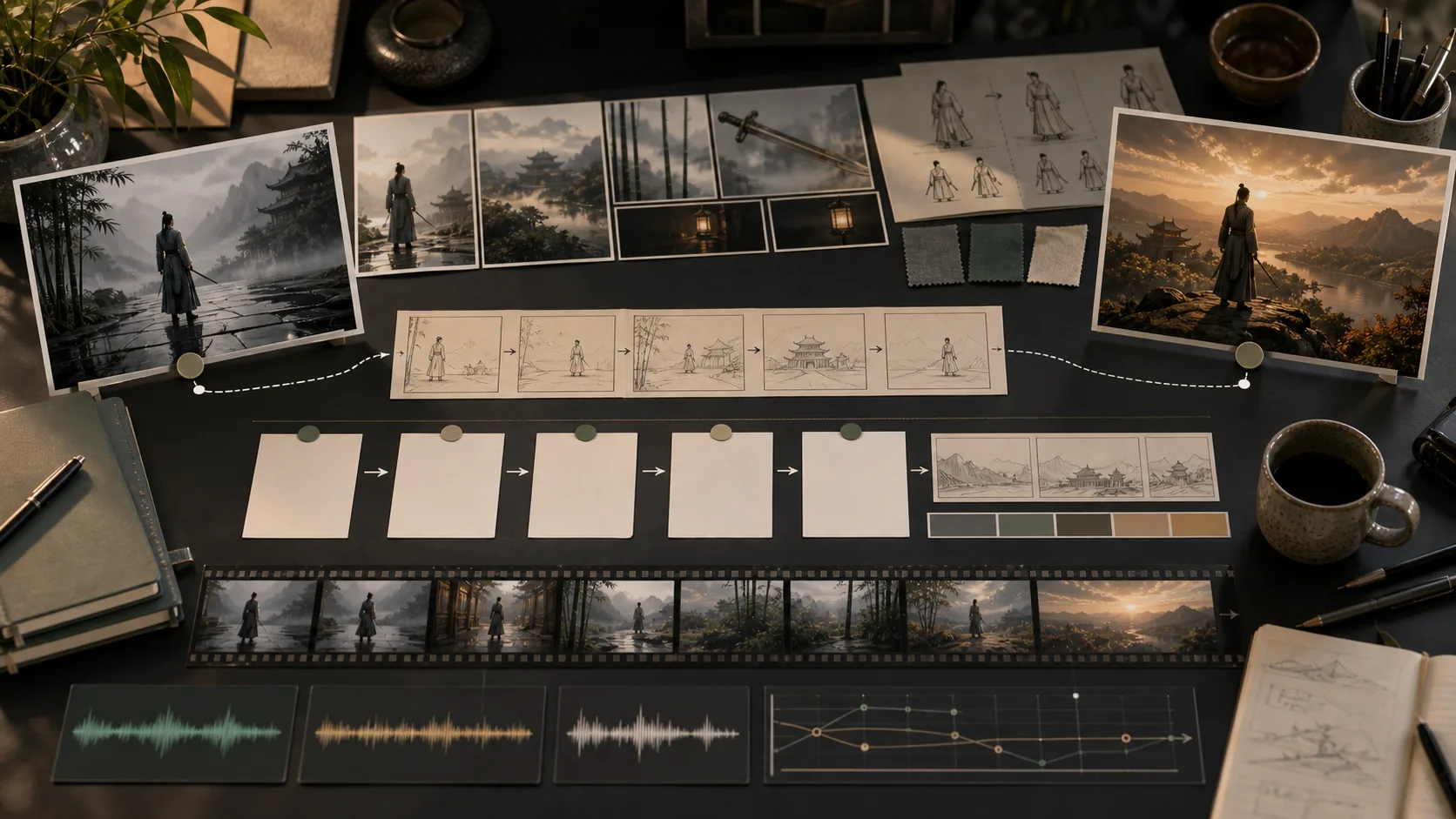
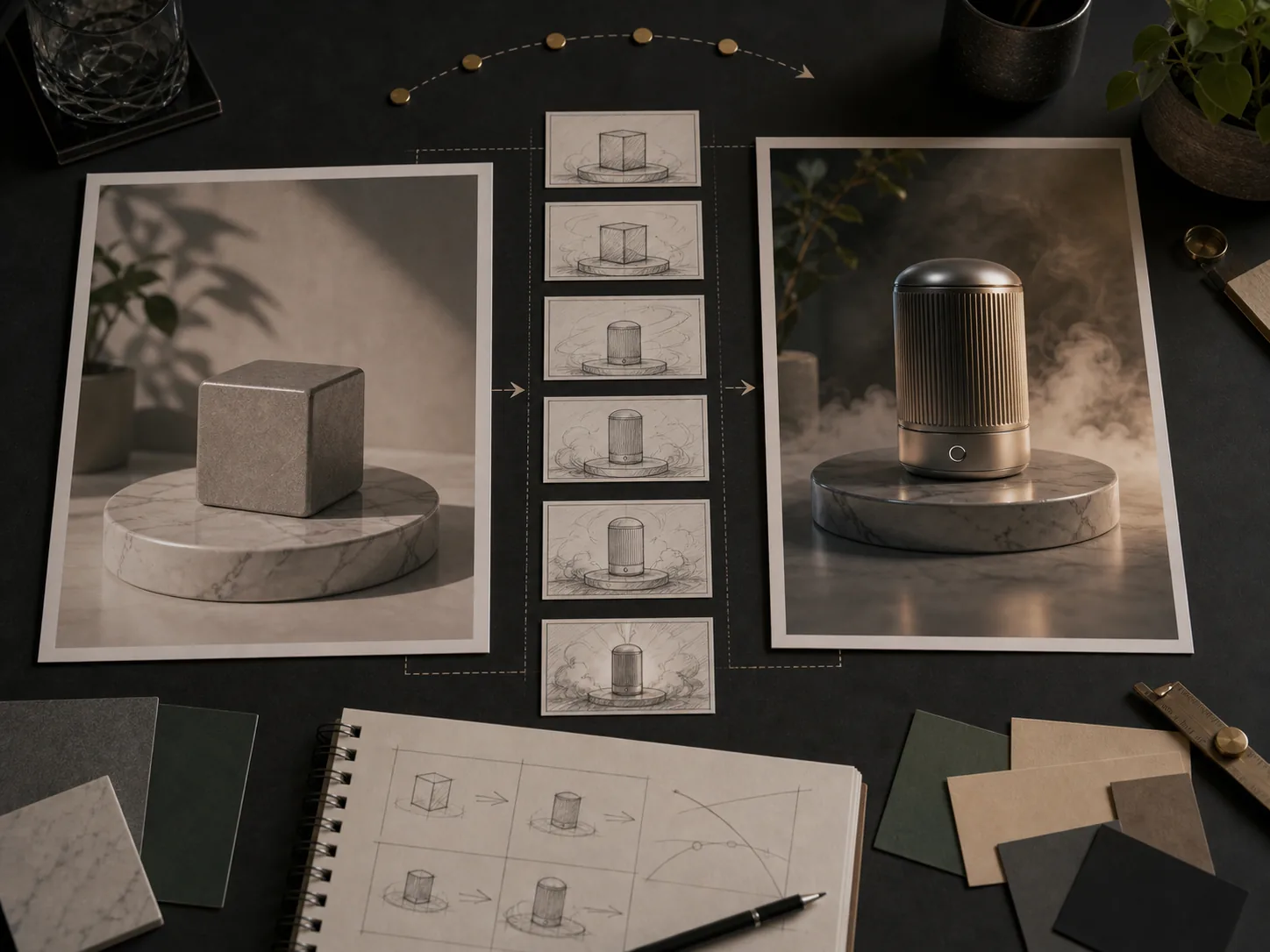
Upload a start frame image, an end frame image, or both to precisely define the visual boundaries of a generated clip. Wan 2.7 interpolates coherent motion between the specified frames, producing a controlled transition that honors the composition, color, and subject positions in both images. This makes it ideal for product reveals, environment transformations, and scene-to-scene cuts.
Reference-to-video subject consistency
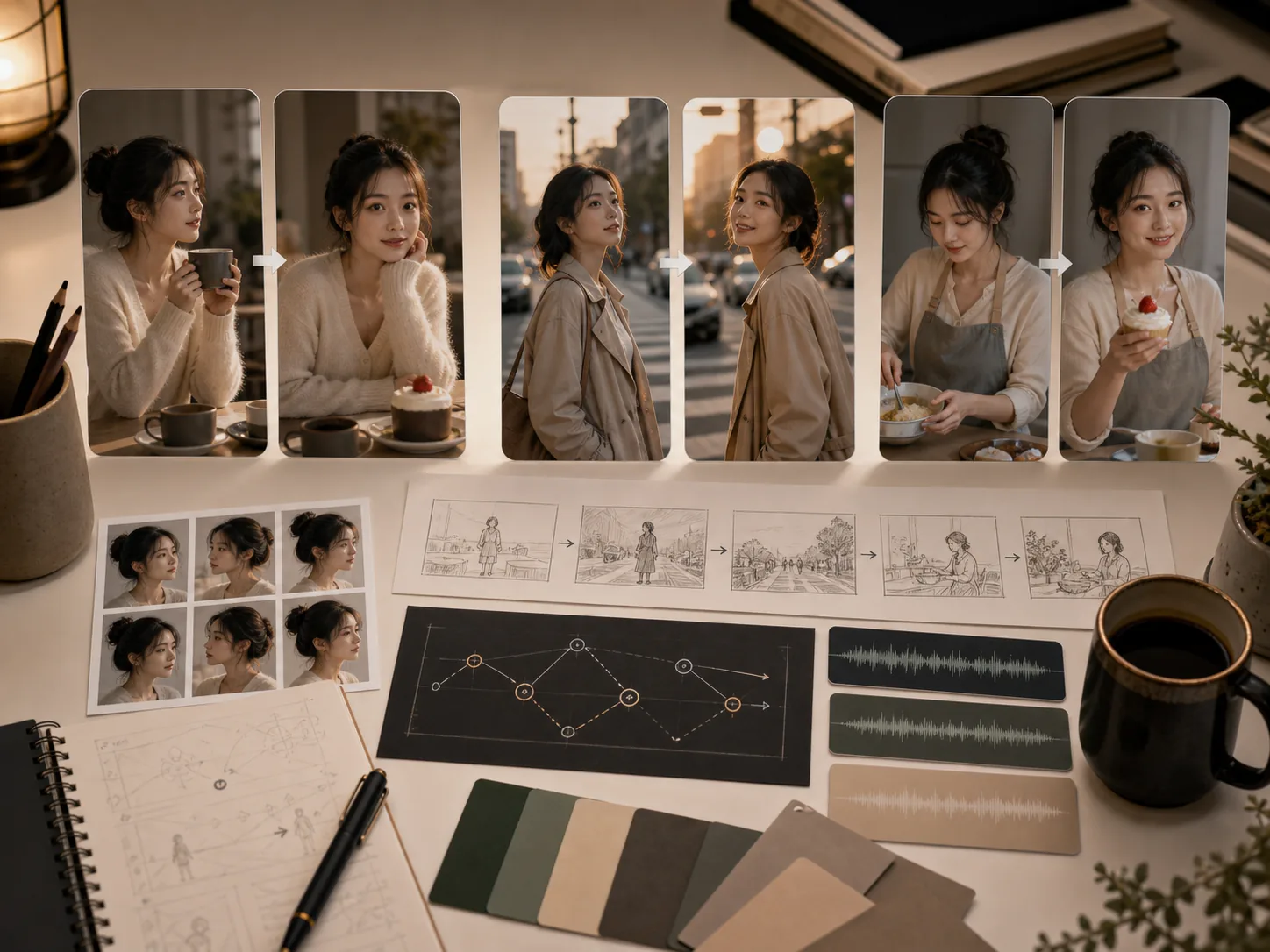
Upload image or video references as inputs to the R2V mode. Wan 2.7 extracts character appearance, clothing color, material texture, and object identity from the references and applies them consistently throughout the generated video. Both image references and video references are supported, enabling character and product consistency across different scenes and camera angles.
Instruction-based video editing
The Video Edit mode accepts an existing source video and a natural-language instruction describing the target change. Wan 2.7 applies local edits — style transfer, color changes, object replacement, background modification — while preserving the original motion structure and temporal consistency. Add up to 5 reference images to specify the target visual appearance for the edited output.