HappyHorse 1.0

HappyHorse 1.0 AI Video Generator

HappyHorse 1.0 is Alibaba's #1-ranked AI video model on the Artificial Analysis Video Arena for both text-to-video and image-to-video at its April 2026 launch. Built on a unified 15B-parameter, 40-layer Transformer, it generates video and audio jointly in a single forward pass with native lip-sync in 7 languages — no separate audio post-processing pipeline.

#1 Elo on Artificial Analysis Video Arena for text-to-video and image-to-video at April 2026 launchJoint audio-video generation in a single 40-layer Transformer forward pass — no cross-attention, no separate Foley pipelineNative lip-sync in 7 languages: English, Mandarin, Cantonese, Japanese, Korean, German, and FrenchVideo-edit mode: modify existing clips with text instructions and up to 5 reference images for appearance guidance

HappyHorse 1.0

Alibaba's Taotian Future Life Lab, released April 2026. Ranked #1 on the Artificial Analysis Video Arena at launch. Supports video-edit mode with up to 5 reference images for instruction-guided modifications.

HappyHorse 1.0 preview

Joint audio-video generation in one pass — dialogue, ambient sound, and video produced together without post-processing.

Play template video
HappyHorse 1.0 preview

HappyHorse 1.0

HappyHorse 1.0 preview

Joint audio-video generation in one pass — dialogue, ambient sound, and video produced together without post-processing.

HappyHorse 1.0 preview 1
HappyHorse 1.0 preview 2

HappyHorse 1.0 AI video generator features
Joint audio-video architecture

HappyHorse 1.0 runs a unified 40-layer self-attention Transformer that processes text, image, video, and audio tokens simultaneously in a single forward pass. There are no cross-attention modules and no separate Foley post-processing stage. Audio is planned alongside motion from the start — lip-sync, ambient sound, and visual action are coherent by design, not stitched together after generation completes.

Video-edit mode with reference images

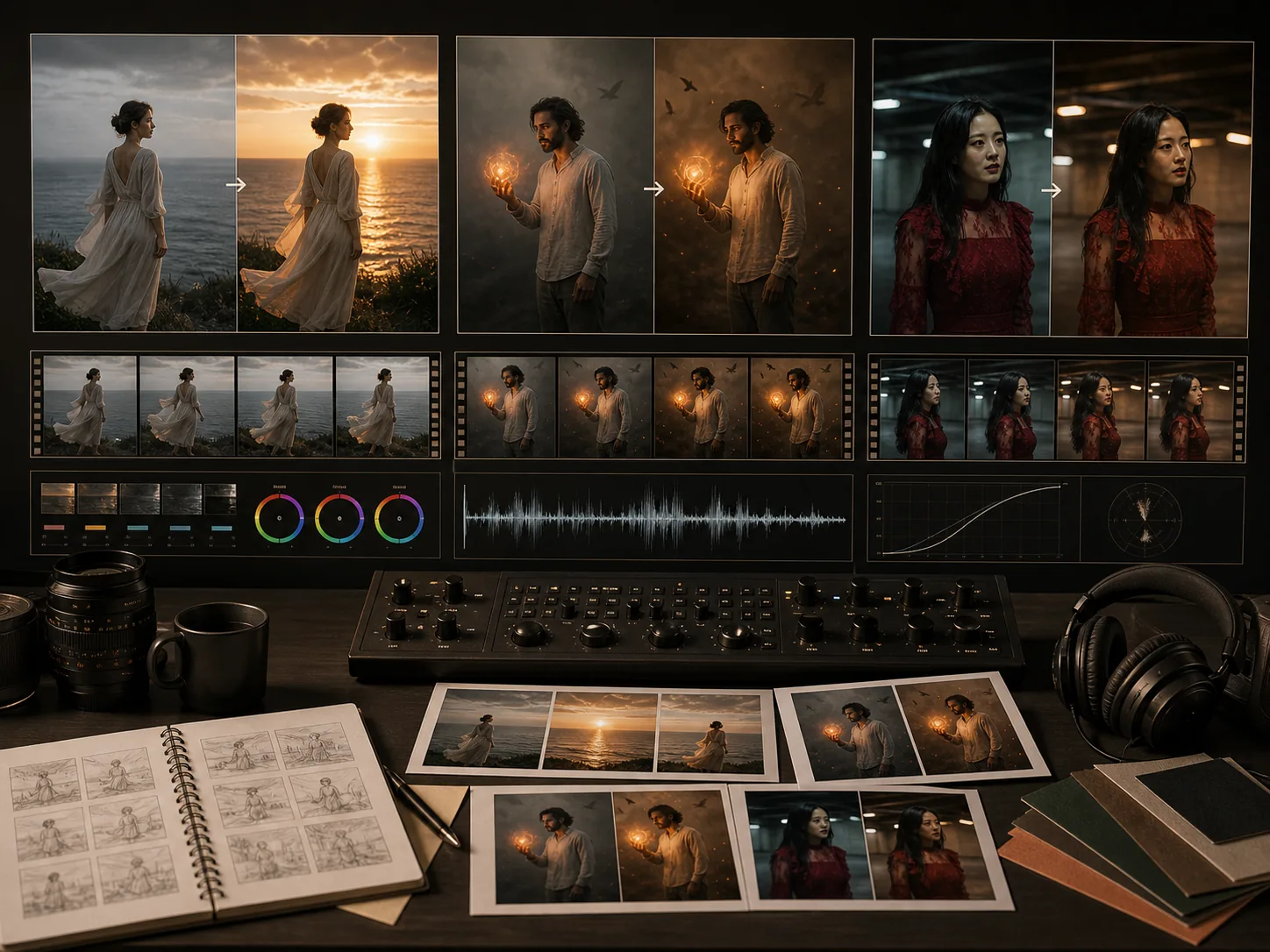
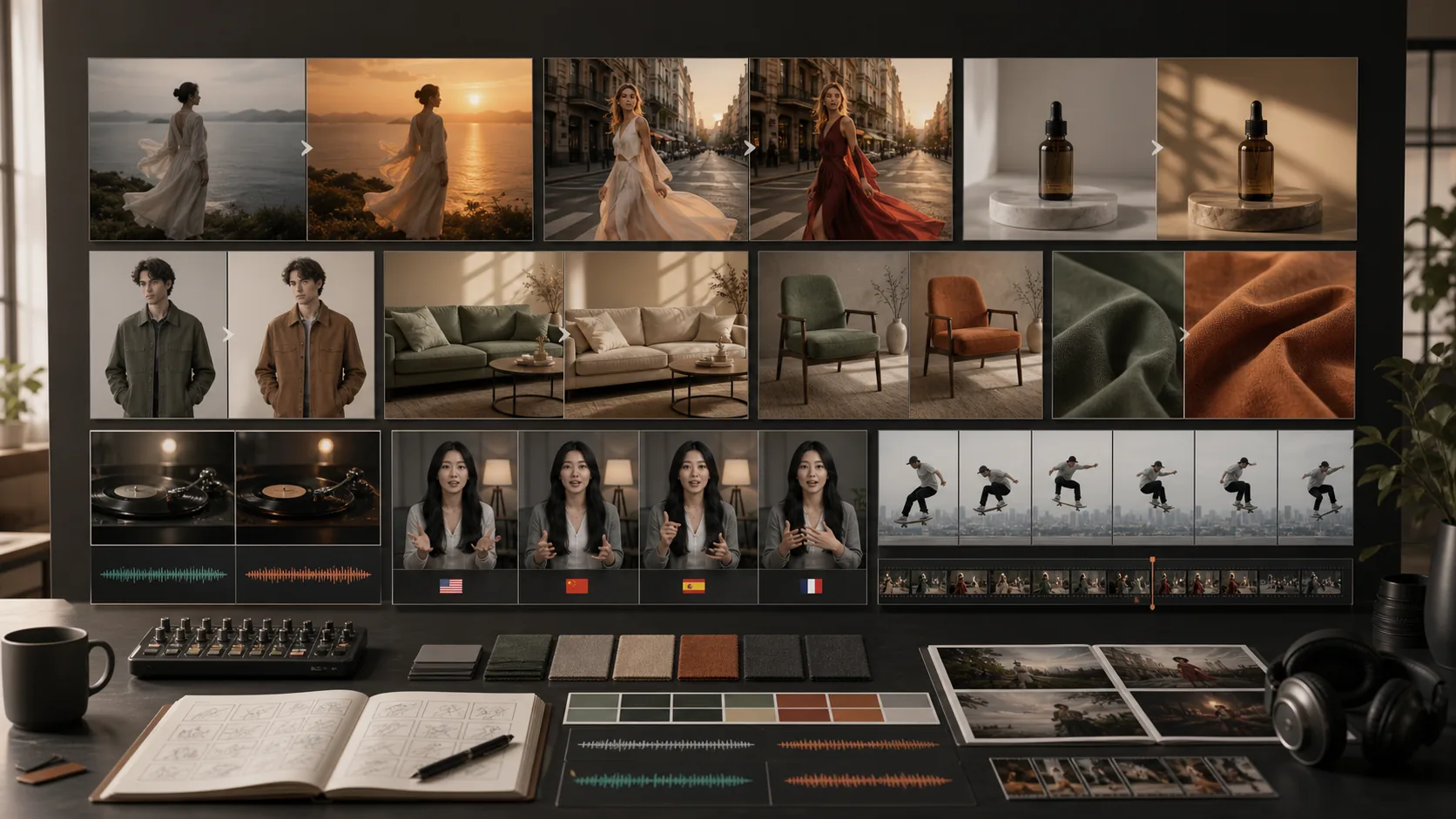
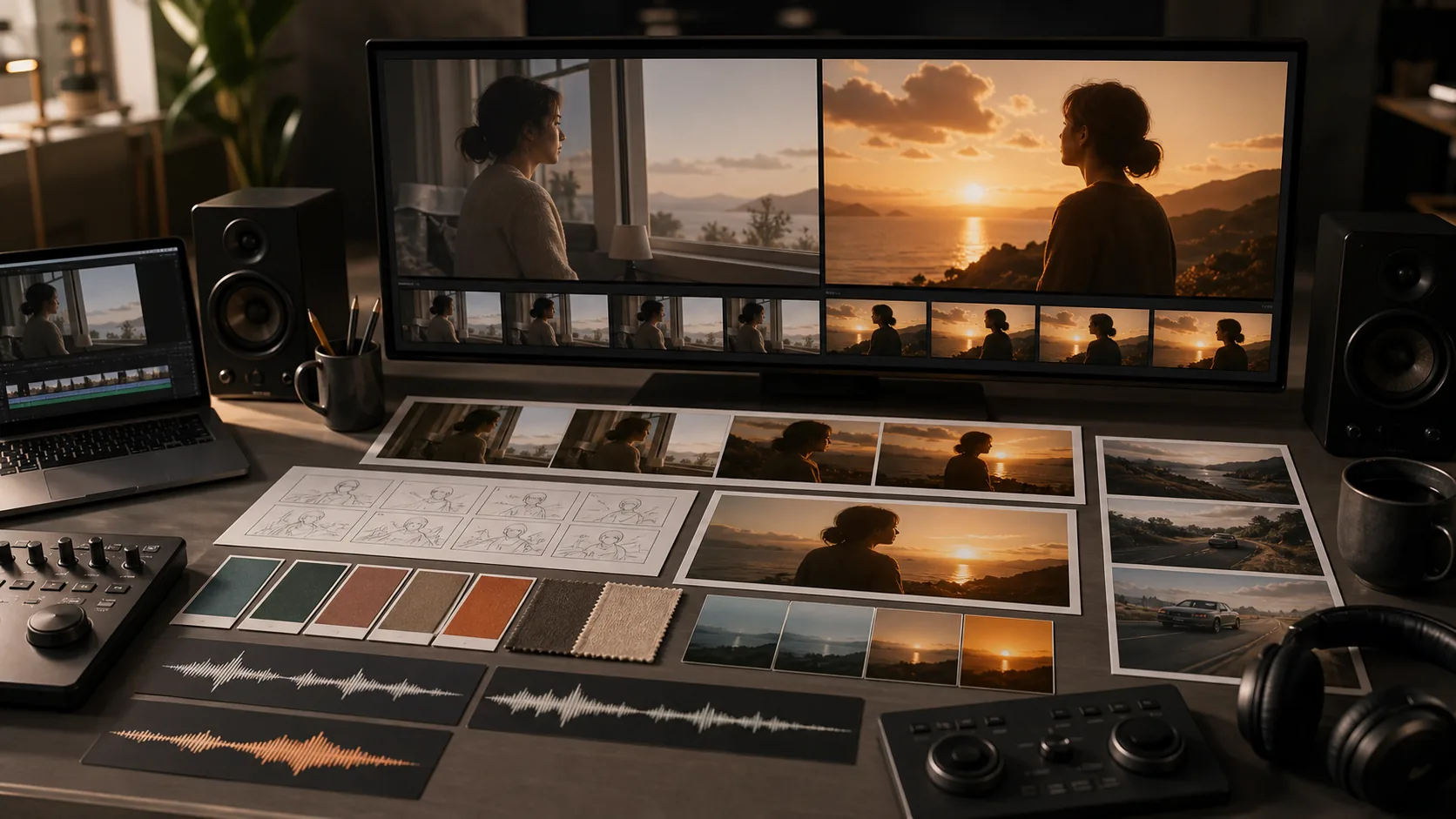
Upload an existing video clip and write a text instruction to modify it. HappyHorse 1.0 supports local edits — changing clothing, color, or specific attributes — and global edits such as style or background transformation, while preserving the motion and temporal structure of the original clip. Add up to 5 reference images to specify the exact target appearance for the edited output.

Multilingual lip-sync in 7 languages

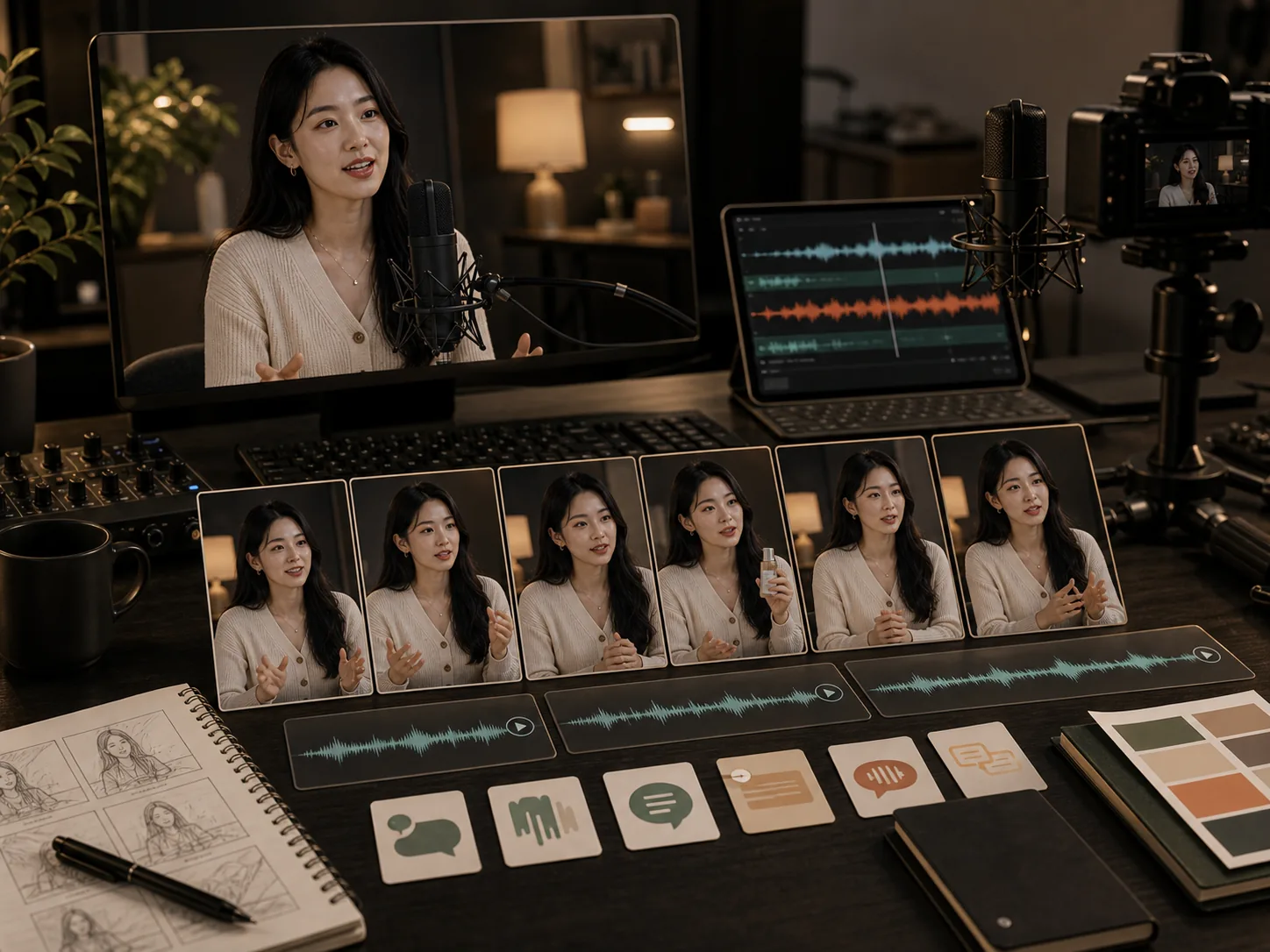
Native lip-sync is generated alongside video for English, Mandarin, Cantonese, Japanese, Korean, German, and French — all in the same single-pass architecture. Characters speak with synchronized mouth movements without a separate voice overlay or post-production alignment step. HappyHorse 1.0 also generates Foley sounds and ambient audio natively in the same generation pass.

Reference-to-video subject consistency

Upload reference images or reference videos to establish consistent character appearance, product identity, or visual style across generated clips. HappyHorse 1.0 reads reference assets and applies their visual qualities — face structure, clothing, material texture — to the generated video while applying natural motion and camera behavior from the text prompt.

Multi-format output for all platforms

HappyHorse 1.0 outputs video at 720p or 1080p in five aspect ratios — 16:9, 9:16, 1:1, 4:3, and 3:4 — covering the full range of social, streaming, and traditional media platforms. All outputs carry full commercial rights. The model is accessible via the fal.ai official API partnership with Python and JavaScript SDK support.
How to use HappyHorse 1.0

01

Choose your generation mode: text-to-video, image-to-video, reference-to-video, or video-edit

02

For text-to-video, write a prompt with subject description, motion direction, scene environment, and any dialogue for lip-sync

03

For reference-to-video, upload reference images or videos to define consistent subject appearance, style, or motion

04

For video-edit, upload a source video clip and write a text instruction describing what to change in the output

05

Set resolution (720p or 1080p), aspect ratio, and check credit estimate before submitting the generation

Best HappyHorse 1.0 use cases

Best HappyHorse 1.0 use cases

01

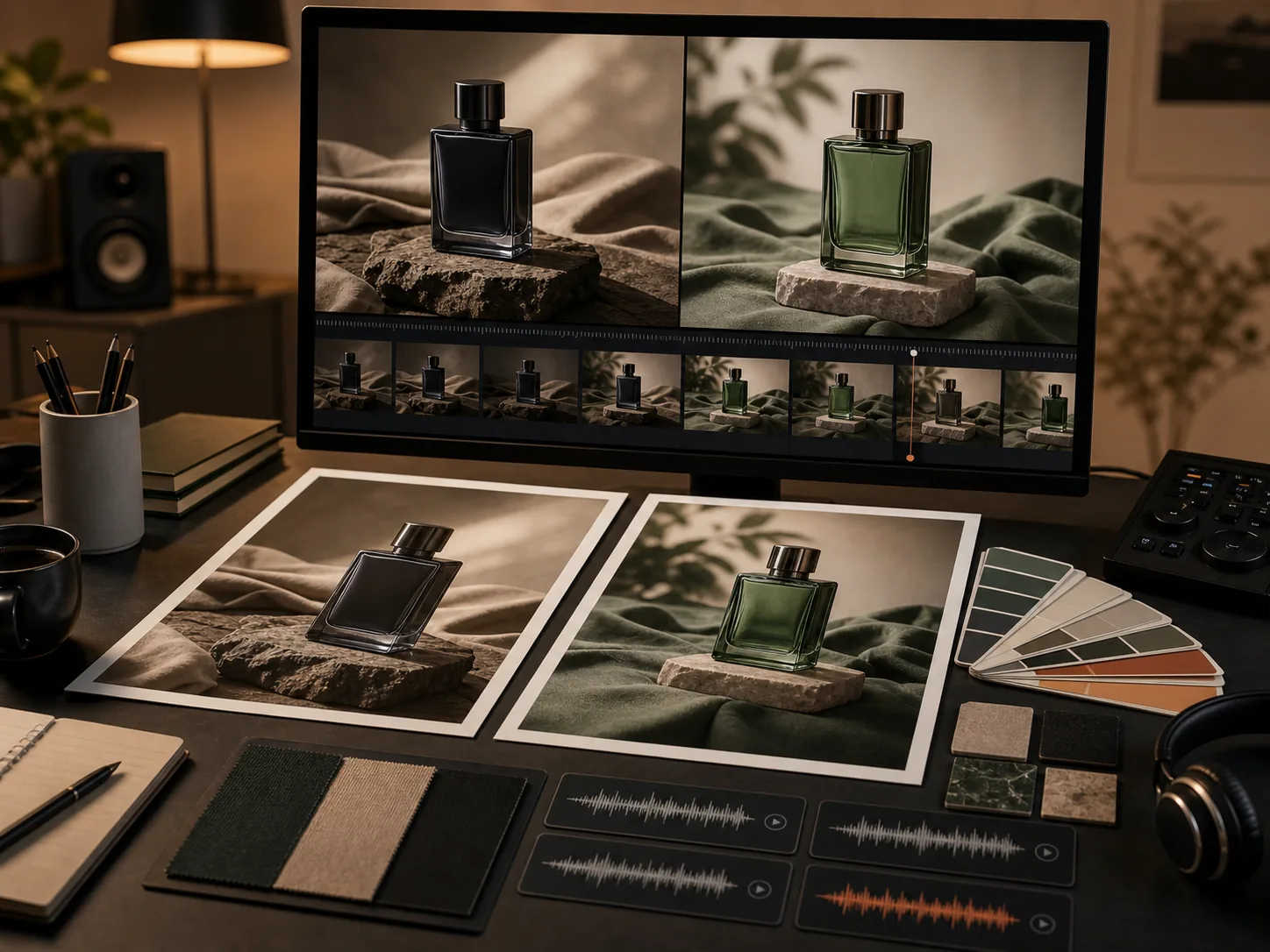
E-commerce video editing: change product color, packaging, or model clothing in existing campaign videos using text instructions and reference images

02

Multilingual content production: generate the same video with synchronized native speech in English, Mandarin, Japanese, German, or French

03

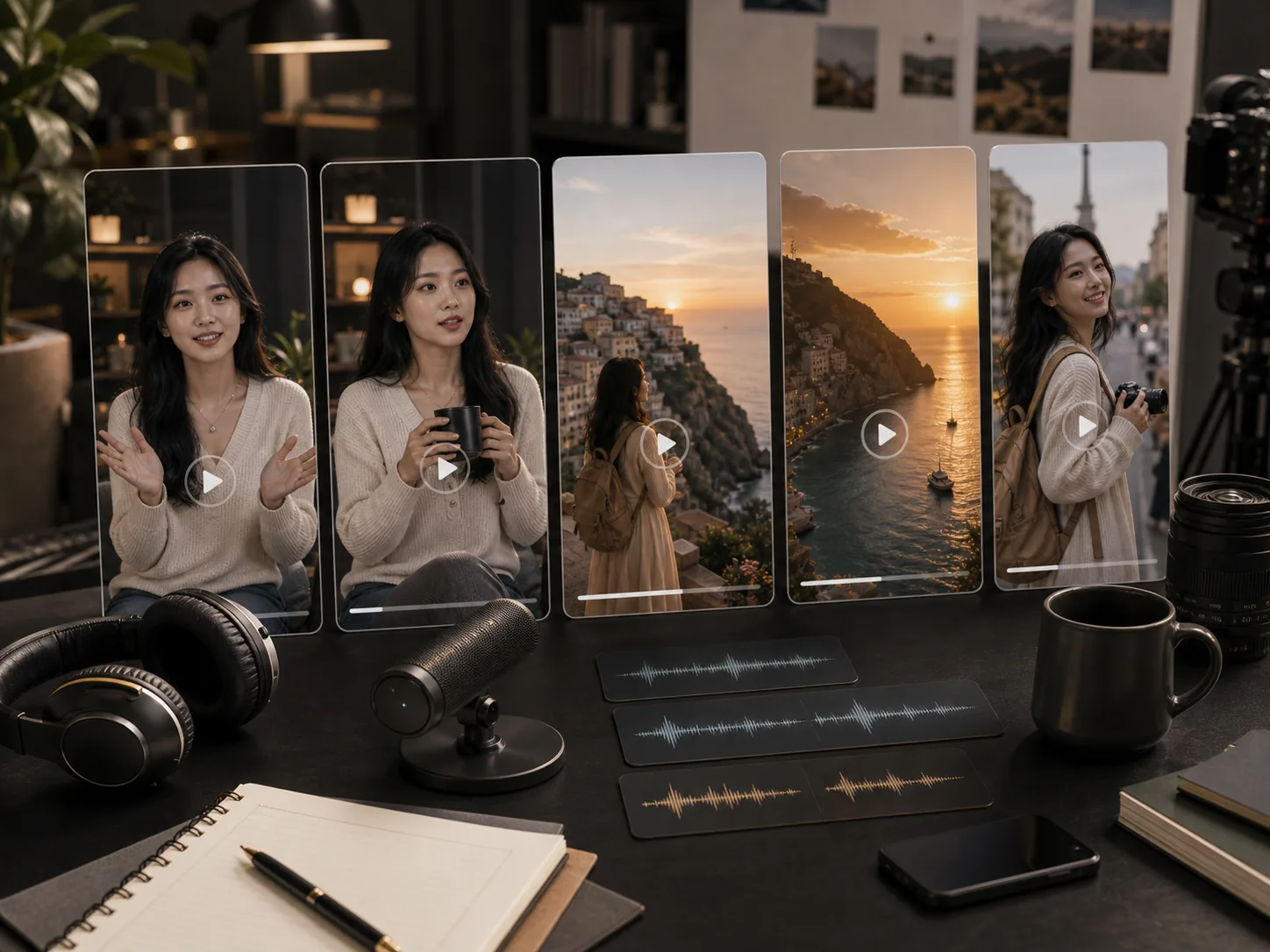
Social media vertical clips: produce native 9:16 content with joint audio for TikTok, Instagram Reels, and YouTube Shorts

04

Brand visual consistency: use reference images to enforce consistent subject appearance across a batch of short social clips

05

AI-assisted post-production: modify lighting, background, or character attributes in completed footage without reshooting the source video

06

Reference-consistent content series: generate multiple clips with the same subject appearance using reference-to-video mode

HappyHorse 1.0 prompting tips

Specify who is speaking and include dialogue text to activate the 7-language lip-sync engine in the same generation pass
For video-edit mode, describe the target output clearly — tell the model what you want to see in the result, not what to remove
Upload reference images that closely match the intended final appearance to reduce iterative editing cycles and credit spend
Use 9:16 format for vertical social platforms (TikTok, Reels, Shorts) and 4:3 for traditional broadcast-compatible delivery
Combine image and video references in reference-to-video mode: image references for appearance, video for pacing and motion style

How to use HappyHorse 1.0

Use text-to-video to generate a scene from a detailed prompt with native audio — dialogue, ambient sound, and motion planned in one pass
Animate a product or character image with image-to-video mode, adding scene context, lighting, and sound via the prompt
Upload a reference image and reference video in reference-to-video mode to generate a consistent style-transfer clip
Use video-edit to upload an existing clip and modify clothing, background, color grading, or character attributes with a text instruction
Add up to 5 reference images in video-edit mode to specify the exact target visual appearance for the modified output

HappyHorse 1.0 FAQ

Why is HappyHorse 1.0 ranked #1 on the AI video leaderboard?

HappyHorse 1.0 achieved the top Elo score on the Artificial Analysis Video Arena in both text-to-video and image-to-video at its April 2026 launch, based on over 6,000 blind human preference votes. The ranking reflects superior performance on prompt adherence, motion coherence, audio-visual sync accuracy, and overall perceptual quality compared to competing models.

How does the joint audio-video architecture work?

HappyHorse 1.0 uses a unified 40-layer self-attention Transformer that processes all input modalities — text, image, video, audio — in a single forward pass with no cross-attention modules. Audio planning and video generation run together from the start, so lip-sync, Foley sounds, and ambient audio are naturally synchronized with on-screen action rather than being aligned in a separate post-processing stage.

What can video-edit mode change in an existing clip?

Video-edit mode applies text-instruction edits to uploaded videos, supporting both local edits (changing a specific element like clothing color or product detail) and global edits (adjusting overall style, lighting, or background). You can provide up to 5 reference images to specify the exact target appearance for the edited result.

Which languages support native lip-sync in HappyHorse 1.0?

HappyHorse 1.0 generates native lip-sync for English, Mandarin, Cantonese, Japanese, Korean, German, and French. Specify dialogue in your prompt and identify the speaker to activate lip-sync generation. All seven languages are handled in the same generation pass without separate per-language model variants.

What output formats and aspect ratios does HappyHorse 1.0 support?

HappyHorse 1.0 outputs 720p or 1080p MP4 video in five aspect ratios: 16:9, 9:16, 1:1, 4:3, and 3:4. All outputs include full commercial rights. The model is accessible through the Lovimg workspace and via the official fal.ai API partnership with Python and JavaScript SDKs.

How does HappyHorse 1.0 compare to other Alibaba AI video models?

HappyHorse 1.0 is built by Alibaba's Taotian Future Life Lab and focuses on joint audio-video generation and video editing across 4 modes. Wan 2.7, also from Alibaba's Tongyi Lab, brings a unique Thinking Mode reasoning layer and four generation modes with keyframe control. The two models serve different production workflows and are both available on Lovimg.