Kling O3

Kling O3 AI Video Generator

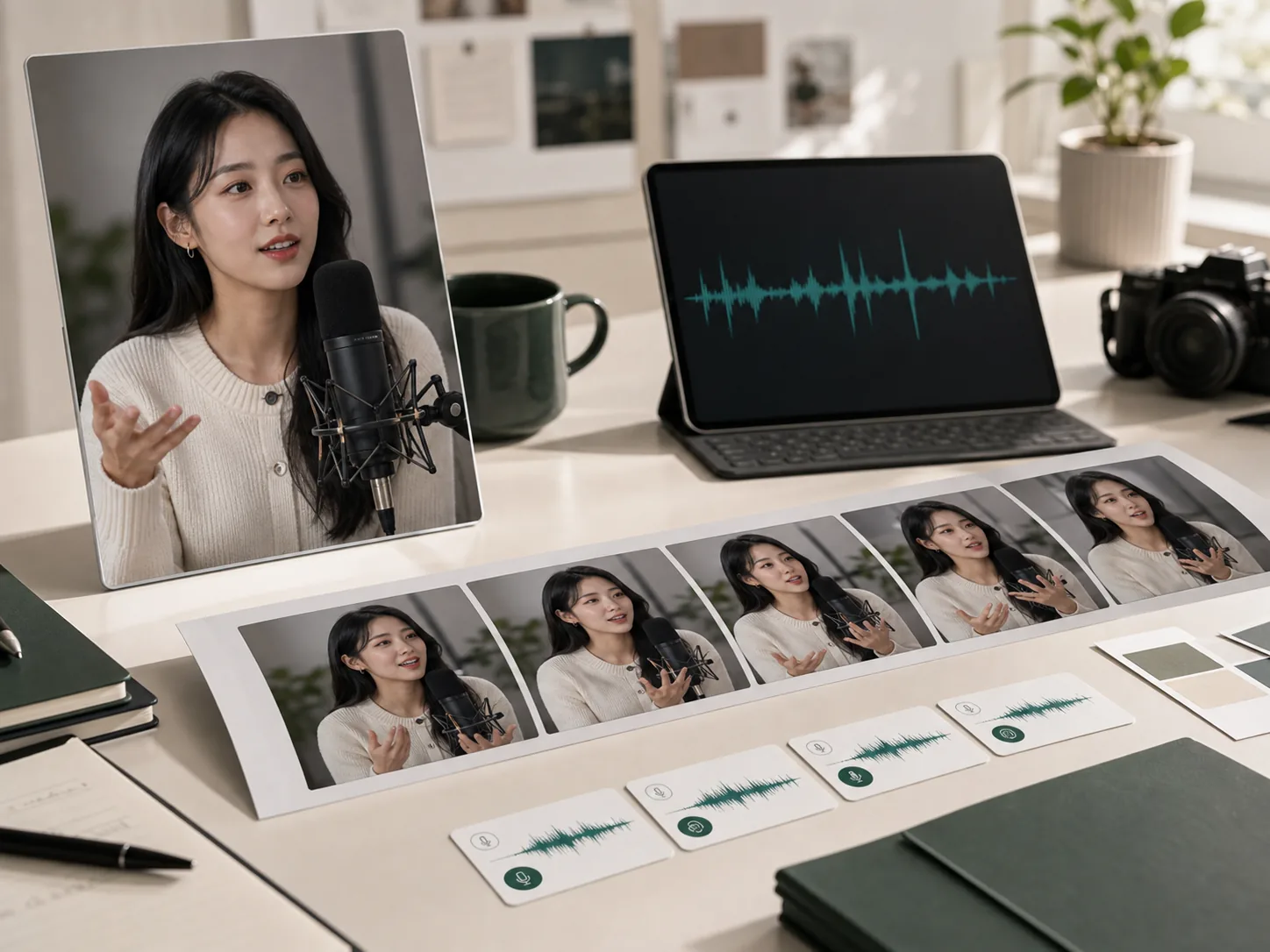
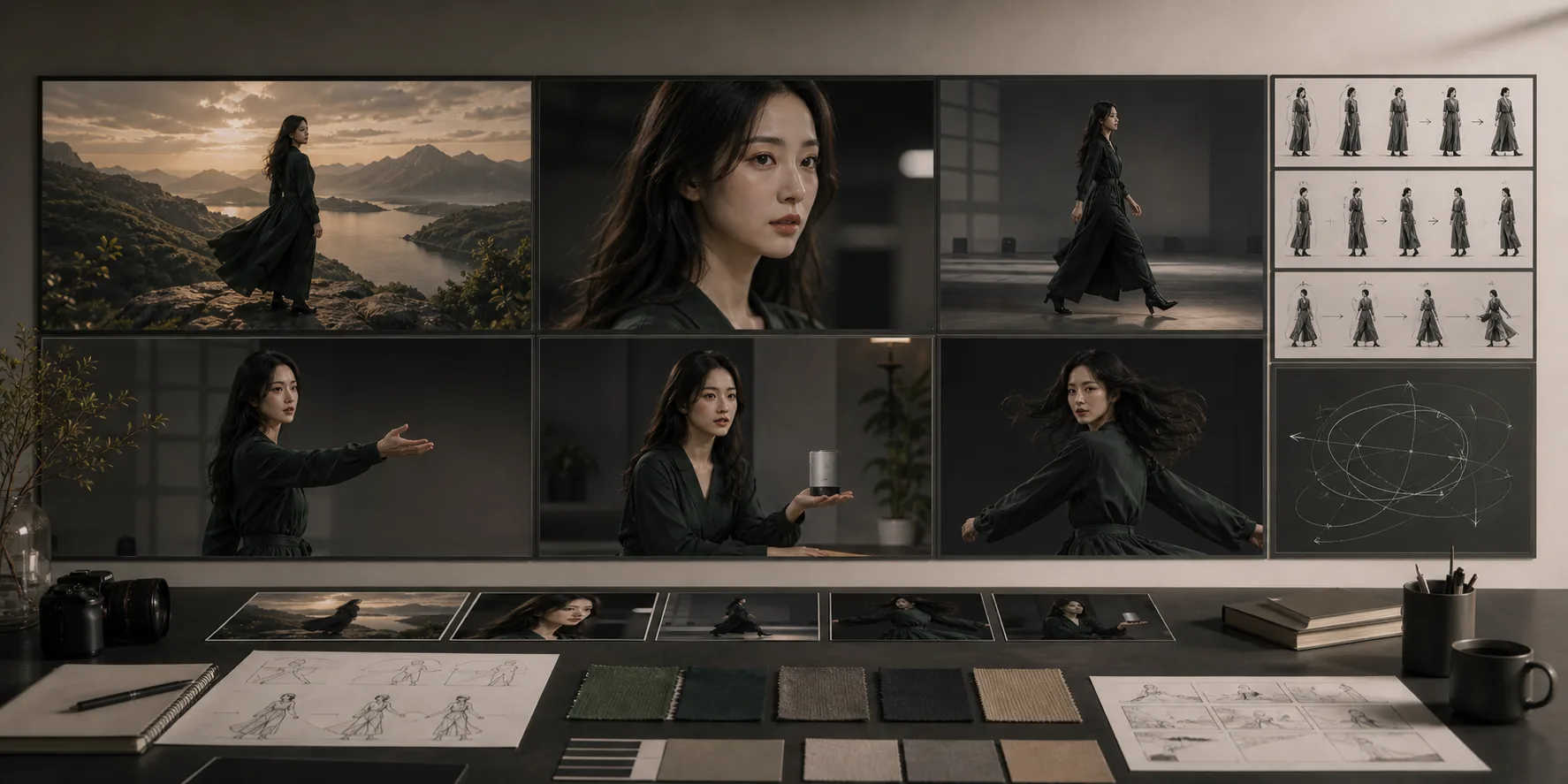
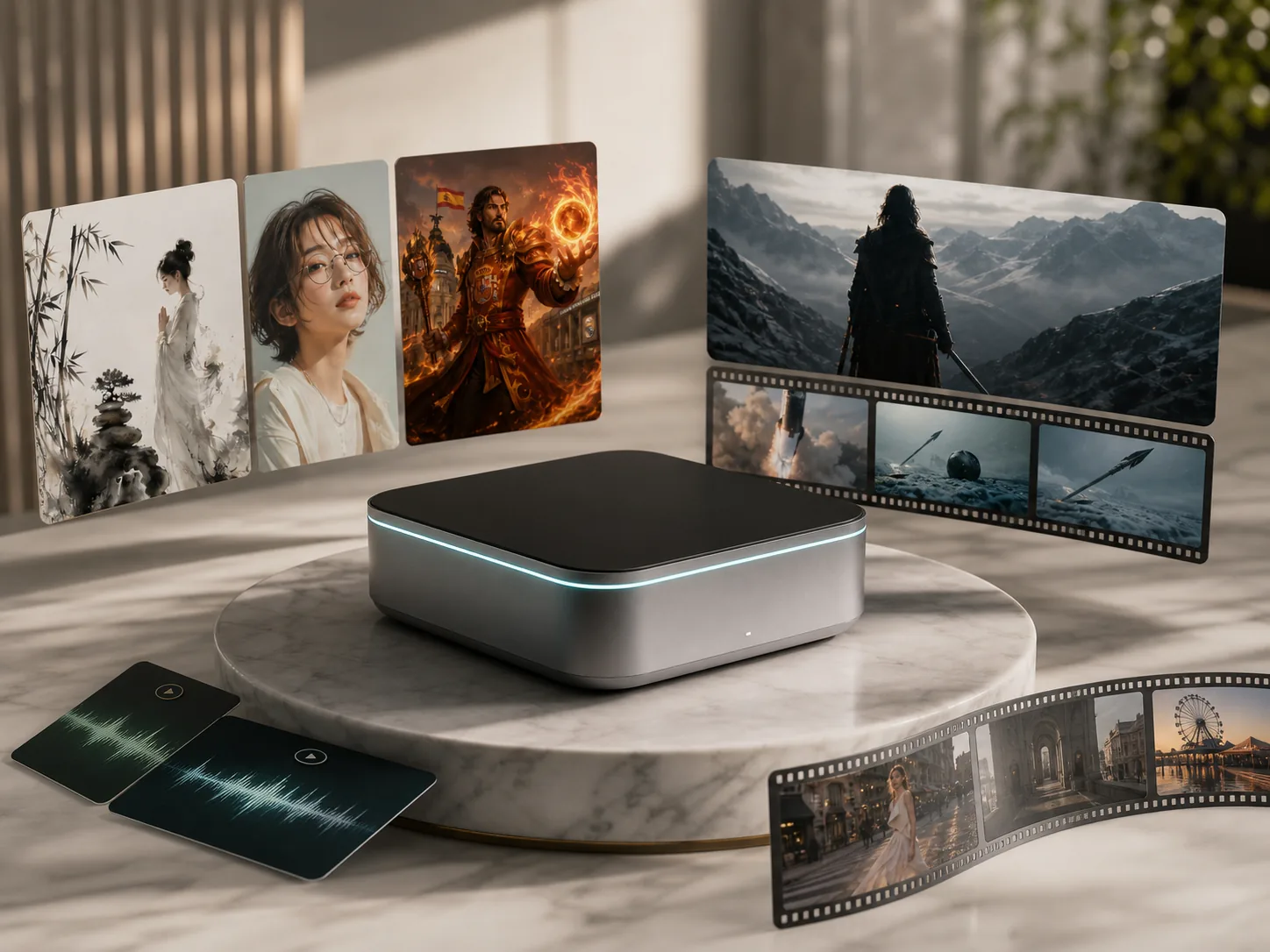
Kling O3 is Kuaishou's flagship Kling Video 3.0 Omni model — a unified multimodal AI video generator that creates up to 15-second clips at 4K with native audio, automatic lip-sync, and multi-shot storyboarding of up to 6 camera cuts in a single generation. The Elements 3.0 subject library locks character appearance, clothing, and voice across every shot and scene.

Elements 3.0 subject library locks visual DNA — facial features, clothing, and voice — across all 6 shotsMulti-shot storyboarding: up to 6 camera cuts with AI Director handling transitions automaticallyNative audio with automatic lip-sync in English, Mandarin, Cantonese, Japanese, and KoreanVisual Chain-of-Thought (vCoT) reasoning for coherent scene logic and physics-accurate motion at up to 4K

Kling O3

Kling Video 3.0 Omni, released February 4, 2026. Create a subject in the Elements 3.0 library to lock character identity, then generate multi-shot scenes with native audio and 4K output.

Kling O3 multi-shot preview

Generate up to 6 camera cuts with consistent subjects, native audio, and 4K output in a single Kling O3 generation.

Play template video
Kling O3 multi-shot preview

Kling O3

Kling O3 multi-shot preview

Generate up to 6 camera cuts with consistent subjects, native audio, and 4K output in a single Kling O3 generation.

Kling O3 multi-shot preview 1
Kling O3 multi-shot preview 2

Kling O3 AI video generator features

Elements 3.0 subject consistency

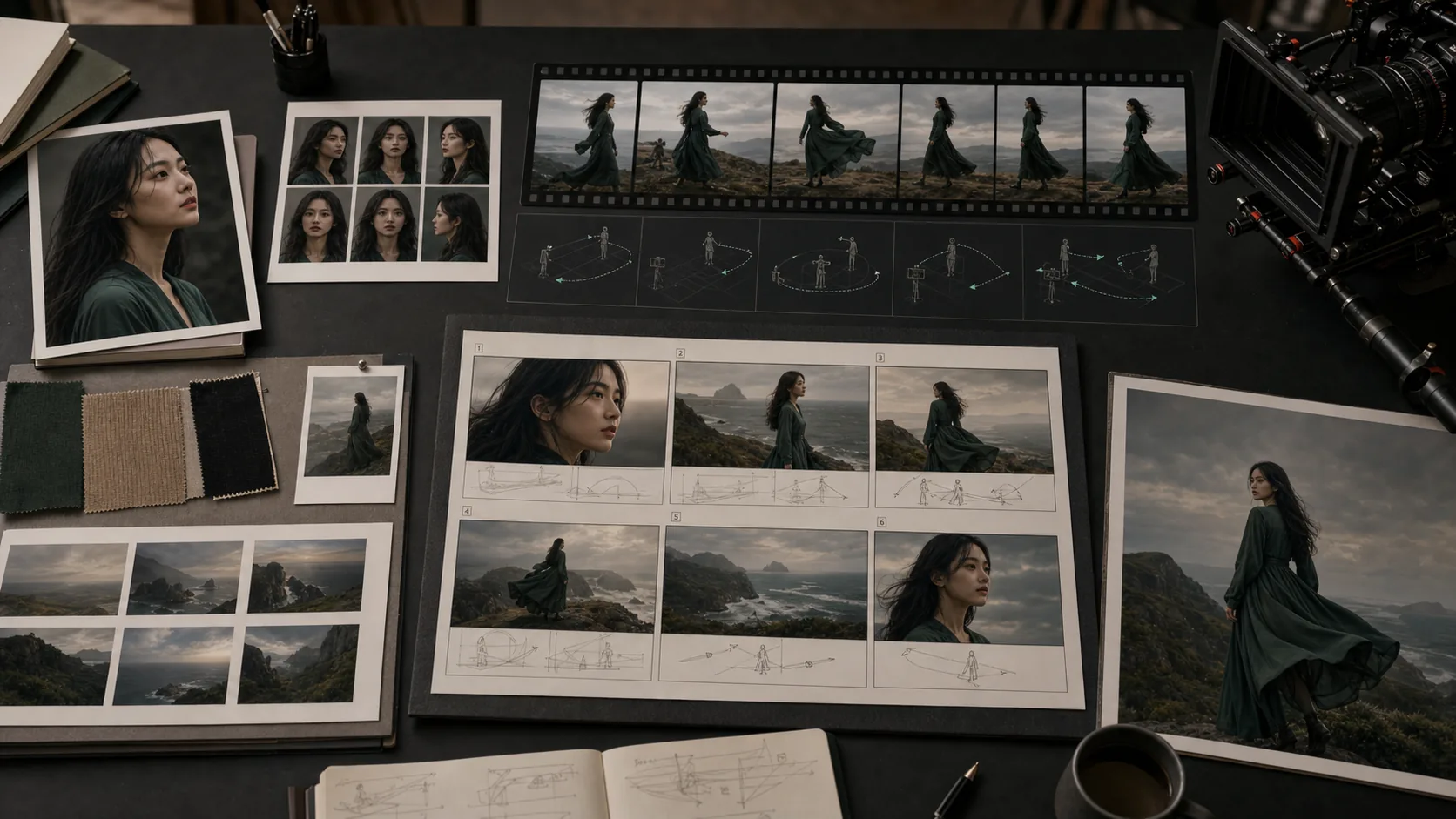
Upload 2–4 reference images or a 3–8 second video clip to build a persistent character element with locked facial features, clothing textures, and voice profile. The Elements 3.0 library stores the visual DNA so subjects remain stable across all 6 shots, camera angles, and scene transitions without drift. This is Kling O3's core advantage over single-shot models.

Multi-shot storyboarding with AI Director

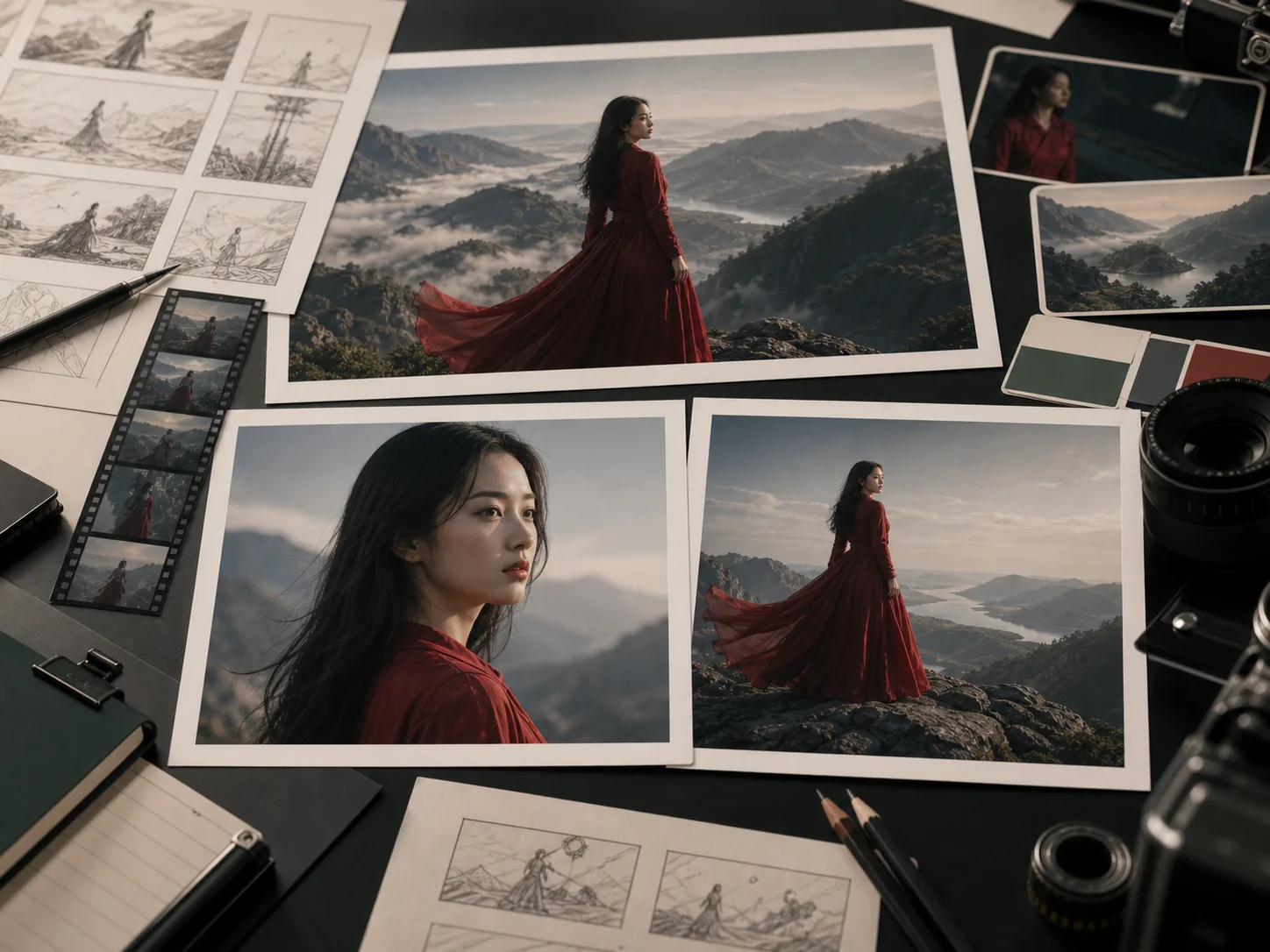
Kling O3 produces up to 6 camera cuts — wide shots, close-ups, reverse angles — in a single 15-second generation. The AI Director feature automates shot transitions while preserving subject consistency throughout. Creators can direct scenes as a sequence rather than assembling separate clips, which significantly reduces post-production time for social content series and brand campaigns.

Native 4K audio-video generation

Audio is generated natively alongside 4K video using Kuaishou's unified MVL architecture with Visual Chain-of-Thought reasoning. Dialogue, sound effects, and ambient soundscapes are synchronized from the first frame, with lip movements matched automatically in English, Mandarin, Cantonese, Japanese, and Korean — without separate audio post-processing or language-specific model variants.
How to generate a Kling O3 AI video

01

Create a subject in the Elements 3.0 library by uploading 2–4 reference images or recording a 3–8 second video clip

02

Select text-to-video, image-to-video, or reference-to-video generation mode in the left console

03

Write a multi-shot prompt describing each scene cut, camera angle, and transition direction in sequence

04

Bind the subject element to lock facial identity and voice across all generated shots before submitting

05

Set duration (up to 15 seconds), resolution (up to 4K), and check credit estimate before submitting

Best Kling O3 use cases

Best Kling O3 use cases

01

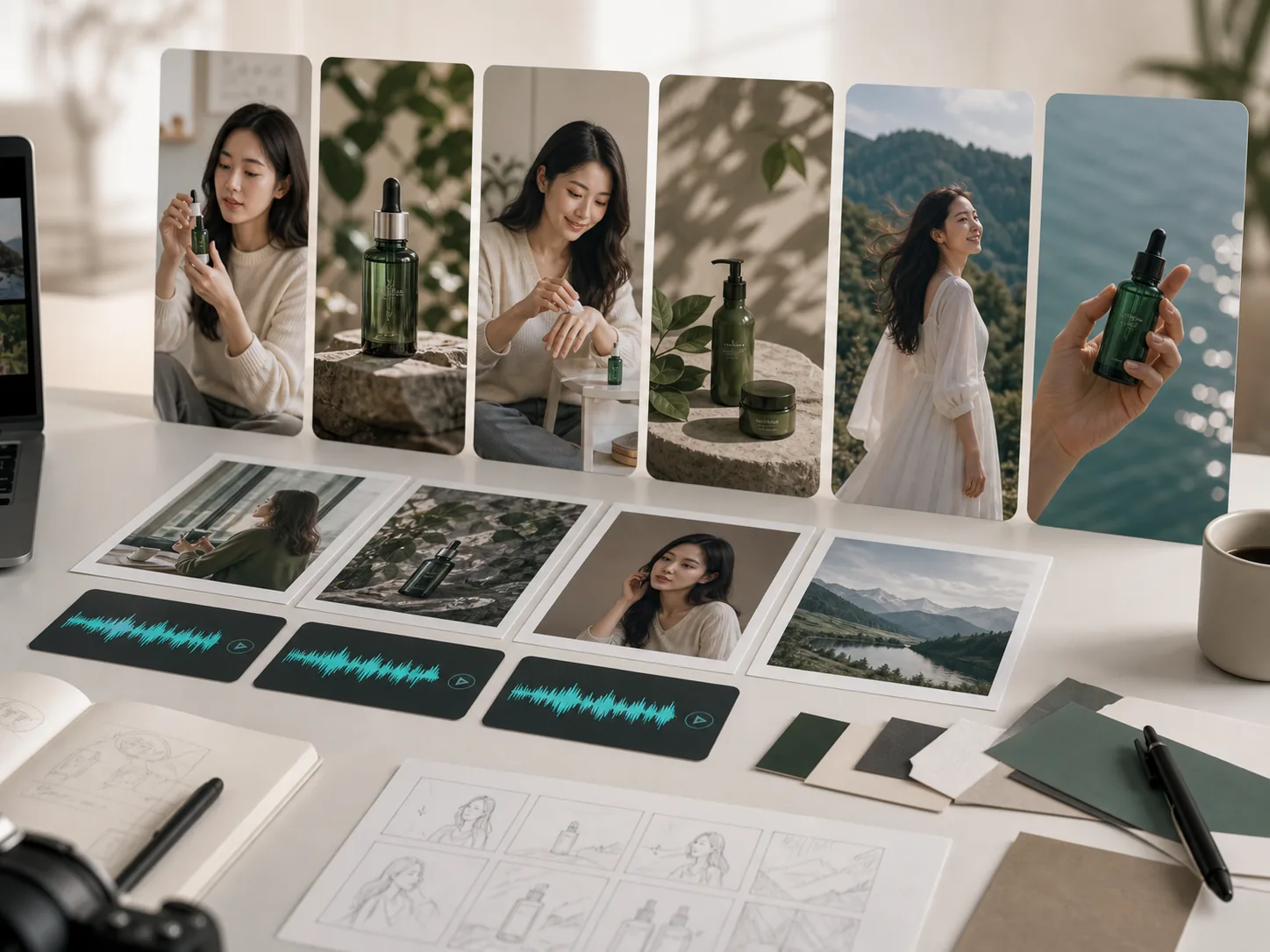
Brand character campaigns: lock a consistent spokesperson across a series of 6-shot clips with native voice audio for different markets

02

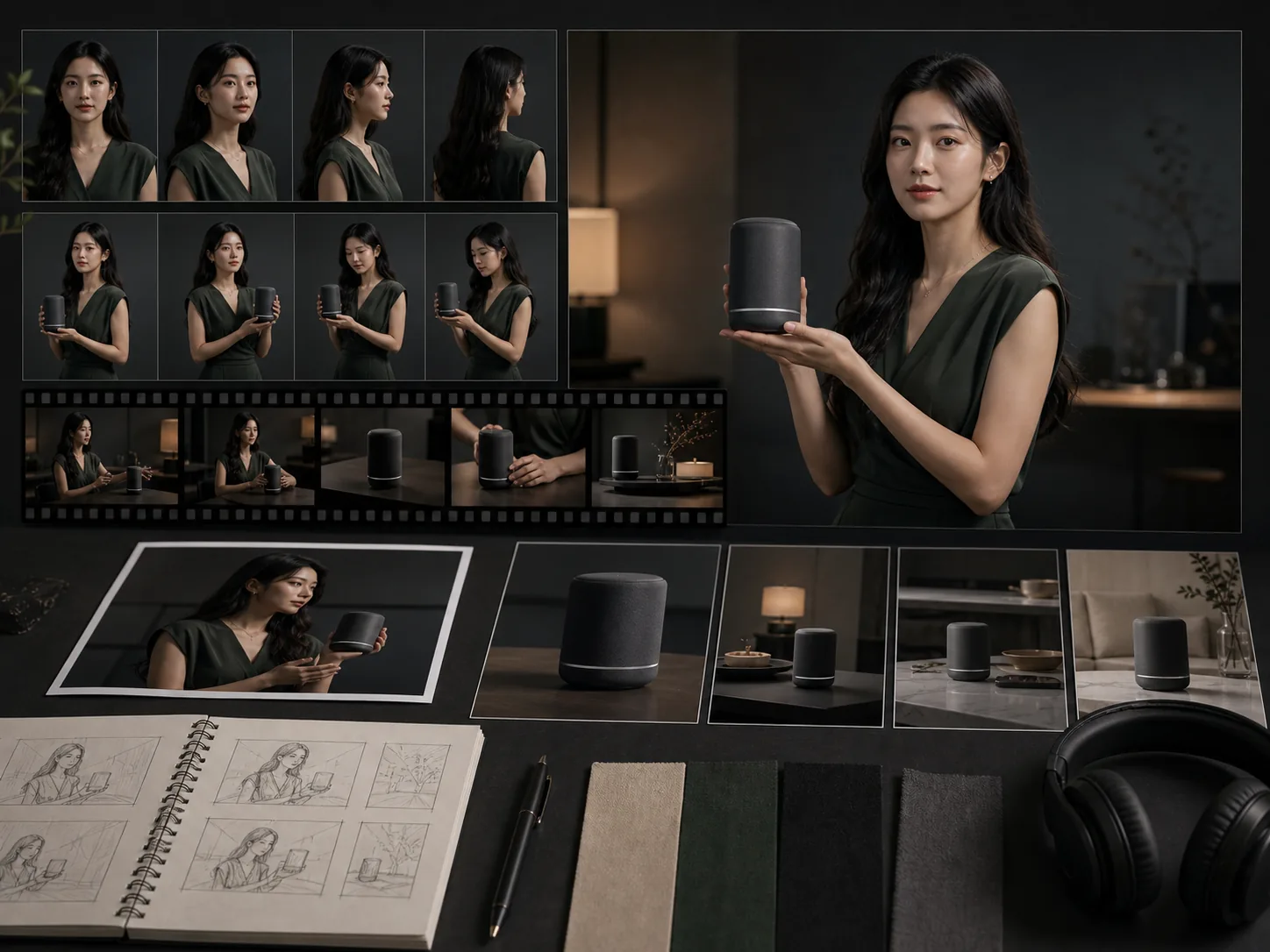
Product showcase with presenter: bind a human or avatar subject to speak about a product with synchronized 4K output

03

Short film storyboards: generate multi-shot narrative sequences with controlled camera cuts and consistent characters in one pass

04

Social content series: reuse a single Kling O3 element to produce multiple episodes with the same face and voice identity

05

E-commerce lifestyle videos: combine product references with model subject elements for consistent catalog video content at scale

06

Multilingual content production: generate the same spokesperson clip in English, Mandarin, Japanese, or Korean with native lip-sync

Kling O3 prompting tips

Build your subject element before writing the prompt — binding a character element eliminates appearance drift across all 6 camera cuts
Describe each camera shot in sequence: establish the wide scene first, then specify close-up direction and any transition cues
Specify dialogue in quotation marks and name the speaking character clearly to help the lip-sync engine assign audio to the correct subject
Use reference images for consistent product appearance and reference videos to transfer motion style or camera pacing
For multi-shot prompts, use numbered scene descriptions: "Shot 1: wide street scene. Shot 2: close-up of subject speaking."

How to use Kling O3

Create a reusable subject element to lock character appearance, clothing, and voice before generating any scenes
Use multi-shot mode to produce a director-controlled sequence of up to 6 camera cuts in a single 15-second clip
Write dialogue directly in the prompt to generate native lip-synced speech in English, Mandarin, Cantonese, Japanese, or Korean
Upload image references alongside a video reference to combine appearance consistency with motion style transfer
Review generated clips in video history, then reuse the same element for additional scene variations without rebuilding subjects

Kling O3 FAQ

What is the Elements 3.0 subject library?

Elements 3.0 is Kling O3's character consistency system. You create an element by uploading 2–4 reference images or a 3–8 second video clip. The model extracts the character's visual DNA — facial structure, clothing, and voice tone — and stores it as a reusable element that can be bound to any new generation to prevent appearance drift across shots and camera angle changes.

How many camera shots can Kling O3 produce in one generation?

Kling O3 supports up to 6 camera cuts within a single 15-second generation using the multi-shot storyboarding mode. Each shot can have its own size, angle, and camera movement. The AI Director feature handles transitions automatically while maintaining subject consistency throughout the sequence, eliminating manual clip assembly.

Which languages support native lip-sync in Kling O3?

Kling O3 supports native audio and lip-sync in English, Mandarin, Cantonese, Japanese, and Korean. Specify dialogue in your prompt and identify the speaking character to generate synchronized speech. The audio is generated alongside the video in a single pass using Kuaishou's MVL architecture.

What resolutions does Kling O3 support?

Kling O3 generates video at up to 4K resolution at 24fps. Standard output options include 720p, 1080p, and 4K. Higher resolutions increase generation time and credit cost. Clips range from 3 to 15 seconds in duration. Use the Lovimg workspace credit estimate to check cost before submitting.

Can I use Kling O3 without creating a subject element?

Yes. Text-to-video and image-to-video modes do not require an Elements 3.0 element. Elements are recommended when character consistency across multiple shots or multiple separate generations matters. For single-shot clips without a specific character, a prompt alone or a reference image is sufficient.

How is Kling O3 different from Kling V3?

Kling O3 is the Omni variant focused on multi-shot storyboarding, the Elements 3.0 subject library, and native audio generation across 5 languages. Kling V3 is specialized for motion control — it uses a reference action video to transfer precise full-body movement, hand gestures, and facial expressions to a subject image with physics-accurate results.