Seedance 2.0

Seedance 2.0 AI Video Generator

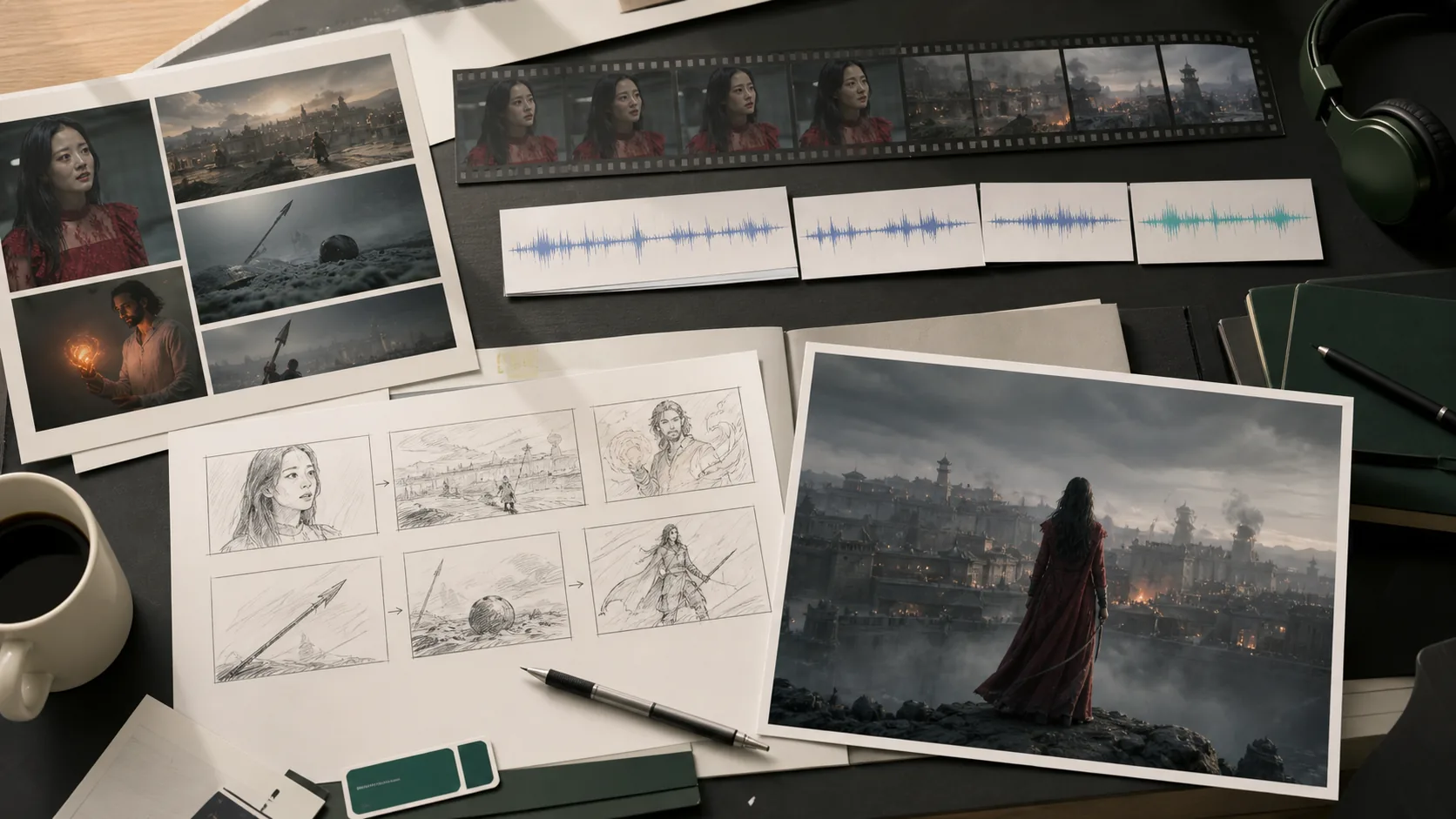
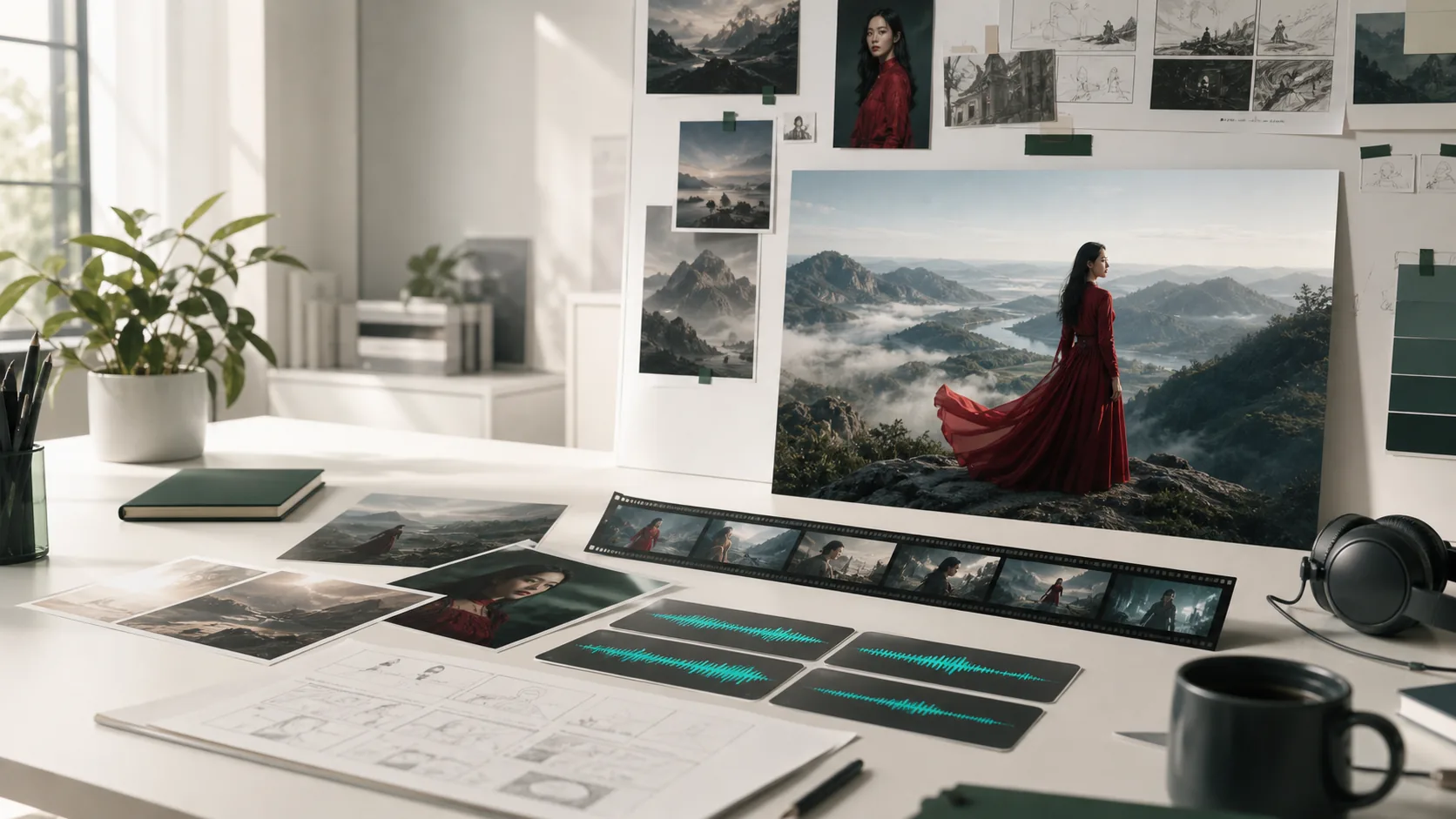
Seedance 2.0 is ByteDance's unified multimodal video generation model that accepts up to 12 assets in a single generation — combine text prompts, up to 9 reference images, 3 video clips, and 3 audio files to build product demos, creator clips, multi-shot narratives, and social ad drafts with native phoneme-level lip-sync in 8+ languages and frame-level camera control.

Up to 12 multimodal inputs per generation: 9 reference images, 3 video clips, and 3 audio files alongside a text promptNative phoneme-level lip-sync in 8+ languages generated simultaneously with video — no post-production audio stitchingMulti-shot storytelling with consistent characters across multiple scene cuts in a single 15-second generation passStandard tier for polished 1080p drafts; Faster tier for low-cost prompt iteration and pacing tests

Seedance 2.0

ByteDance SEED Lab, released February 2026. Choose Standard for full-quality 1080p drafts or Faster for low-cost prompt iteration. Supports video editing and extension on previously generated clips.

Seedance 2.0 preview

Combine text, reference images, video clips, and audio files to generate a cohesive multi-shot clip with native audio.

Play template video
Seedance 2.0 preview

Seedance 2.0

Seedance 2.0 preview

Combine text, reference images, video clips, and audio files to generate a cohesive multi-shot clip with native audio.

Seedance 2.0 preview 1
Seedance 2.0 preview 2

Seedance 2.0 AI video generator features
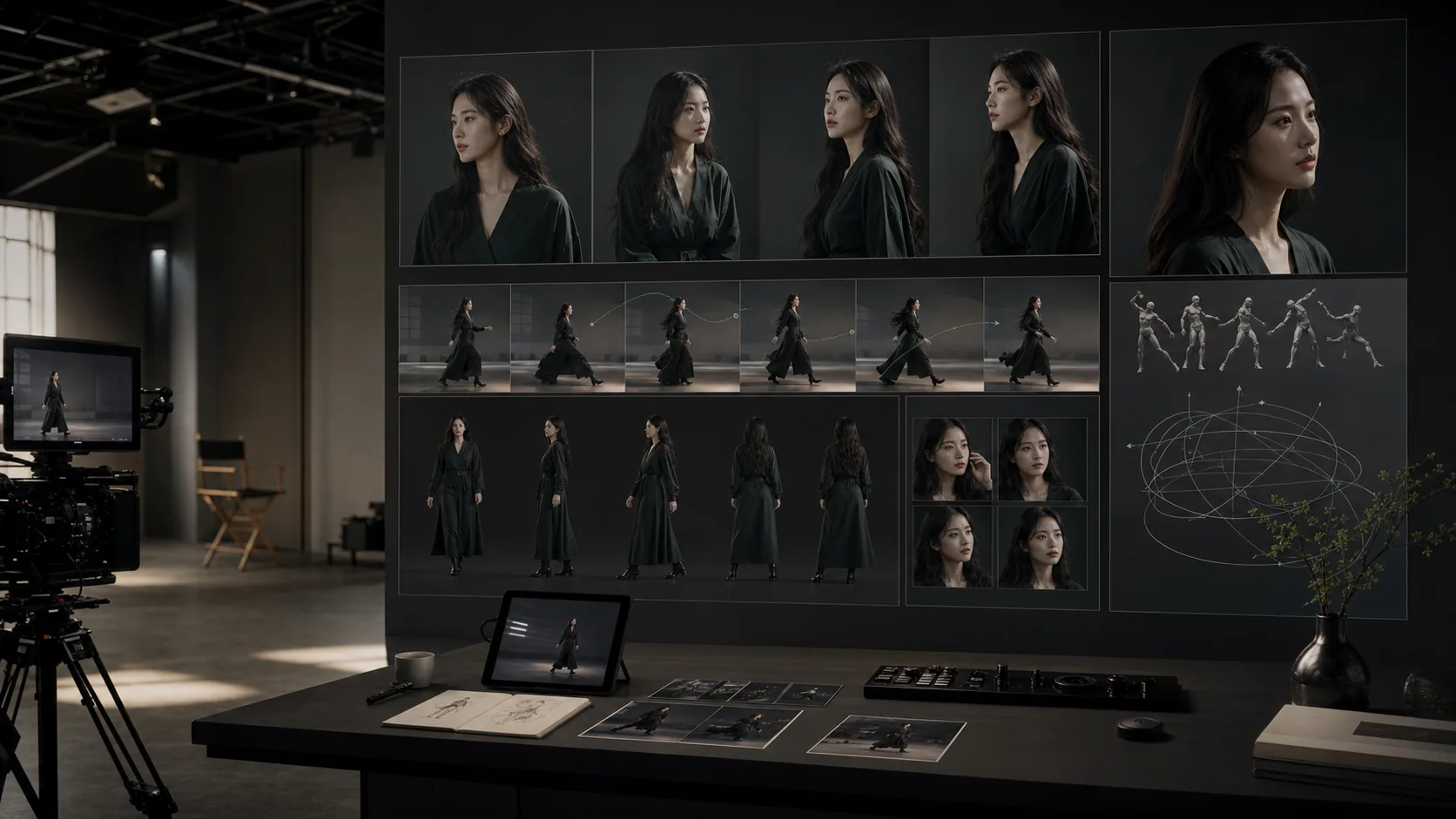
Unified 12-asset multimodal input

Reference up to 9 images, 3 video clips, and 3 audio files in a single prompt using @AssetName syntax. Seedance 2.0 reads each input's role — appearance, motion, audio rhythm — and weaves them into coherent video without separate pipeline stages. This replaces the need for multiple tools or manual asset assembly for complex multi-reference productions.

Native phoneme-level lip-sync

Audio is generated simultaneously with video through ByteDance's dual-branch diffusion transformer architecture. Lip movements align at the phoneme level across English, Mandarin, Japanese, French, German, Korean, Arabic, and other supported languages. No post-production audio stitching is required — dialogue, ambient sound, and music are synchronized from the first frame of generation.

Multi-shot cinematic storytelling

Define multiple scenes in one prompt with different camera angles, actions, and compositions per shot. Seedance 2.0 maintains character consistency and visual coherence across scene transitions, producing up to 15-second multi-shot narratives in a single generation pass — a workflow that previously required assembling separate clips in a video editor.

Video editing and extension

Extend previously generated Seedance clips by continuing the motion beyond the original cut, or apply targeted edits to specific characters, actions, and storylines using a text instruction. Seedance 2.0 treats generation and editing as one continuous workflow, eliminating the need to re-generate from scratch when refining existing clips.

Standard and Faster tiers

Standard delivers full-resolution 1080p drafts with maximum prompt adherence for final-stage production. Faster runs at reduced latency and lower credit cost, ideal for testing prompt direction, composition, and pacing before committing to a Standard render. The recommended workflow is to iterate on Faster and switch to Standard for the final published version.
How to create a Seedance 2.0 AI video

01

Choose Standard for a full-quality 1080p draft or Faster to test composition and pacing at lower cost

02

Select your generation mode: text-to-video, start/end frame video, or reference video with uploaded assets

03

Write a prompt describing subject identity, setting, camera path, motion pacing, and the final frame

04

Upload reference images, video clips, or audio files and tag them inline using @AssetName so the model maps each asset to the right scene role

05

Set aspect ratio, duration, quality, audio on/off, and check the credit estimate before submitting

Best Seedance 2.0 use cases

Best Seedance 2.0 use cases

01

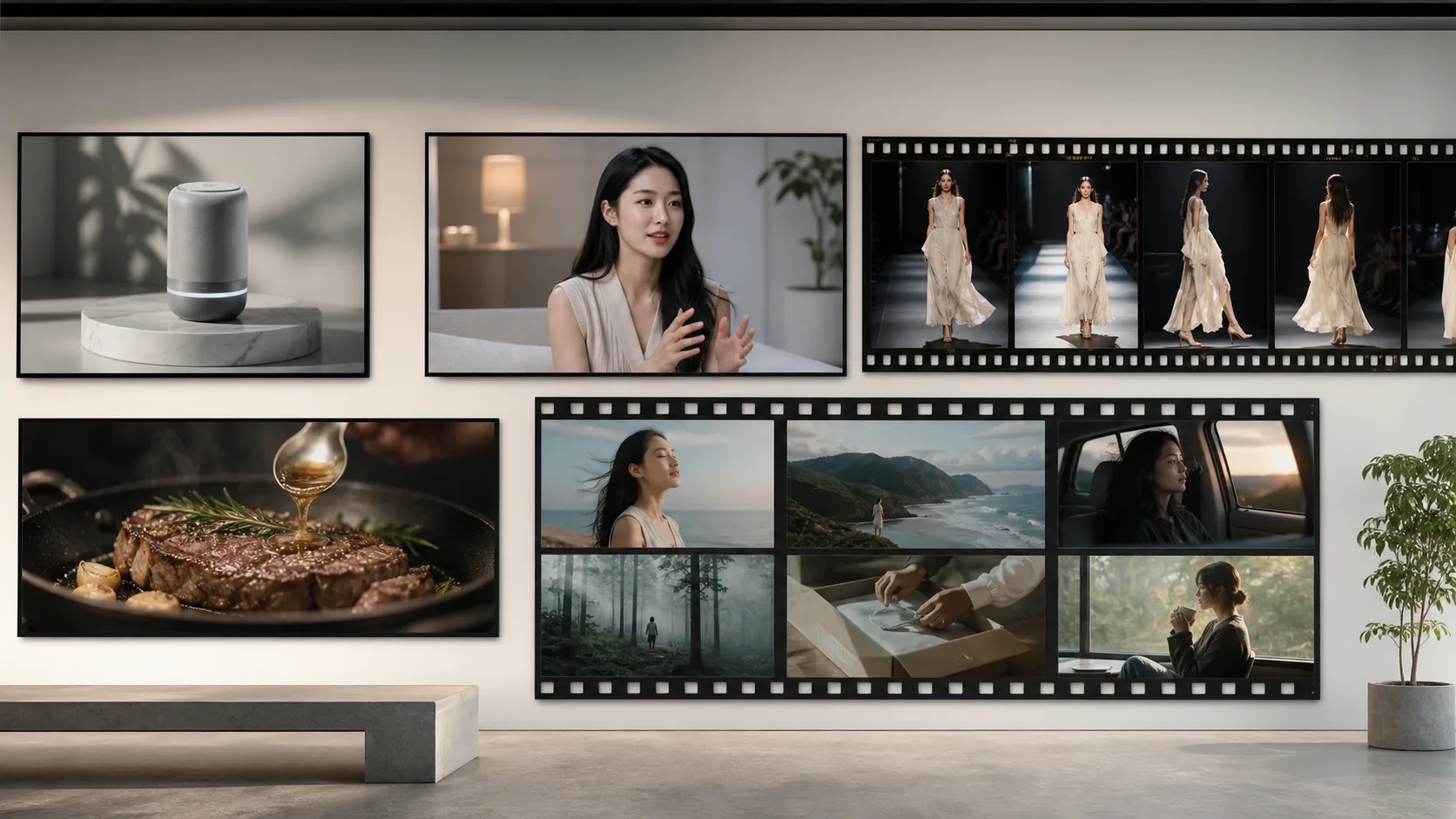
Product showcase videos: combine a product image, lifestyle background, and brand audio reference into a publishable social clip

02

Creator and spokesperson clips: use a start frame and reference audio for lip-synced on-camera presentations in 8+ languages

03

Multi-shot brand stories: chain multiple scene cuts with consistent brand characters across different camera angles

04

E-commerce motion content: animate product images with natural camera movement for ad platforms and landing pages

05

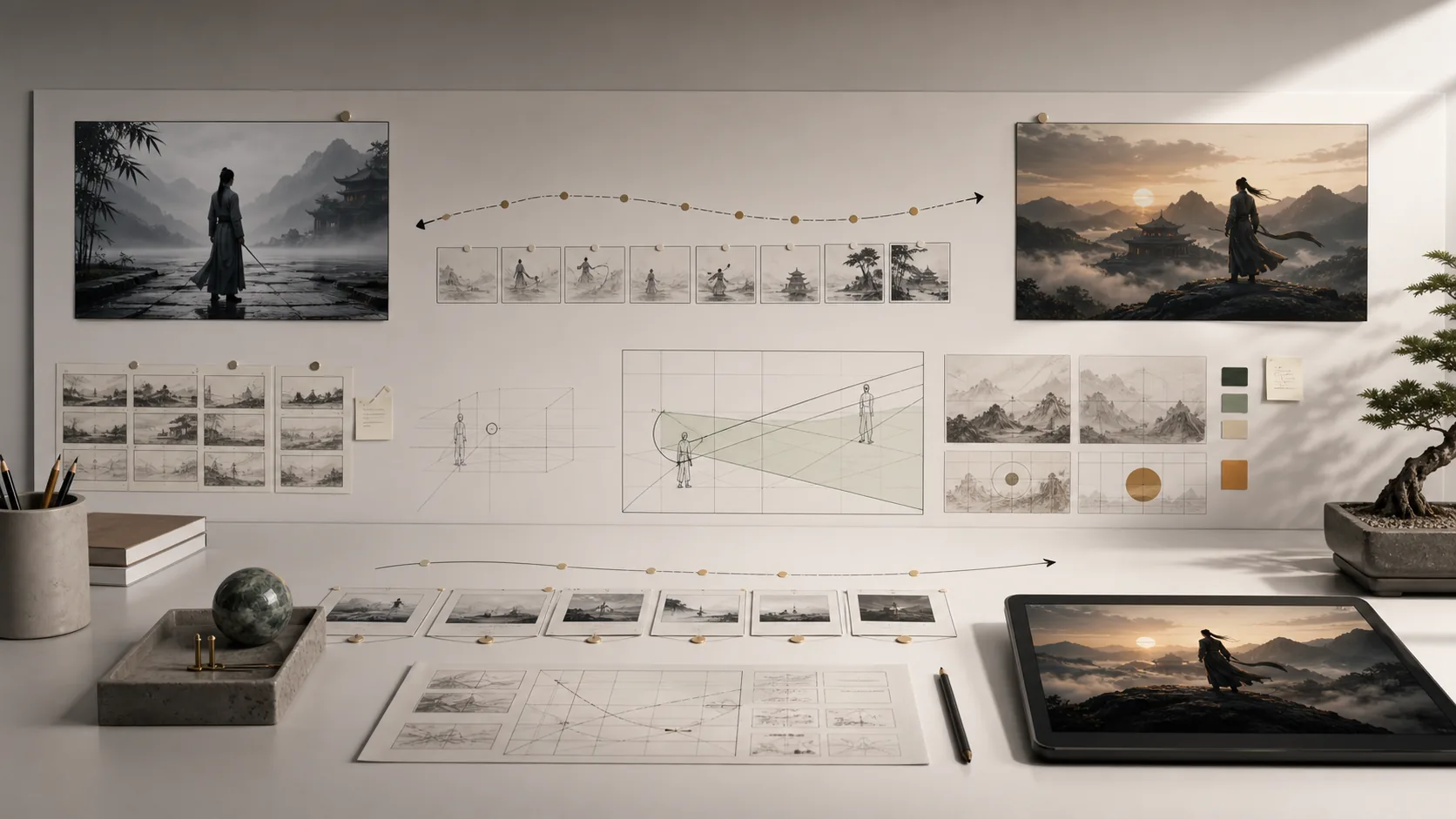
Cinematic storyboards: test camera paths, moods, aspect ratios, and transitions before committing to live production

06

Social media series: generate a batch of clips sharing the same character reference and brand audio theme

Seedance 2.0 prompting tips

Put subject identity and camera direction in the first sentence — Seedance 2.0 anchors on early context in the prompt
Use @AssetName to tag uploaded references inline so the model maps each image, video, or audio to the correct role
Avoid conflicting motion instructions; give each action a clear start state and end state within the prompt
Run Faster tier first to validate composition and subject motion, then switch to Standard for the final polished draft
For multi-shot prompts, describe each camera cut in sequence: "First, wide shot of subject. Then, close-up as she speaks."

How to use Seedance 2.0

Upload a start frame and reference audio to generate a lip-synced character speaking to camera in 8+ languages
Combine a product image, brand music reference, and text prompt to create a synchronized ad clip without post-production editing
Define two to three scene cuts in a single prompt and let the multi-shot engine handle character consistency across transitions
Use video extension mode to continue a generated clip forward, adding new action and camera movement seamlessly to the existing output
Run Faster tier to validate scene composition and prompt direction before committing credits to a Standard quality render

Seedance 2.0 FAQ

What does multimodal input mean in Seedance 2.0?

Seedance 2.0 accepts text, images, video clips, and audio files in one generation request. You can combine up to 9 images, 3 video clips, and 3 audio files alongside a text prompt for a total of 12 assets. The model reads each input's role automatically — appearance reference, motion style, audio rhythm — and generates coherent video without requiring separate pipeline steps.

How does Seedance 2.0 lip-sync work?

Lip-sync is generated at the phoneme level by the dual-branch diffusion transformer architecture. Audio and visual streams are processed simultaneously, so mouth movements and audio are synchronized from the first frame. It works across English, Mandarin, Japanese, French, German, Korean, Arabic, and other supported languages without post-processing.

What is the difference between Standard and Faster?

Standard delivers full-quality 1080p output with maximum prompt adherence and is the right choice for published content. Faster uses reduced latency and lower credit cost to let you iterate on composition, pacing, and prompt direction quickly. The recommended workflow is to prototype with Faster and switch to Standard for the final production draft.

Can Seedance 2.0 continue or edit an existing video?

Yes. The video extension mode generates a continuation of a previously created clip based on a new prompt. The editing mode allows targeted modifications to characters, actions, and storylines in an existing video using a text instruction, without needing to re-generate the entire clip from scratch.

What aspect ratios and durations does Seedance 2.0 support?

Seedance 2.0 supports 16:9, 9:16, 1:1, and adaptive aspect ratios. Clip durations range from 4 to 15 seconds depending on the tier and mode. Output resolutions include 480p, 720p, and 1080p at 24fps. The adaptive aspect ratio option lets the model choose the best fit based on your reference inputs.

Which AI video models does Lovimg support?

Lovimg supports Seedance 2.0, HappyHorse 1.0, Kling O3, Kling V3, Veo 3.1, and Wan 2.7. Each model has its own dedicated landing page with templates, use cases, and FAQ tailored to that model's capabilities. Switch between models in the left console — the workspace layout stays the same while the model-specific settings and modes update automatically.