Veo 3.1 Pro

Veo 3.1 AI Video Generator

Veo 3.1 is Google DeepMind's flagship AI video model, generating 8-second 4K clips with natively synchronized 48kHz audio — dialogue, sound effects, and ambient soundscapes — produced simultaneously with the video through a joint diffusion process. Specify start and end frames, guide content with up to 3 reference images, and extend clips up to 148 seconds total.

48kHz synchronized audio: dialogue, sound effects, and ambient soundscapes generated jointly with videoUp to 4K output in 16:9 or 9:16, 4s / 6s / 8s durations at 24fpsStart-and-end frame control and up to 3 reference images per generationVideo extension up to 20 iterations for sequences up to 148 seconds total

Veo 3.1 Pro

Google DeepMind, released October 2025. Choose Veo 3.1 Pro for maximum quality and 4K output; use Veo 3.1 Fast for faster generation and lower cost on iteration-heavy workflows.

Cinematic Veo 3.1 preview

Generate 4K video with synchronized dialogue, sound effects, and ambient audio from a single text prompt.

Play template video
Cinematic Veo 3.1 preview

Veo 3.1 Pro

Cinematic Veo 3.1 preview

Generate 4K video with synchronized dialogue, sound effects, and ambient audio from a single text prompt.

Cinematic Veo 3.1 preview 1
Cinematic Veo 3.1 preview 2

Veo 3.1 AI video generator features

Native 48kHz synchronized audio

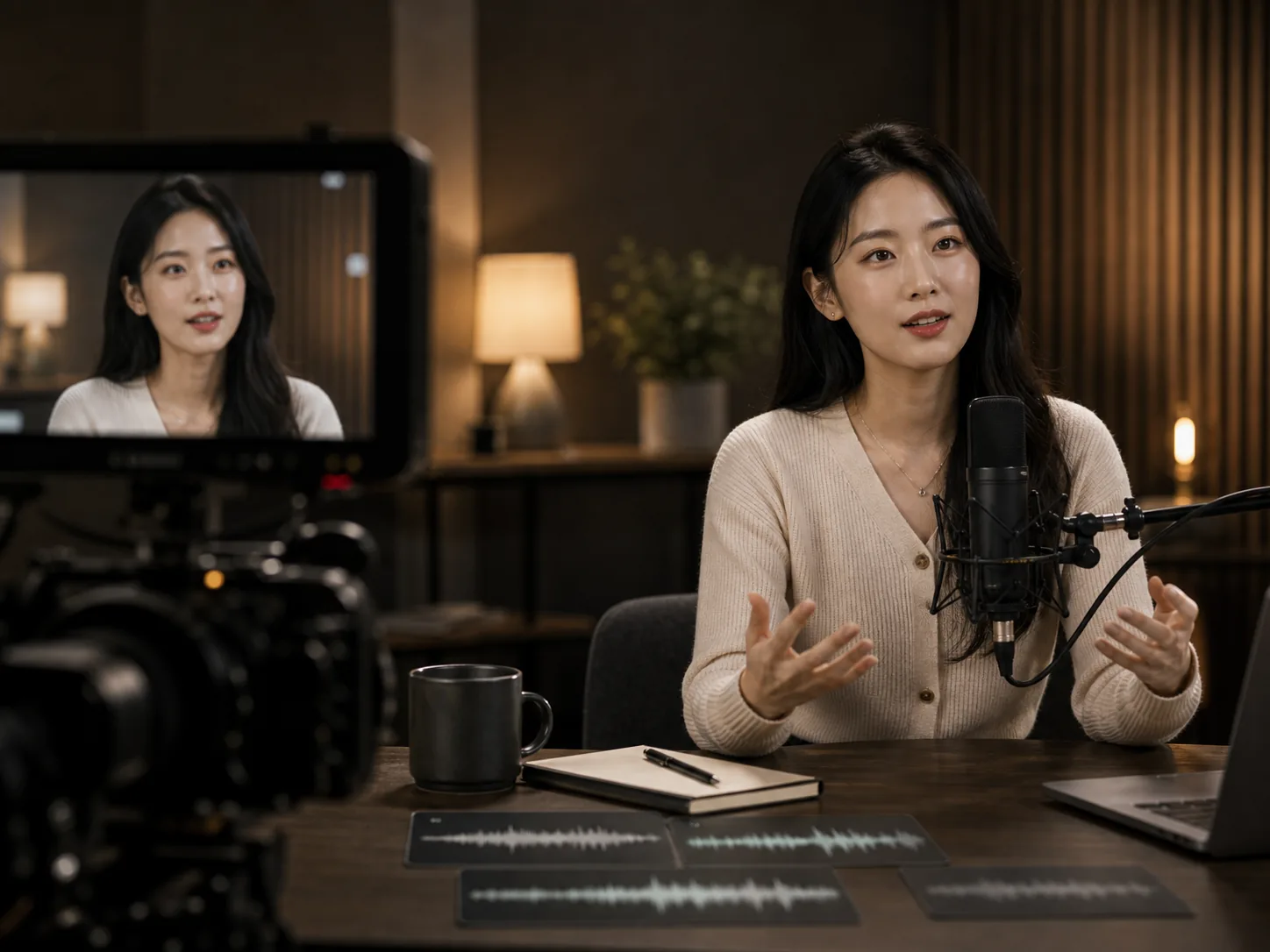
Veo 3.1 generates three audio tracks in the same pass as the video: dialogue and speech synced to character lip movements, sound effects matched to on-screen action frame by frame, and ambient soundscapes appropriate to the scene environment. Audio runs at 48kHz stereo — professional broadcast quality — with approximately 10ms audio-visual latency, well within broadcast tolerance standards.

Frame-specific generation with reference images

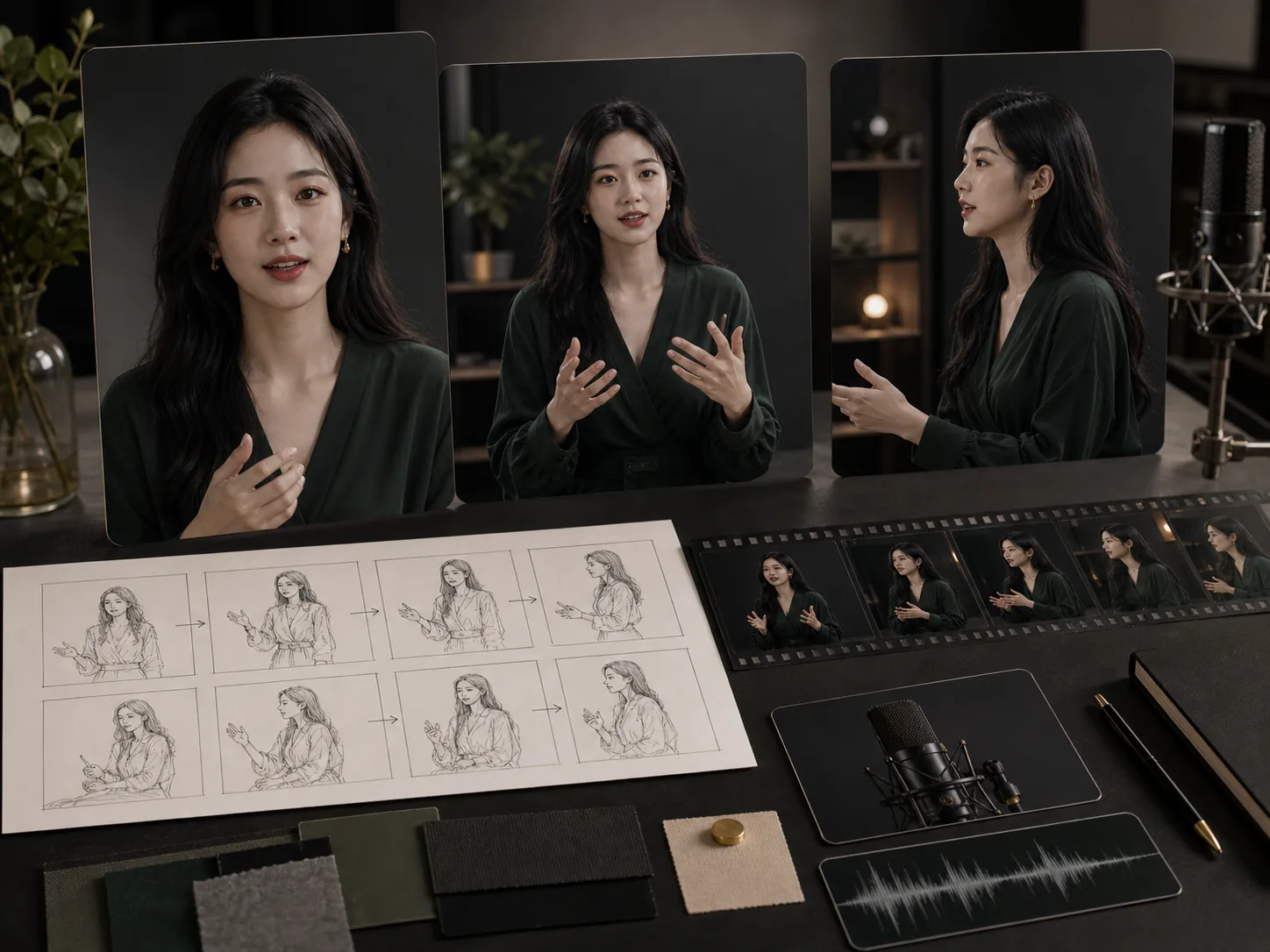
Define the exact visual starting point and ending frame of a clip, and provide up to 3 reference images to guide subject appearance, scene composition, or visual style. Veo 3.1 interpolates coherent motion between specified frames while respecting reference constraints, giving you directorial precision over the beginning and end of every generated clip.

Video extension up to 148 seconds

Extend a previously generated Veo clip by 7 seconds per extension, up to 20 iterations, for a total of up to 148 seconds of continuous video from a single original generation. Each extension continues the visual and audio narrative seamlessly, maintaining lighting, character, scene consistency, and ambient audio from the previous segment.
How to create a Veo 3.1 AI video

01

Write a prompt describing the scene, subject action, camera movement, lighting, and any dialogue wrapped in quotation marks

02

Optionally upload a start frame, end frame, or up to 3 reference images to anchor visual identity and scene composition

03

Choose aspect ratio (16:9 or 9:16), duration (4s, 6s, or 8s), and quality tier (Pro for 4K, Fast for speed)

04

Enable native audio to generate dialogue, sound effects, and ambient soundscapes automatically alongside the video

05

Extend a completed clip by 7 seconds at a time, up to 20 iterations, to build longer narrative sequences without re-prompting

Best Veo 3.1 use cases

Best Veo 3.1 use cases

01

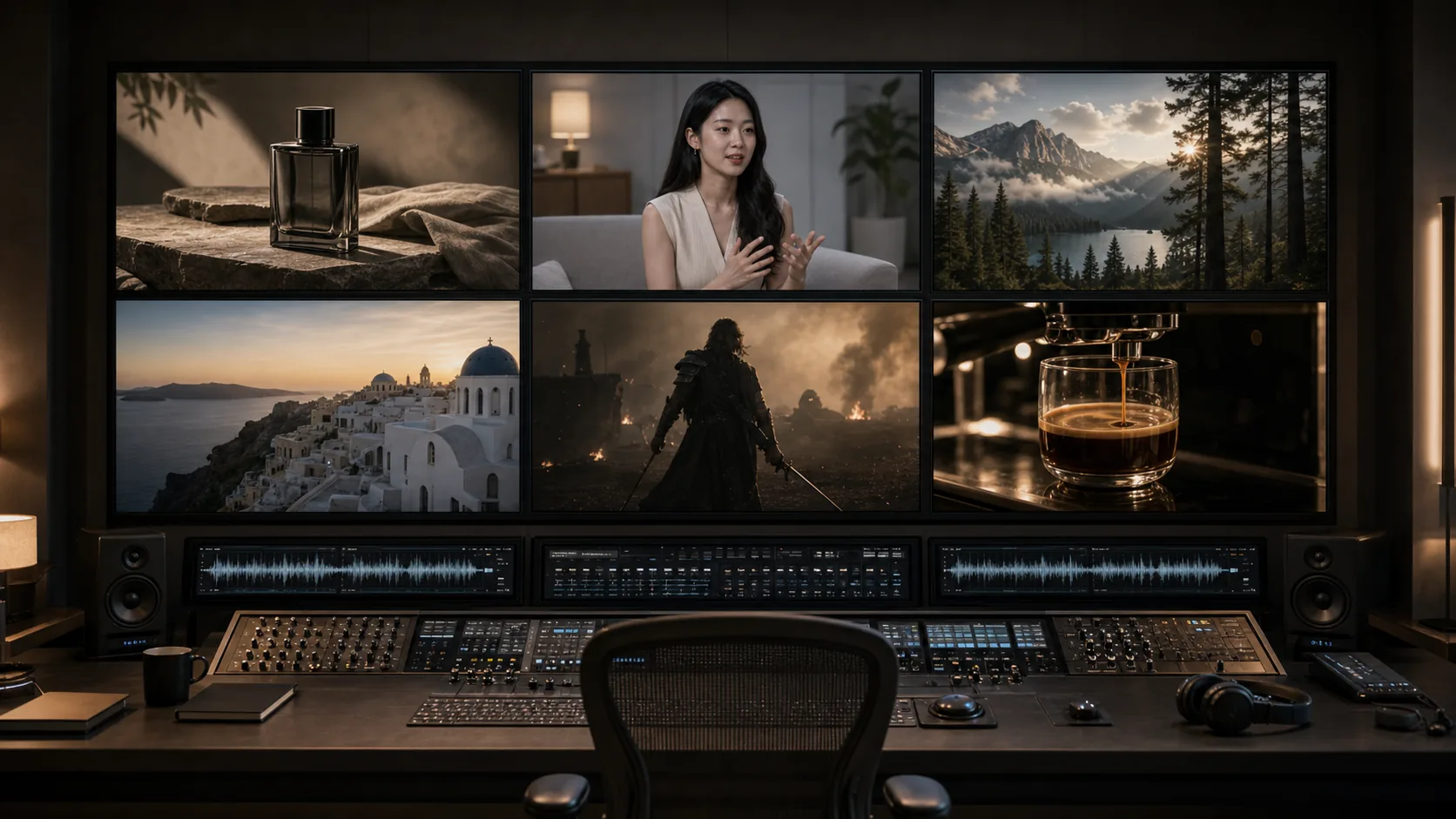
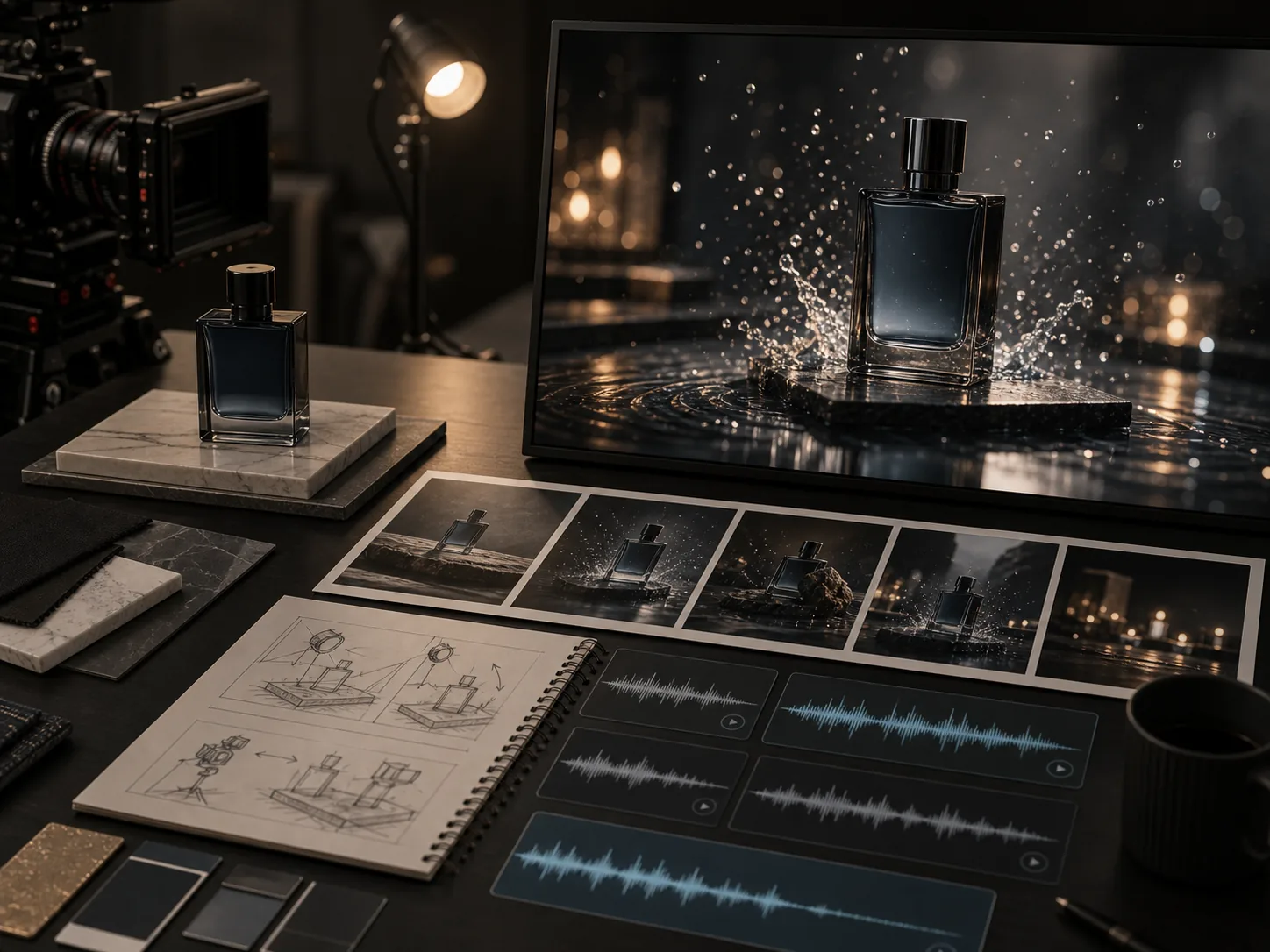
Cinematic advertising: produce 4K product spots with synchronized dialogue, ambient music, and realistic motion in one generation

02

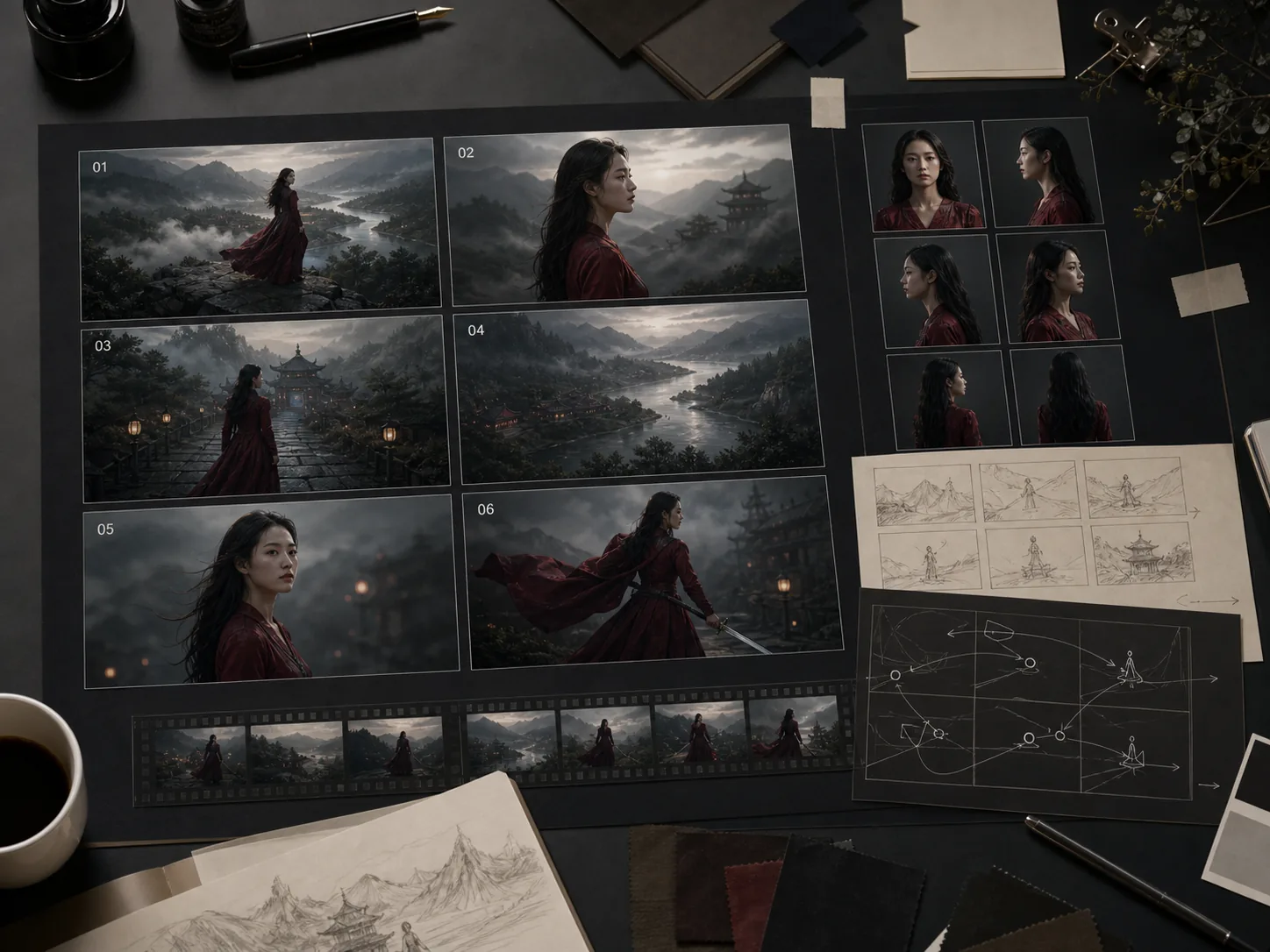
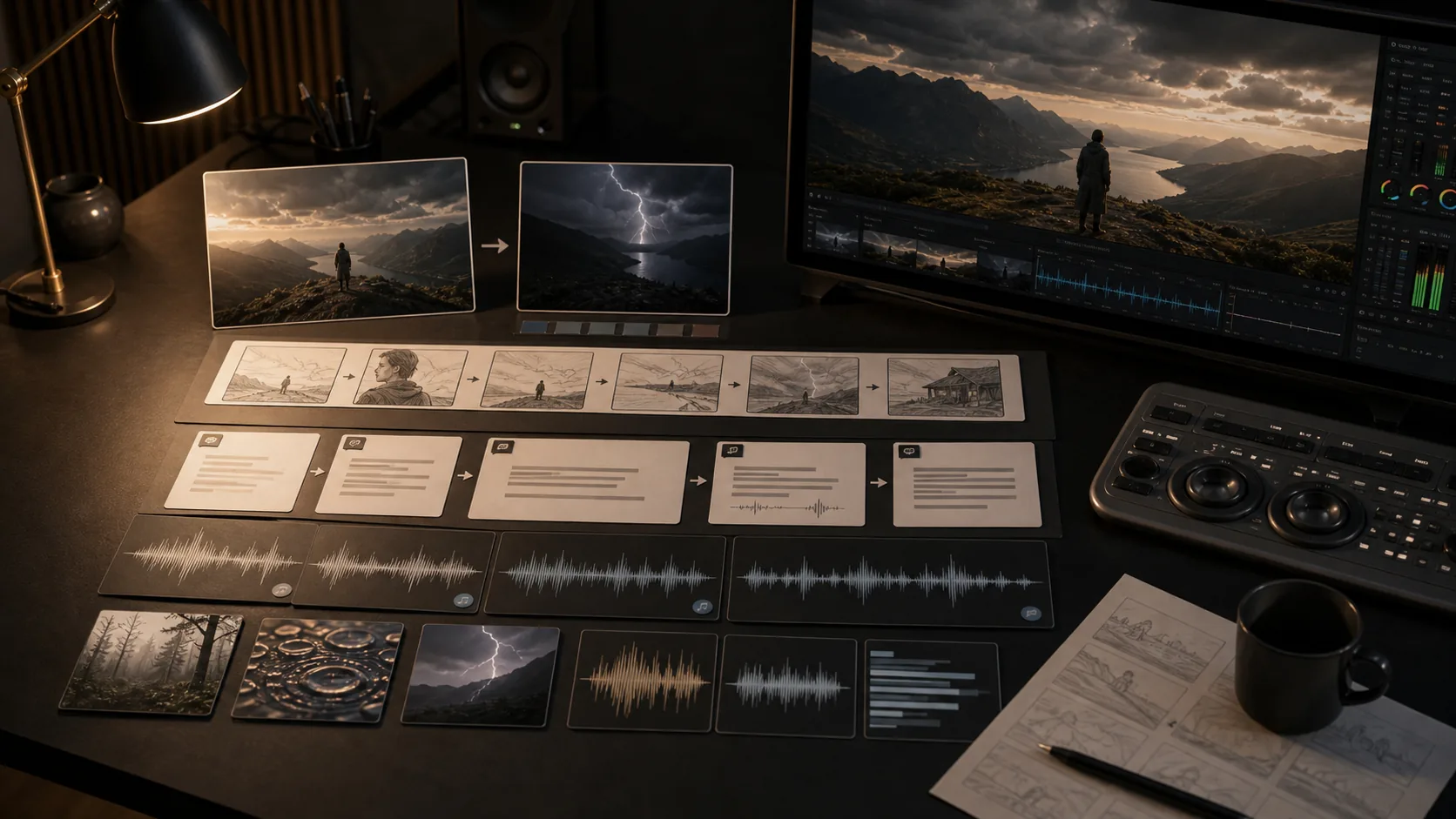
Short film pre-production: generate storyboard-quality scenes with camera movement and native audio to evaluate before live production

03

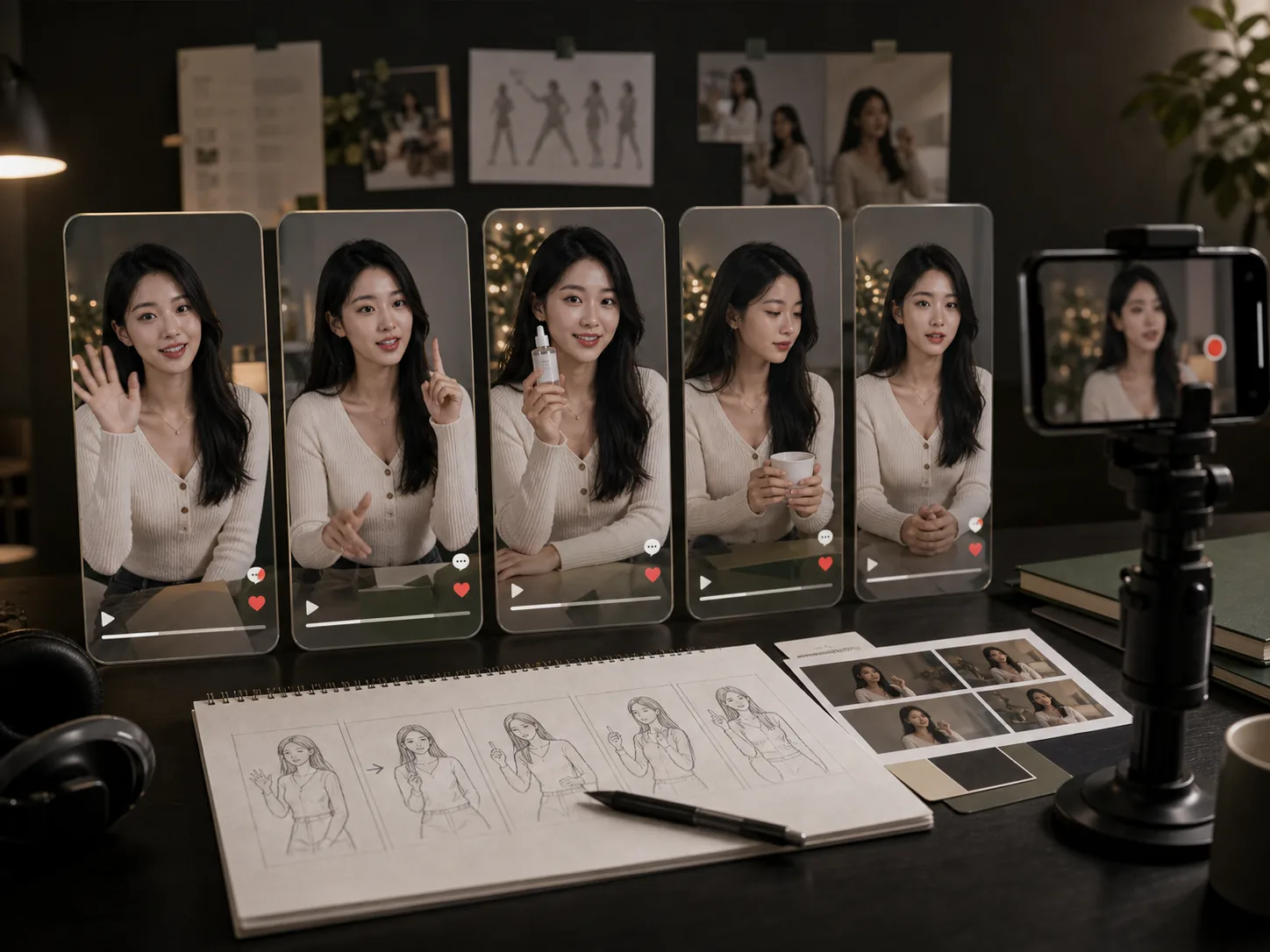
Podcast and speaker content: create talking-head clips with synchronized speech for social media clips and explainer videos

04

Nature and travel content: generate photorealistic outdoor scenes with layered ambient audio — wind, water, wildlife — for documentary work

05

Educational video drafts: produce narrated visual sequences where a presenter explains a concept with matched on-screen audio

06

Brand campaign series: use reference images and video extension to produce consistent multi-segment brand storytelling at 4K

Veo 3.1 prompting tips

Put dialogue in quotation marks and name the speaking character to direct the lip-sync engine to the correct subject
Describe the audio environment explicitly — indoor reverb, outdoor wind, crowd noise, or music tempo guide ambient generation
Use start and end frames for precise control over scene transitions and subject position across the clip
Run Veo 3.1 Fast for rapid composition and audio direction testing, then switch to Pro for the final 4K render
Specify camera movement in plain language: "slow push-in," "orbit left," or "dolly track forward" produce reliable results

How to use Veo 3.1

Write a detailed scene prompt with lighting, camera movement, sound cues, and dialogue to maximize the joint audio-video generation
Upload reference images to define character appearance, brand visual style, or environmental composition that must stay consistent
Use frame-specific generation to bridge two known visual states — a product before and after, or a dramatic scene transition
Chain video extension calls to build multi-segment sequences, with each extension continuing audio and visual narrative naturally
Use Veo 3.1 Fast for iteration on prompt direction and audio concept, then use Pro for the final published version

Veo 3.1 FAQ

How does Veo 3.1 generate native audio?

Veo 3.1 uses a joint diffusion process that generates audio and video simultaneously rather than in separate stages. It creates three audio layers: dialogue synced to character lip movements, sound effects timed to on-screen actions, and ambient environmental soundscapes. Audio runs at 48kHz stereo at approximately 10ms latency relative to the visual track — well within professional broadcast tolerance.

Can I add dialogue to Veo 3.1 videos?

Yes. Specify dialogue directly in your prompt by wrapping the spoken text in quotation marks and naming the speaking character. Veo 3.1 generates the corresponding speech synced to the character's lip movements. It supports multiple speakers and handles natural conversation turn-taking within a single clip.

What is video extension and how many times can I use it?

Video extension adds 7 seconds to a previously generated Veo clip, continuing both the visual narrative and the audio environment from where the original ended. You can extend a clip up to 20 times, building a sequence of up to approximately 148 seconds. Extension is available for 720p output and the video must be a Veo-generated clip.

What is the difference between Veo 3.1 Pro and Veo 3.1 Fast?

Veo 3.1 Pro delivers maximum output quality with full 4K support and the highest prompt adherence, suited for final-stage creative work. Veo 3.1 Fast generates at lower latency and lower cost, making it practical for rapid iteration — testing audio cues, composition, and scene direction before committing to a Pro render.

How many reference images can I use with Veo 3.1?

Veo 3.1 accepts up to 3 reference images per generation to guide the content. Reference images can specify character appearance, product visual identity, environment design, or compositional constraints. They work together with the text prompt to anchor the output to specific visual requirements.

What resolutions and durations does Veo 3.1 support?

Veo 3.1 generates 720p, 1080p, or 4K video at 24fps. Supported clip durations are 4 seconds, 6 seconds, and 8 seconds per generation. Aspect ratios include 16:9 landscape and 9:16 portrait. The 4K option is available for Veo 3.1 Pro and is not available for the Lite variant.